How to Use reaConverter
Three steps and you are done: load your files or a whole folder, pick the output format, click Convert. Here is what every part of the window actually does.
Step 1: Load Files
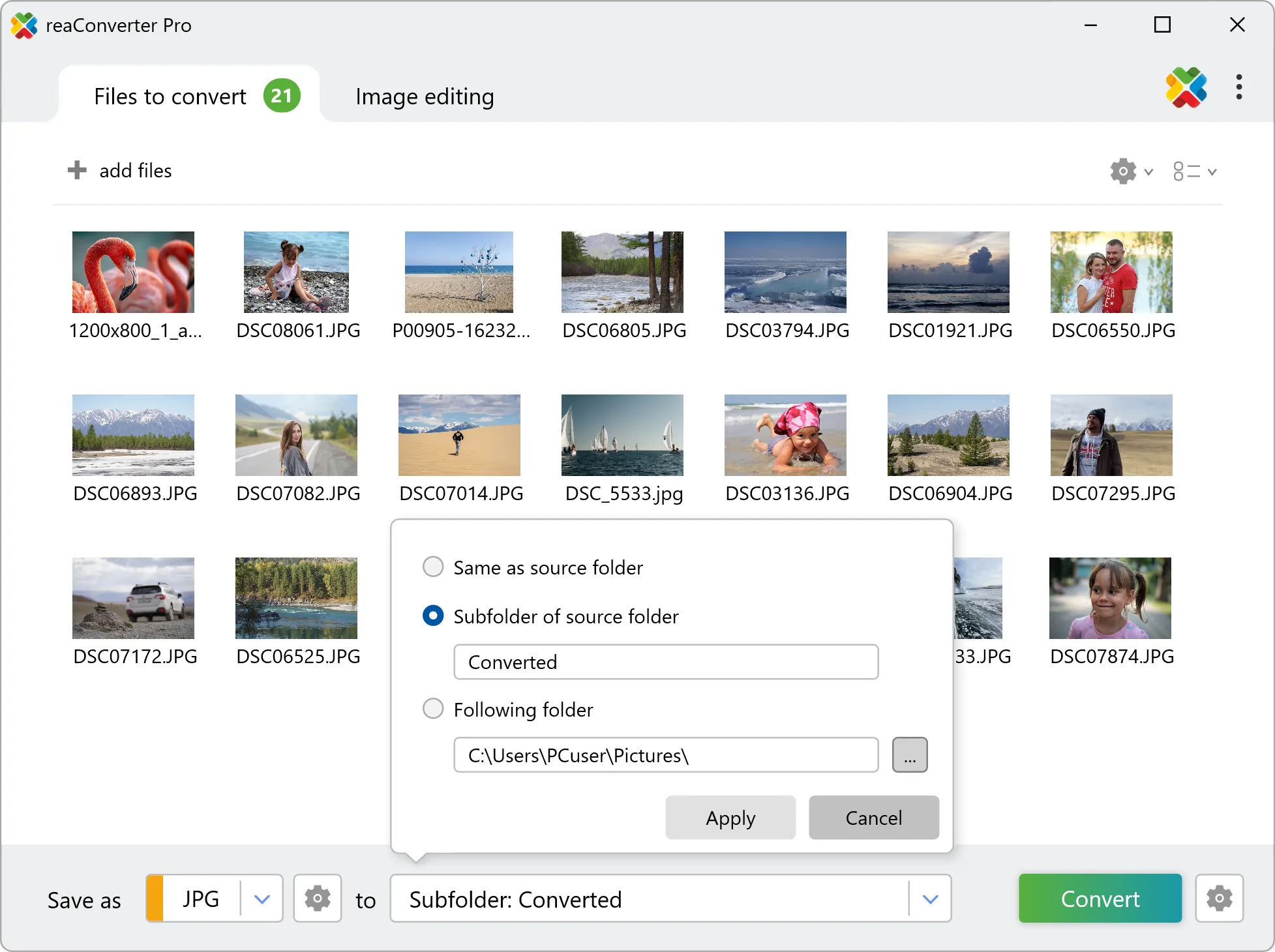
Click + add files and select the files you want to convert. reaConverter supports 700+ file formats, including rare and archaic ones.

Step 2: Edit Images (Optional)
Switch to the Image editing tab to add actions like resize, crop, rotate, watermark, color adjustments, and more. See all editing options.
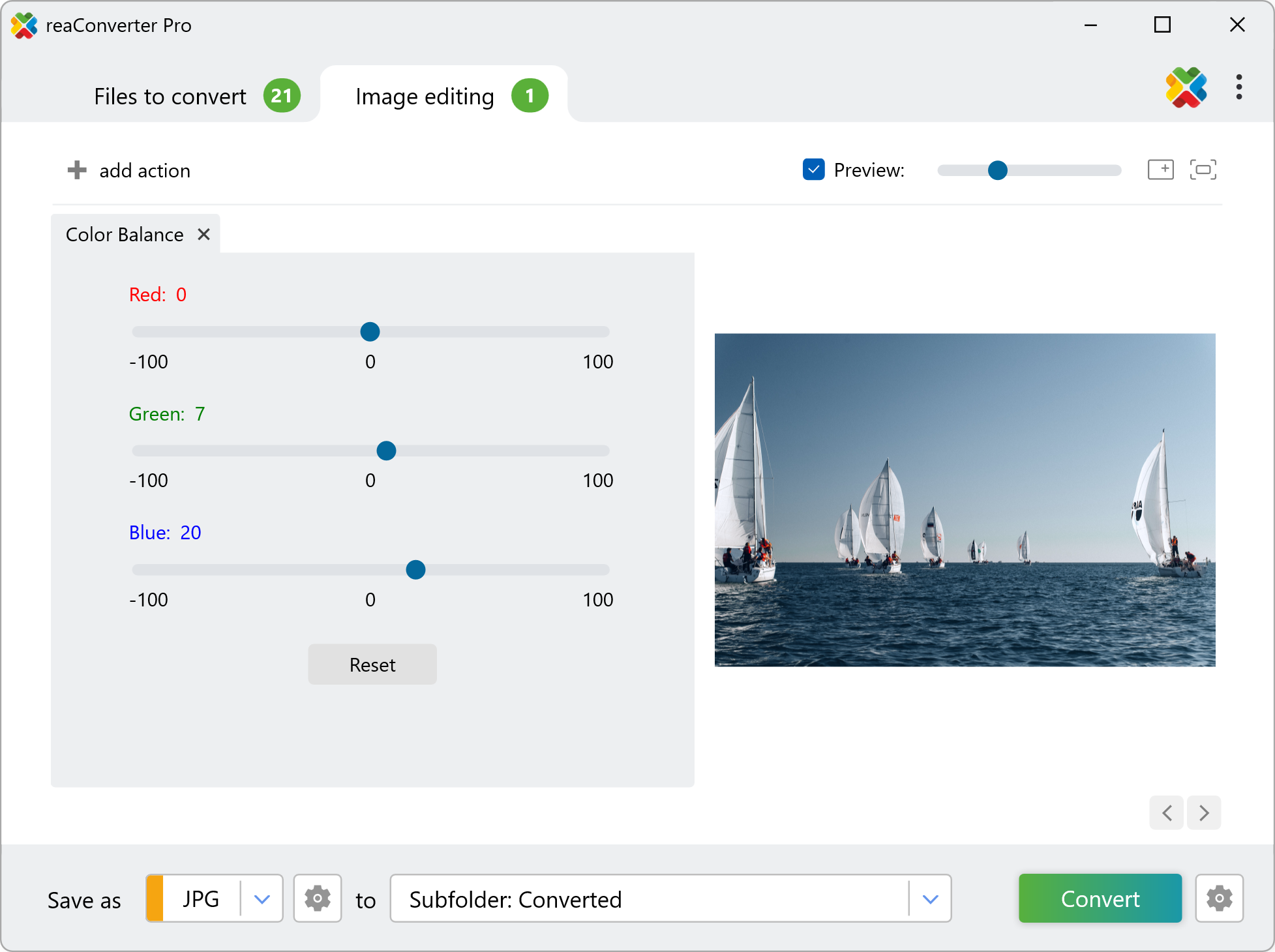
Step 3: Convert
Choose the output format and destination folder, then click Convert. All editing actions are applied to every file automatically.
Video Tutorial
Watch a quick walkthrough of the conversion process.
💡For automation, see Context Menu, Watch Folders, or Command-Line Interface.
Questions? Contact our technical support.
Discover More
More than a converter
Advanced batch processing and editing for 700+ file formats, including CAD, medical imaging, and GIS. No cloud, no upload limits.
