Windows desktop · 800+ formats
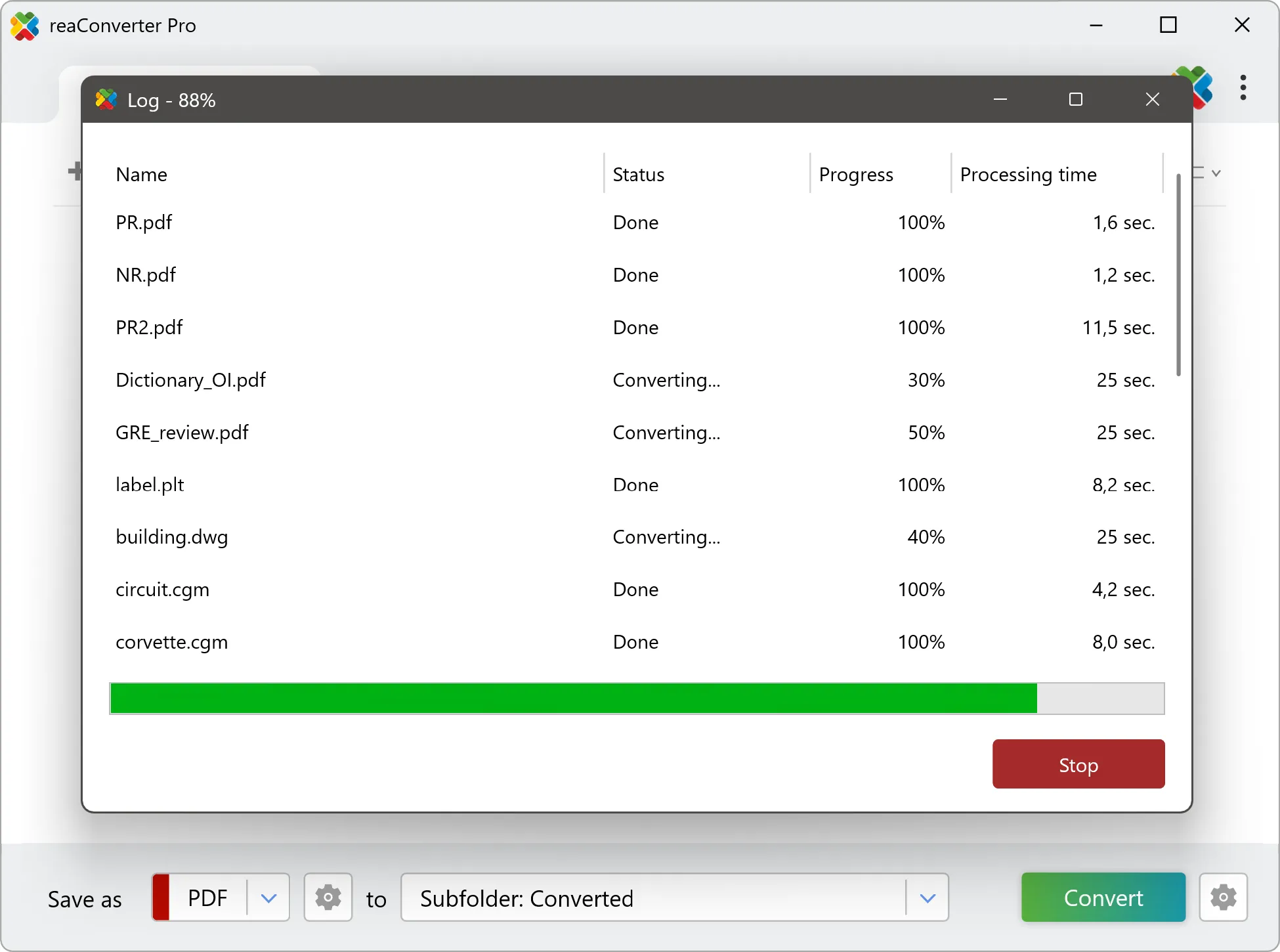
Convert thousands of files at once
CAD, RAW, DICOM, 3D, PDF and images — converted, edited and automated in a single pass. Nothing is uploaded. Every file is processed on your own machine.
Only need the basics? Use the free edition →










What's included
Four things it does properly
Read & write
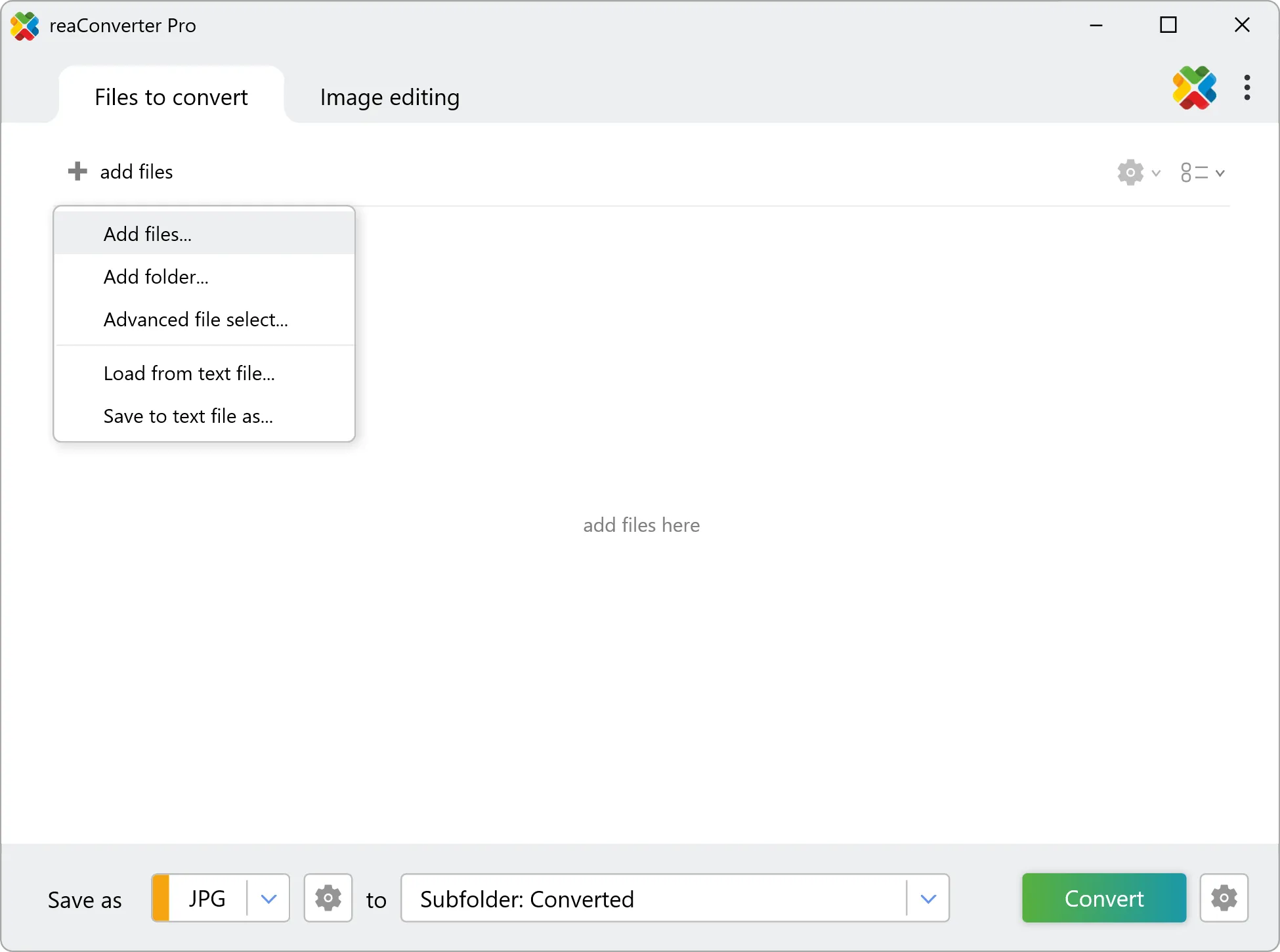
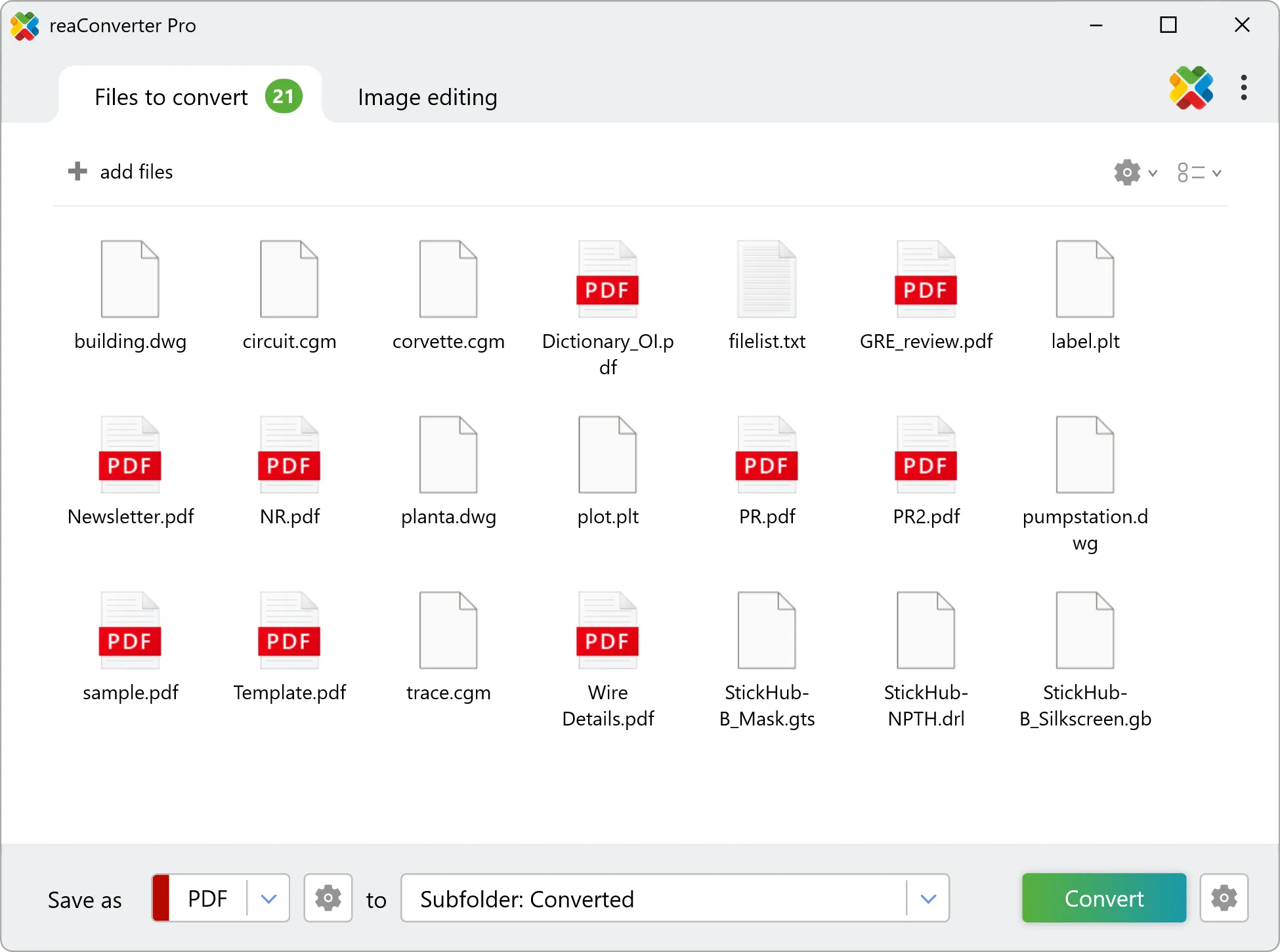
CAD drawings, PDFs, DICOM, GIS, Gerber, RAW photos and every common image format.
Entire list of formats →
Tuning
Compression, colour depth, DPI, page ranges, layer handling — set once and applied to the whole batch.
Conversion features →
Editing
Resize, crop, rotate, watermark and adjust colour across an entire folder tree in one operation.
Image editing tools →
Automation
Right-click in Explorer, Watch Folders that fire on arrival and a command line for scheduled jobs.
Automation options →
Trusted by users
Set up once, runs for years
reaConverter is one of the greatest programs ever made. I keep finding new uses for it — I think it probably saves me in the realm of 200+ hours per year.
- Geoff PhillipsHundreds of SVG → PDF
reaConverter has literally saved me weeks of work. Instead of doing a "Save As PDF" one file at a time, I was able to convert hundreds of SVG files in a few convenient batches, a folder at a time.
- Line LeducVerified purchase
A superb piece of software, which I have used quite considerably and enjoy using a lot, due to its simplicity of use and the quality that I gain from it.
reaConverter Web
Just a couple of files? Do it in the browser
157 formats in — camera RAW, HEIC, PSD, PDF and more — converted to everyday image formats right in the browser. Free, no install, and nothing uploaded here either.
Knowledge base
Step-by-step walkthroughs
Discover More
Discover more
reaConverter offers advanced batch processing, editing, and conversion for virtually every file format — with unmatched precision and speed.
