100% Secure & Private
DCM Converter
Free browser-based DCM converter with no signup. Your files stay local. reaConverter for Windows adds automation, editing, and 800+ other formats.



How to Convert .dcm Files in Bulk
1. Install reaConverter

2. Select DCM Files

3. Start Conversion
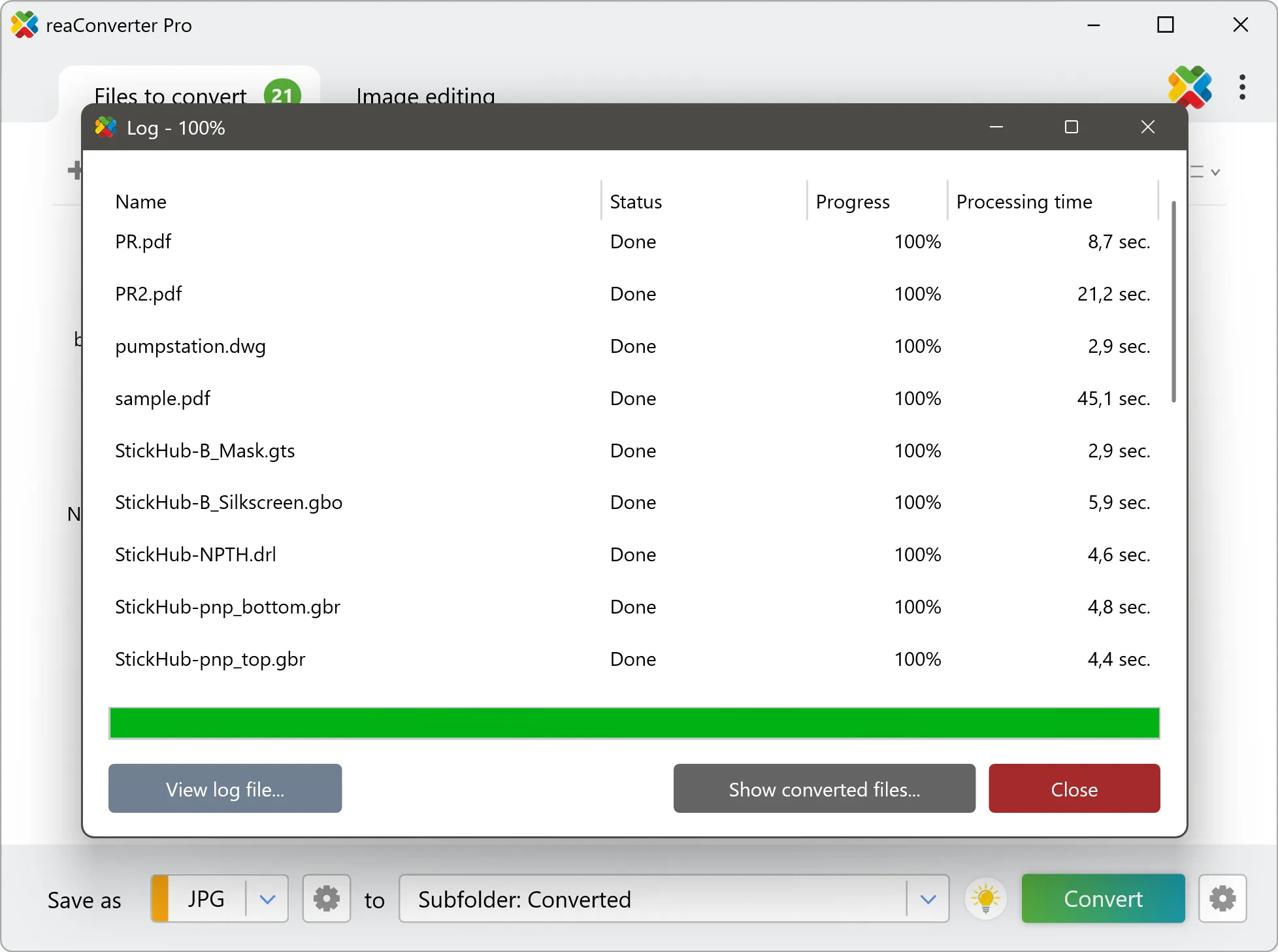
Step by step
See It in Action
For quick and effortless DCM file handling on your PC, reaConverter offers powerful conversion tools with batch processing. Best of all, it works entirely offline — ensuring your sensitive data never leaves your computer.
Full Control
Do more with your DICOM files
Converting DCM files for easier viewing/sharing? reaConverter offers many additional ways to process DICOM images, so you can customize them according to your requirements.
Our range of editing options includes various image processing actions: Adjust Brightness/Contrast for better clarity, Rotate, Crop, Watermarks to stamp resulted images with DICOM Metadata such as Patient Name, Birthday, Acquisition time and more.
Additionally, opting not to copy metadata ensures that patient information is excluded from the output, helping to protect sensitive data and keep the image anonymous.

User reviews
From those who tried it
Average User Rating:Last updated on July 26, 2026





Questions & Answers
DCM files: Frequently Asked Questions
What are DCM files?
DICOM (Digital Imaging and Communications in Medicine) is a standard used for storing, transmitting, and managing medical images and related metadata. Files commonly use the .DCM extension.
DICOM is widely used in healthcare to exchange medical imaging data between imaging devices, systems, and healthcare providers. A DICOM file can contain medical images such as X-rays, CT scans, MRI scans, and ultrasound images, along with associated information like patient demographics, study details, and imaging parameters.
The DICOM standard ensures interoperability between different medical imaging systems and enables consistent handling of medical imaging data across healthcare environments.
DICOM files can store single-frame images or multiframe images. Multiframe DICOM files contain multiple image frames within a single file and are commonly used for CT, MRI, ultrasound, and other multi-slice or time-based studies.
Multiframe DICOM files can be:
- Classic (simple) multiframe, using a traditional frame structure
- Enhanced multiframe, which follows newer DICOM standards and provides improved metadata organization and support for complex imaging modalities
reaConverter supports DICOM files conversion, including Enhanced multiframe DICOM (DCM), allowing proper processing of modern multiframe medical imaging data.
Can reaConverter open DCM files?
reaConverter fully supports the DCM file format – open, edit, and export DCM files to any other popular file format with ease.
reaConverter also lets you:
- read Enhanced Multi-frame DICOM (DCM) files
How do I change DCM to another format?
reaConverter is a user-friendly tool for converting DCM files. Once installed on your computer, it allows you to convert all your .dcm files at once with just a few clicks. You can even convert DCM files directly from Windows Explorer using the right-click menu — fast and convenient.
Why choose offline conversion with reaConverter?
Keep your sensitive data 100% private with offline processing that never exposes files to cloud risks. Our software meets strict compliance standards (GDPR, HIPAA, CCPA) while handling confidential documents for legal, healthcare and financial sectors.
Can I convert DCM online?
If you only want to convert a few DCM files, you are welcome to try our free online DCM converter.
How can I turn DCM files on my computer to another format?
The best way to convert DCM files on your PC is to get a quality piece of software, such as reaConverter. This software is extremely efficient in managing a wide range of batch files conversions, including conversion from DCM.
How can I automate DCM files conversion?
reaConverter supports all the essential automation features, such as right-click сonversion and Watch Folders, for the most efficient automated file conversion in any software of its kind.
Can I convert DCM files using scripts or the command-line interface?
reaConverter provides full access to all its features from the Windows command-line shell, including the command-line dcm converter.
What else can I do with reaConverter?
Convert microscopy filesResize picturesConvert CAD formatsSet file dateConvert Gerber images
What formats can I convert a DCM file to?
What types of files can I convert to DCM format?
Discover More
Beyond DCM conversion
Convert .dcm files in batches of any size, with editing and processing applied along the way. The same tool also handles 800+ other formats, including CAD, medical imaging, and GIS.
