

How to Convert Multiple PLT Files to PDF?
1. Download and Install reaConverter
First, grab reaConverter from the download button below. Installation is fast, and the software runs offline — no account or signup needed.

2. Load your PLT files
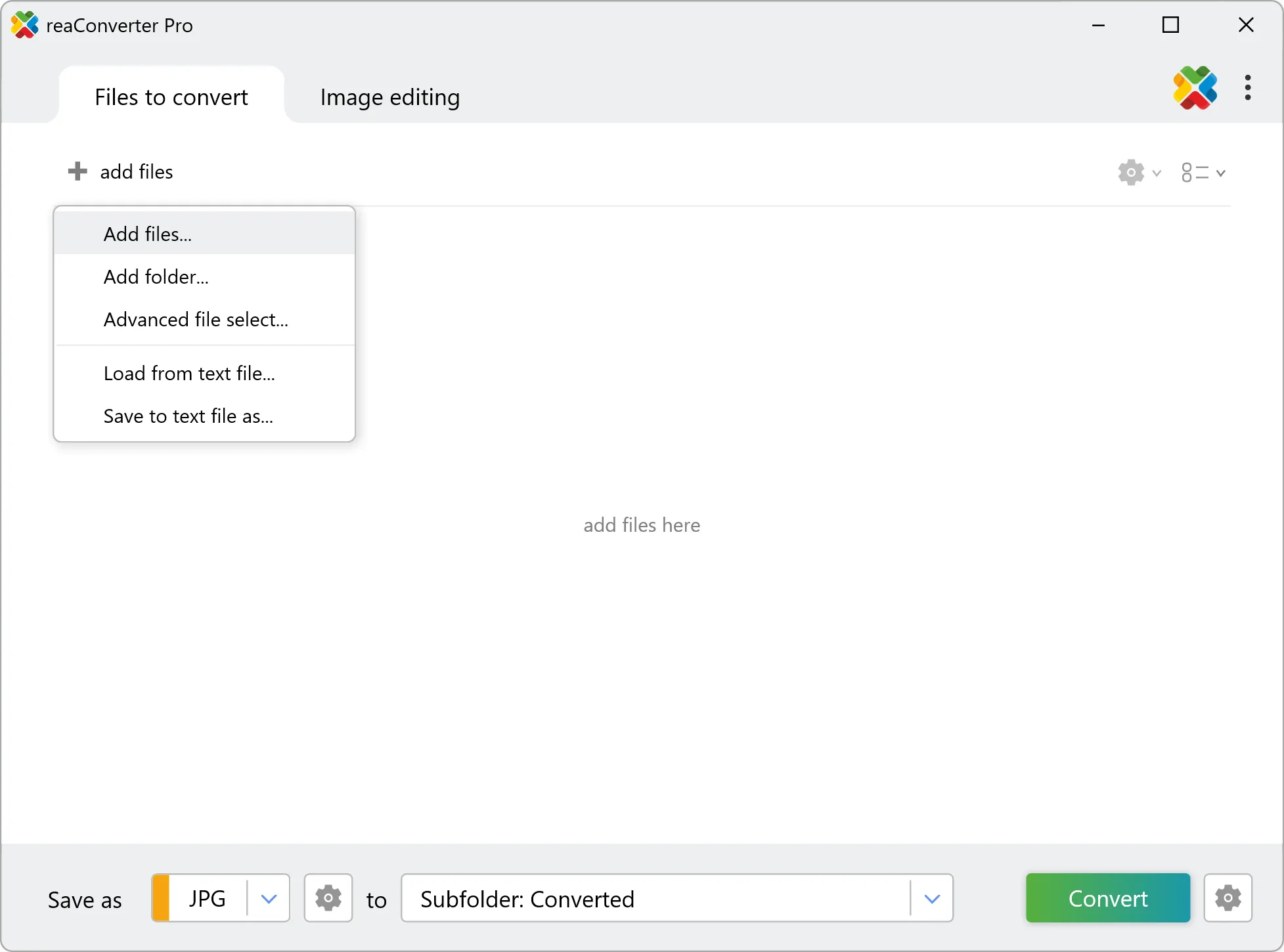
Add PLT files to reaConverter without opening CAD software. The batch engine handles technical drawings natively.
Use drag-and-drop, folder browser, or right-click conversion from Explorer.
3. Select PDF as output format
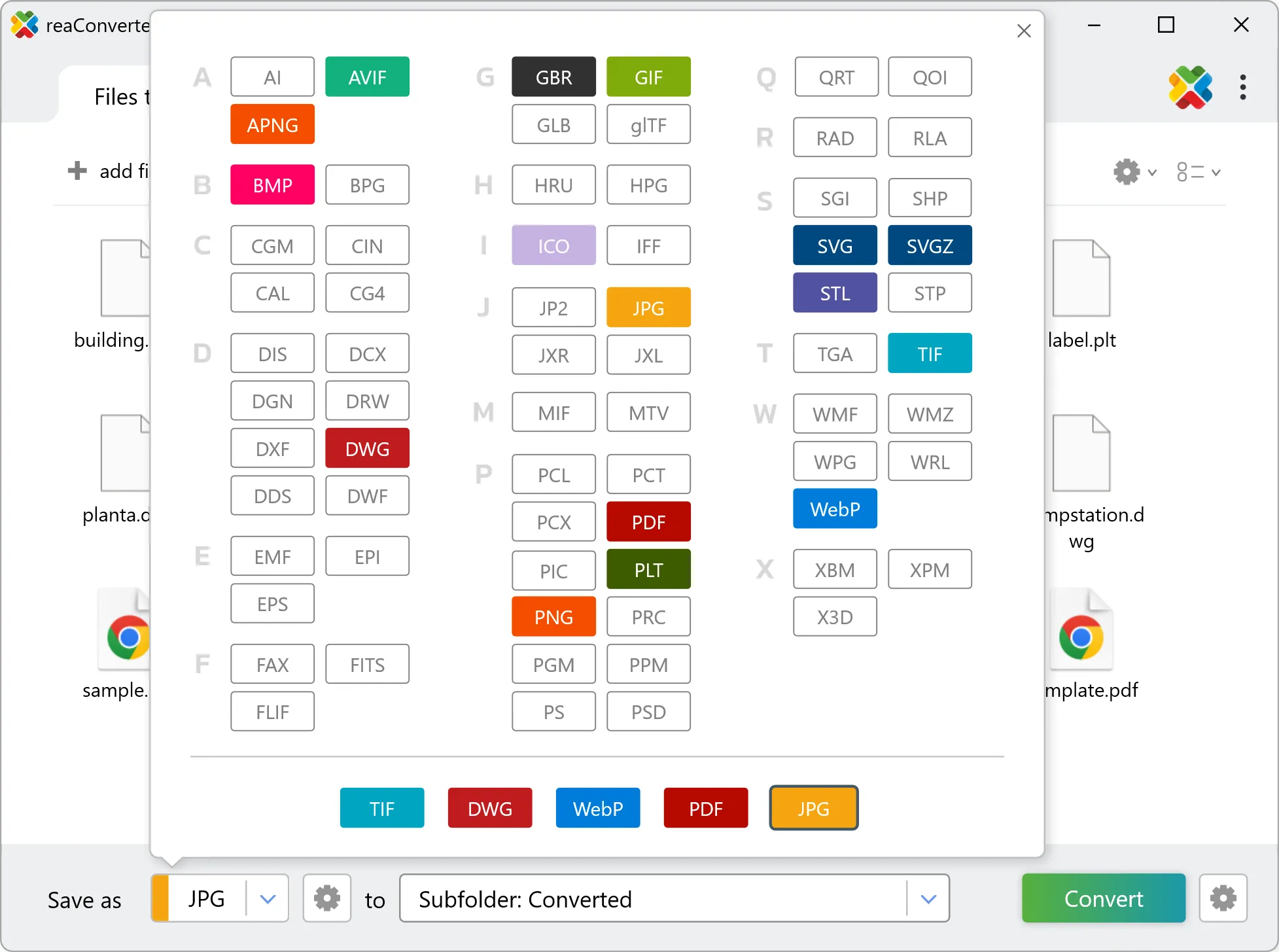
Select PDF from 700+ supported output formats. Choose your destination folder and adjust settings to match your needs.
4. Start PLT to PDF conversion
Click Convert to start the batch. reaConverter processes files quickly and shows you the status of each one.
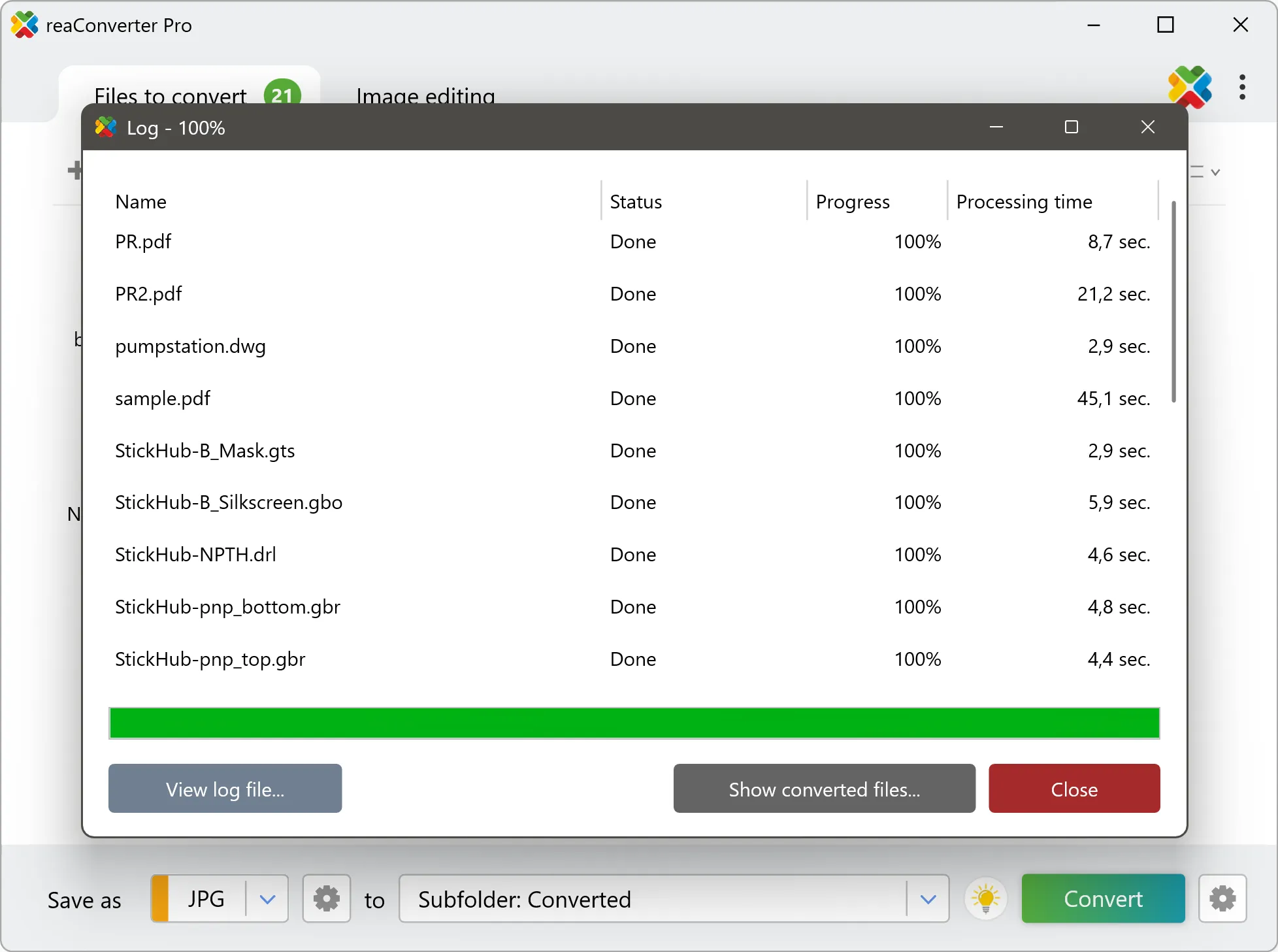
Once done, reaConverter shows a summary. Click 'Show converted files' to jump straight to your PDF output.
PLT to PDF: what to expect from the conversion
PLT drawings carry layers, line weights, and a drawing scale, and PDF records how the drawing looks on a page. Layout, paper size, and scale are decided at conversion time, so set them deliberately: a drawing that reads correctly on screen can come out unusable if the scale is left at its default.