ARW → OBJ · Windows

Convert ARW to OBJ

ARW to OBJ with consistent quality. reaConverter handles 3D files in batch, which helps when teams run different software.

Got a folder full of ARW files? reaConverter batch converts them to OBJ in minutes, not hours. Local processing means instant results, even with thousands of files. Handles 3D models independently with no CAD software required.

.arw.OBJ
4.8

Converting files since 2001

Runs offline — nothing uploaded

Read what our users say →

How to Convert Multiple .arw Images to .obj?

1. Download and Install reaConverter

reaConverter installs quickly on any Windows PC. No dependencies, no bloatware — just a clean setup that's ready to use immediately. Apply image edits like resize, crop, or color adjustment while converting.

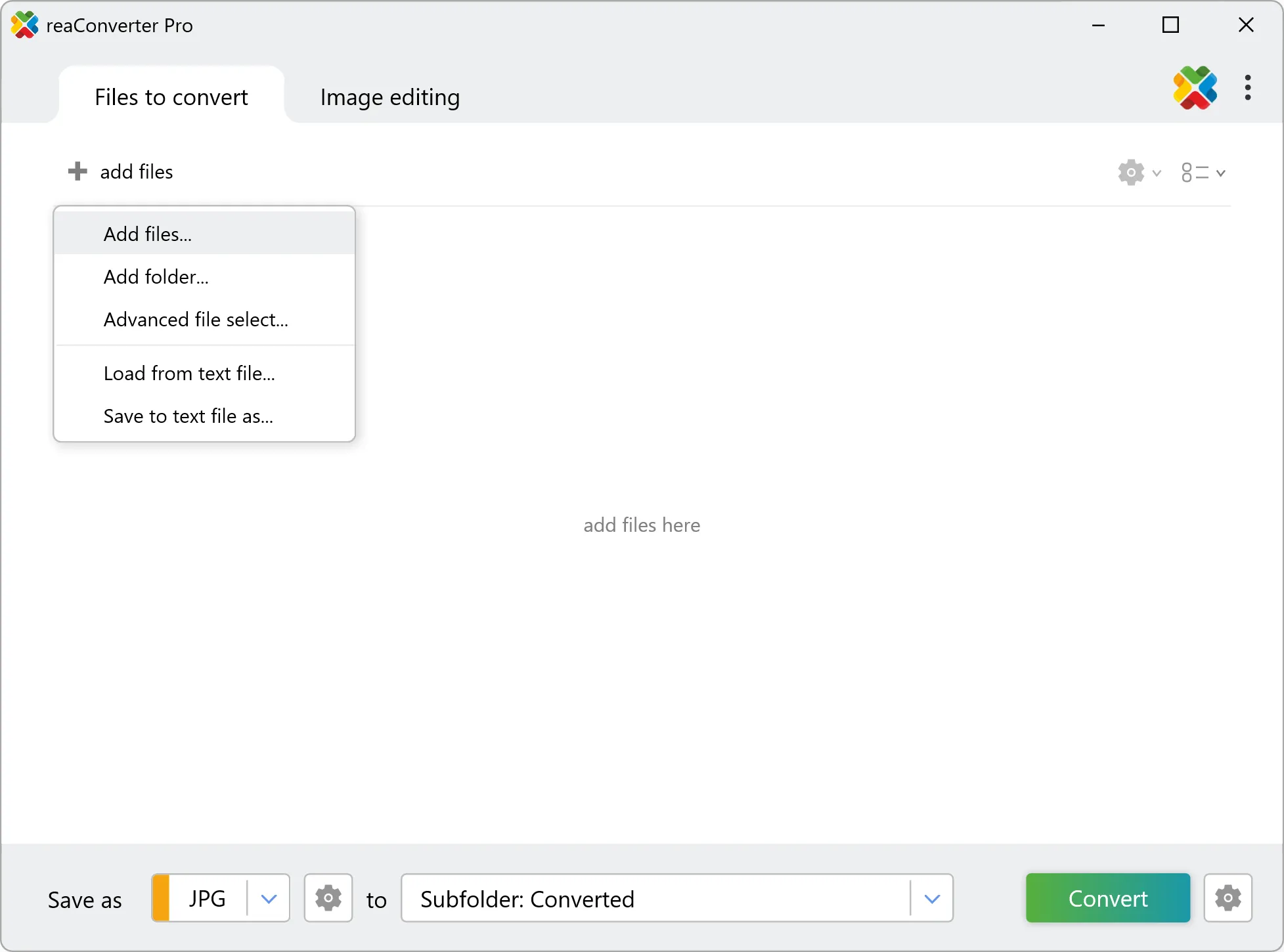
2. Load your ARW files

Load your ARW RAW photos into reaConverter. Add entire shoots at once and process them in minutes.

Browse for files, drag them in, or add entire folders at once. reaConverter queues everything automatically.

Load your ARW files into reaConverter

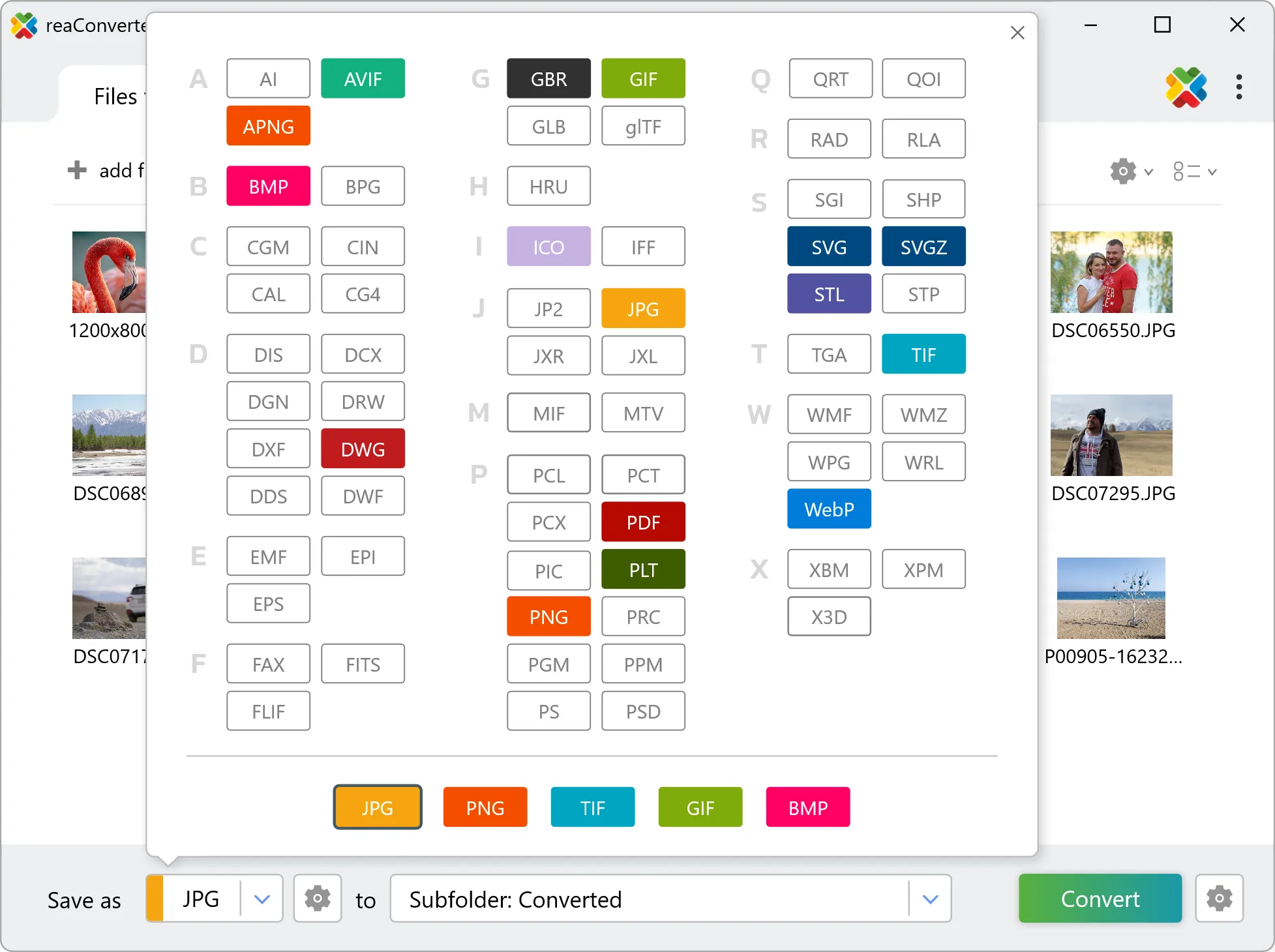
3. Select OBJ as output format

Choose OBJ as output format. Adjust color profile, quality, and resolution settings to match your photography workflow.

Select OBJ as output format

4. Start ARW to OBJ conversion

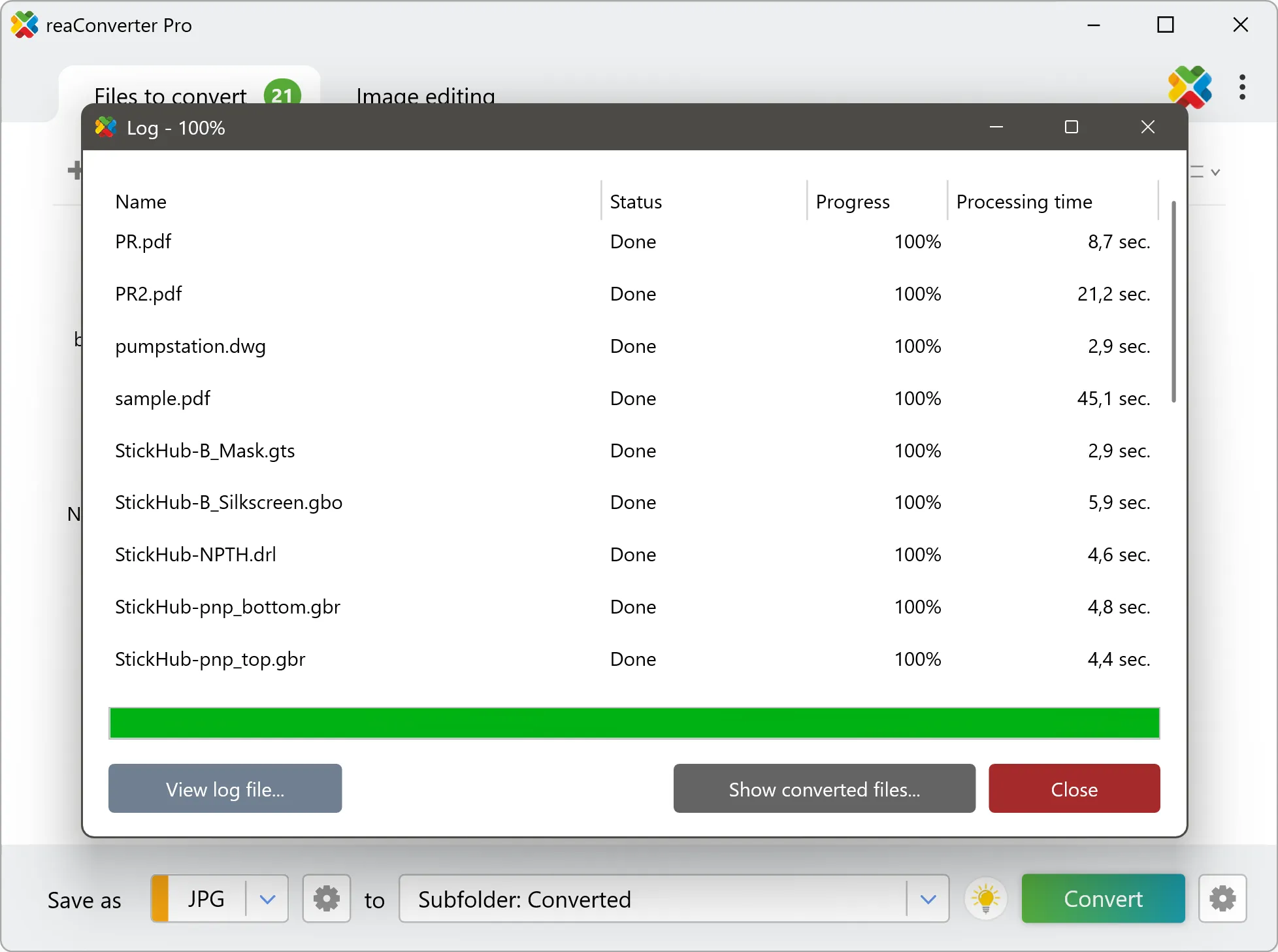
Start the conversion with one click. reaConverter handles everything and notifies you when it's done.

Start Conversion

When the batch finishes, your OBJ files are ready in the destination folder you chose earlier.

Step by step

How It Works

reaConverter offers the fastest, simplest solution for converting your ARW files into OBJ in seconds - all photos processed on your PC for maximum privacy and speed.

Technical note

ARW to OBJ: what carries over and what does not

ARW files hold unprocessed sensor data, so white balance and exposure are still adjustable. Converting to OBJ bakes those decisions into the pixels, and highlight recovery is no longer available afterwards. Set white balance and exposure before the run rather than after.

Power Features

Do more with your images

Converting ARW images for use in a larger project? With reaConverter, you can convert, edit, and enhance your images in one streamlined process.

Our range of editing options includes such image processing actions as Resize, Rotate, Crop, Color Replace, Watermarks and more. Adjust actions include RGB, HLS, HSV, Brightness and Contrast. Auto-processing options are also available, such as auto-rotate and auto-crop.

Image editing

User reviews

What people say after the first batch

Average User Rating:4.8
Last updated on October 15, 2026
I use reaConverter occasionally and love that it works offline – no internet needed! Installation took just 5 minutes, and now I always have this powerful tool ready for my niche workflow. I mainly convert ARW and other raw files to JPEG, and it’s lightning-fast with zero quality loss. Perfect for when you need reliable conversions without the cloud hassle!
Eric S. Nelson PhD
Eric S. Nelson PhD
Satisfied Customer
Total game-changer! I was stuck with unreadable ARW files until reaConverter transformed them into JPEGs in minutes. Now they’re ready to share anywhere – and the process couldn’t be easier. 10/10!
Marcus Jackson
Marcus Jackson
Satisfied Customer
My Sony A7III produces ARW files that choke my old PC. reaConverter lets me convert them to JPEG with lossless compression, reducing file size by 70% while keeping all the details. Now I can store more photos without upgrading my hardware.
Ryan Park
Ryan Park
Hobbyist Photographer
When I switched from Canon to Sony, I was worried about converting my old RAW files to ARW. reaConverter made it painless – it converted everything in batches and kept all the EXIF data. I didn't lose a single photo. Absolutely trustworthy.
Oliver Schmidt
Oliver Schmidt
Freelance Photographer
Sony's ARW files are great, but they're a pain to share. reaConverter turns them into JPEGs that look exactly like the original – no colour shifts, no sharpness loss. I've tried Capture One and Lightroom, but this is faster and more straightforward for batch conversions.
Jake W.
Jake W.
Sony Alpha User
A must-have offline converter! Installs in 5 mins, handles ARW>JPEG flawlessly, and keeps original quality.
Louis P.
Louis P.
Satisfied Customer

FAQ

ARW to OBJ Conversion

Can reaConverter convert ARW to OBJ?

Yes! reaConverter instantly converts .arw to .obj with perfect quality preservation. With its batch processing feature, you can convert multiple files at once in just a few clicks. You can even convert ARW photos directly from Windows Explorer using the right-click menu — fast and convenient.

What is reaConverter used for?

reaConverter is a software program used for converting images and other types of files from one format to another. It supports a wide range of file formats and allows users to convert multiple files at once, making it a valuable tool for graphic designers, photographers, and other professionals who work with digital images. reaConverter also includes features for resizing, cropping, and editing images, along with batch processing capabilities that help automate repetitive tasks.

Can I convert ARW to OBJ online?

If you only need to convert a few ARW files to OBJ format, feel free to try our free online free online ARW to OBJ converter — perfect for small batches with no installation needed!

How can I turn ARW files into OBJ on my computer?

The best way to change ARWs to OBJs on your PC is to install a quality piece of software, such as reaConverter. This software is extremely efficient in managing a wide range of batch files conversions, including conversion from ARW to OBJ.

How can I automate ARW to OBJ files conversion?

reaConverter supports all the most useful automation features such as right-click сonversion and Watch Folders for the most efficient automated files conversion in any software of this type.

Is there a way to convert ARW files to OBJ using the command prompt?

reaConverter provides full access to all its features via Windows command line, including a high-performance command-line arw to obj converter for batch processing.

What else can I do with reaConverter?

Convert vector imagesChange image DPIConvert RAW photo formatsConvert CAD formatsChange file date

Related conversions

Other ways to convert ARW files, and other sources that convert to OBJ.
Discover More

Beyond format conversion

Batch conversion, editing, and processing across 800+ formats, from RAW and HEIC to DICOM, DWG, and PDF. Everything runs locally, with no cloud and no upload limits.

Free trial · Windows 10/11 · v8.0.259 · Files never leave your computer

reaConverter software