

How to Convert Multiple AVIF Images to EPS?
1. Download and Install reaConverter
First, grab reaConverter from the download button below. Installation is fast, and the software runs offline — no account or signup needed. Need edits? Resize, rotate, or add watermarks during conversion.

2. Load your AVIF files
Launch reaConverter and drop in your AVIF files. The software queues everything for batch processing with consistent settings.
Add files by dragging them in, browsing folders, or using the right-click menu from Windows Explorer.

3. Select EPS as output format
Select EPS from 700+ supported output formats. Choose your destination folder and adjust settings to match your needs.
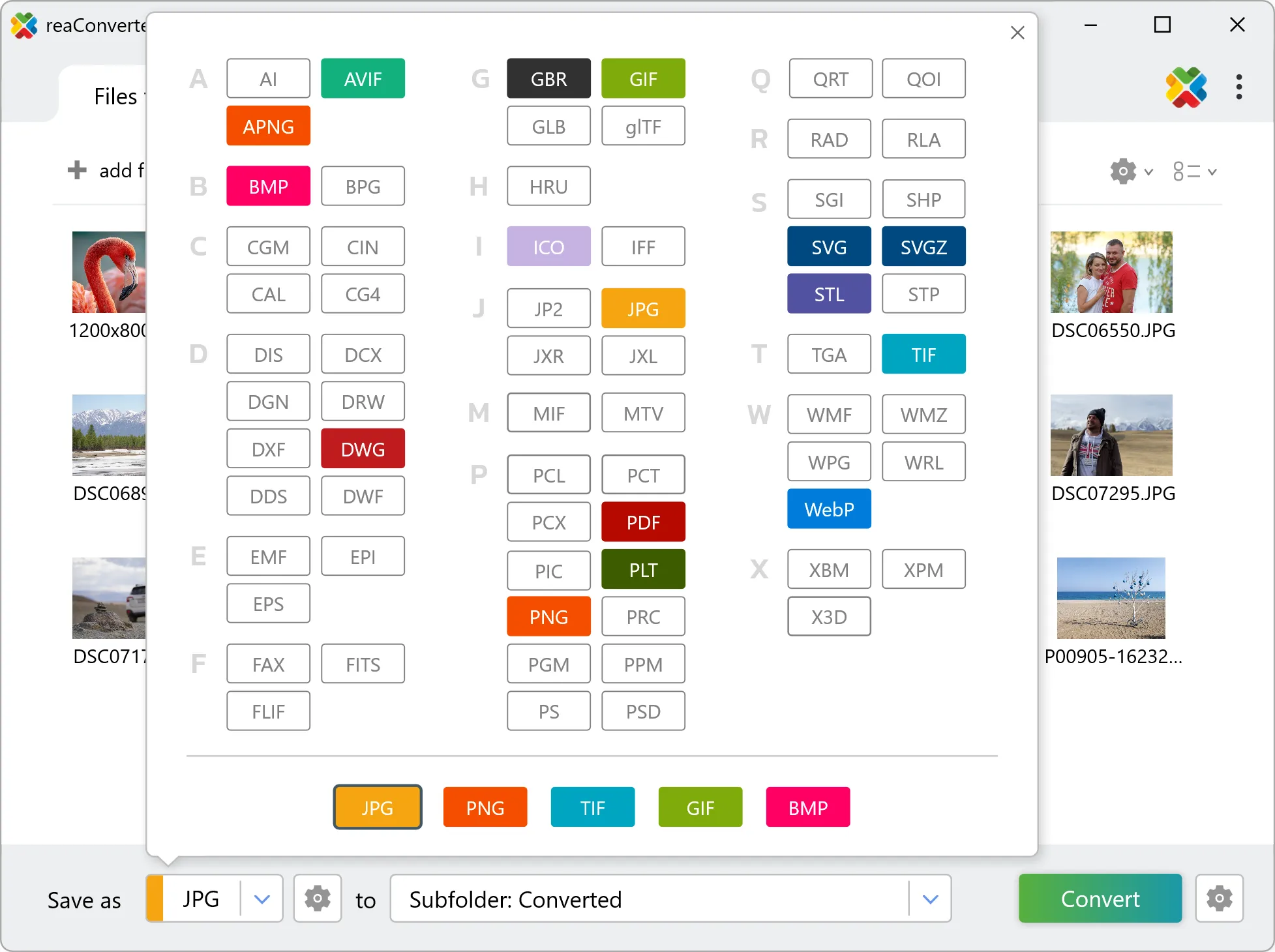
4. Start AVIF to EPS conversion
Then simply press the Convert button and your conversion will begin in no time!

Once the conversion is complete, you can find your EPS files in the destination folder you selected.
What changes when you convert AVIF to EPS
AVIF is made of pixels and EPS is a geometry format, so the two describe images in fundamentally different ways. Check the result before sending it downstream: what matters is whether the output contains editable geometry or a picture placed inside a EPS container, and that determines whether a CAD or design tool can work with it. One AVIF file can hold several pages or frames, while EPS holds one image each. reaConverter writes a separate output file per page and numbers them, so a single input can produce a whole folder of results.