100% Secure & Private
V3M Converter
Batch convert V3M models without CAD software. reaConverter works offline with consistent output across large batches.

How to Convert .v3m Files in Bulk
1. Install reaConverter

2. Select V3M Files
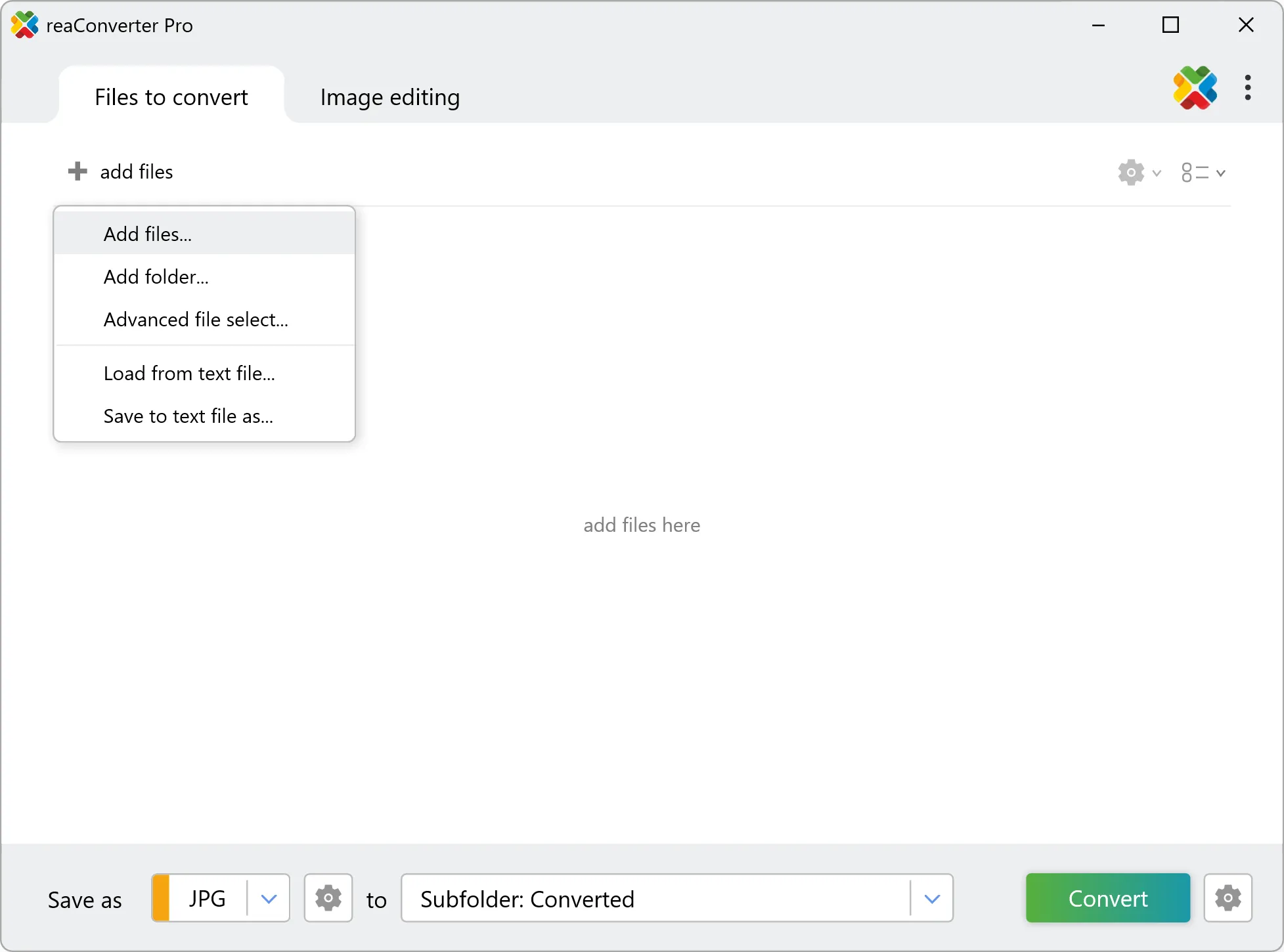
3. Start Conversion
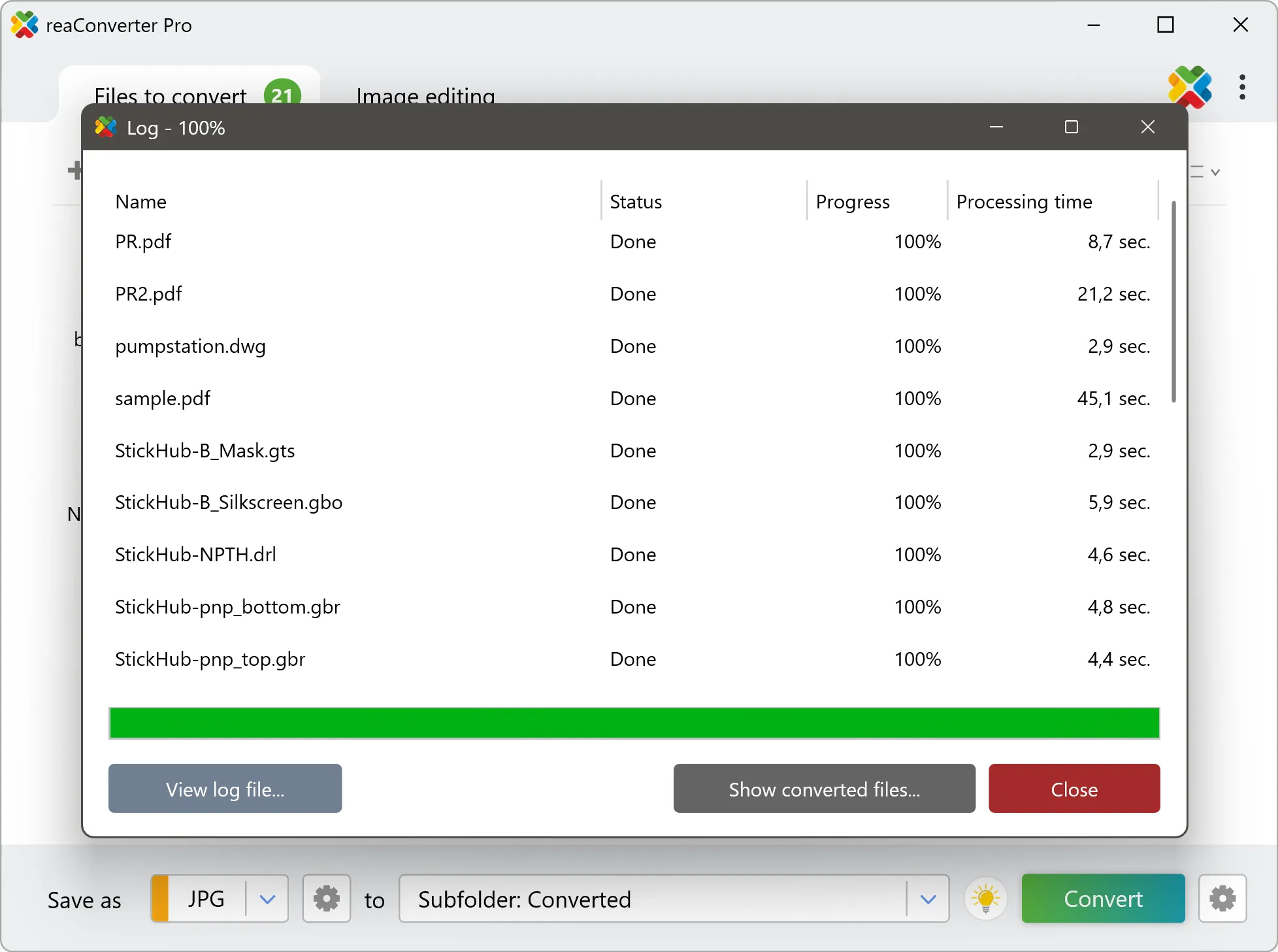
Step by step
See It in Action
For quick and effortless V3M file handling on your PC, reaConverter offers powerful conversion tools with batch processing. Best of all, it works entirely offline — ensuring your sensitive data never leaves your computer.
3D Toolkit
Do more with your 3D models
From game assets to product models, reaConverter converts V3M files to formats other tools can open, offline and in batch.
- Move models into STL for printing, STEP for CAD, or GLB and glTF for web viewers
- Convert new models as they arrive with Watch Folders
- Create isometric, top, front and side 2D projections as images or DXF/DWG drawings
- Keep unreleased designs and client models on your PC: nothing is uploaded
User reviews
From those who tried it
Average User Rating:Last updated on August 30, 2026



Questions & Answers
V3M files: Frequently Asked Questions
What are V3M files?
The V3M file format is a proprietary 3D relief model format originally developed by Autodesk ArtCAM and now fully supported by Vectric software (Aspire, VCarve Pro, and Cut2D Pro). It serves as the standard format for storing and sharing high-resolution 3D carving data.
Can reaConverter open V3M files?
reaConverter fully supports the V3M file format – open, edit, and export V3M files to any other popular file format with ease.
reaConverter also lets you:
- extract raster textures from V3M files
Do I need 3D or CAD software to convert V3M files?
No. reaConverter reads V3M files on its own, so the conversion needs no Blender, 3ds Max or Maya installation. It runs offline on your PC and handles whole folders at once, which suits model libraries, supplier deliveries and product ranges that have to reach people working in other software.
How do I change V3M to another format?
reaConverter is a user-friendly tool for converting V3M files. Once installed on your computer, it allows you to convert all your .v3m files at once with just a few clicks. You can even convert V3M models directly from Windows Explorer using the right-click menu — fast and convenient.
Can I convert V3M online?
If you only want to convert a few V3M files, you are welcome to try our free online V3M converter.
How can I turn V3M files on my computer to another format?
The best way to convert V3M files on your PC is to get a quality piece of software, such as reaConverter. This software is extremely efficient in managing a wide range of batch files conversions, including conversion from V3M.
How can I automate V3M files conversion?
reaConverter supports all the essential automation features, such as right-click сonversion and Watch Folders, for the most efficient automated file conversion in any software of its kind.
Can I convert V3M files using scripts or the command-line interface?
reaConverter provides full access to all its features from the Windows command-line shell, including the command-line v3m converter.
What else can I do with reaConverter?
Convert PDFAdd watermark on imageConvert CAD formatsSet file dateConvert vector images
What formats can I convert a V3M file to?
Discover More
Beyond V3M conversion
Convert .v3m files in batches of any size, with editing and processing applied along the way. The same tool also handles 800+ other formats, including CAD, medical imaging, and GIS.