

How to Convert Multiple .wbp Files to .ply?
1. Download and Install reaConverter
reaConverter is a standalone Windows app — download, install, and start converting WBP files in under two minutes.

2. Load your WBP files
Add your WBP files to reaConverter. Whether it's a handful or an entire archive, the batch engine processes them efficiently.
Browse for files, drag them in, or add entire folders at once. reaConverter queues everything automatically.

3. Select PLY as output format
Pick PLY as the output format. Set the destination folder and optionally configure resolution, quality, or file naming.
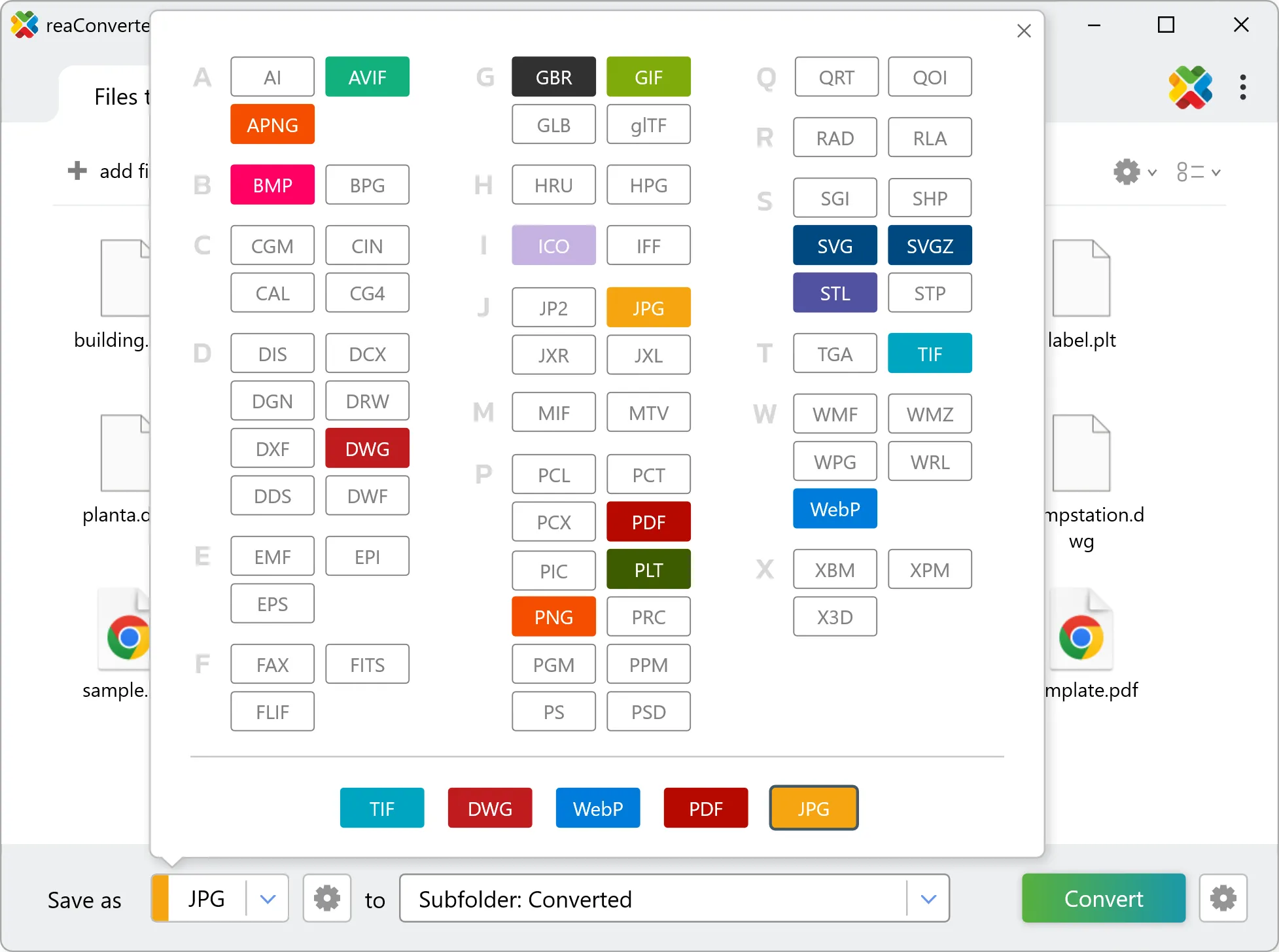
4. Start WBP to PLY conversion
Start the conversion with one click. reaConverter handles everything and notifies you when it's done.

When the batch finishes, your PLY files are ready in the destination folder you chose earlier.