100% Secure & Private
BIP Converter
Batch convert BIP files with the same settings across a whole project, from a handful of layers to an archive of tiles.



How to Convert .bip Files in Bulk
1. Install reaConverter

2. Select BIP Files

3. Start Conversion
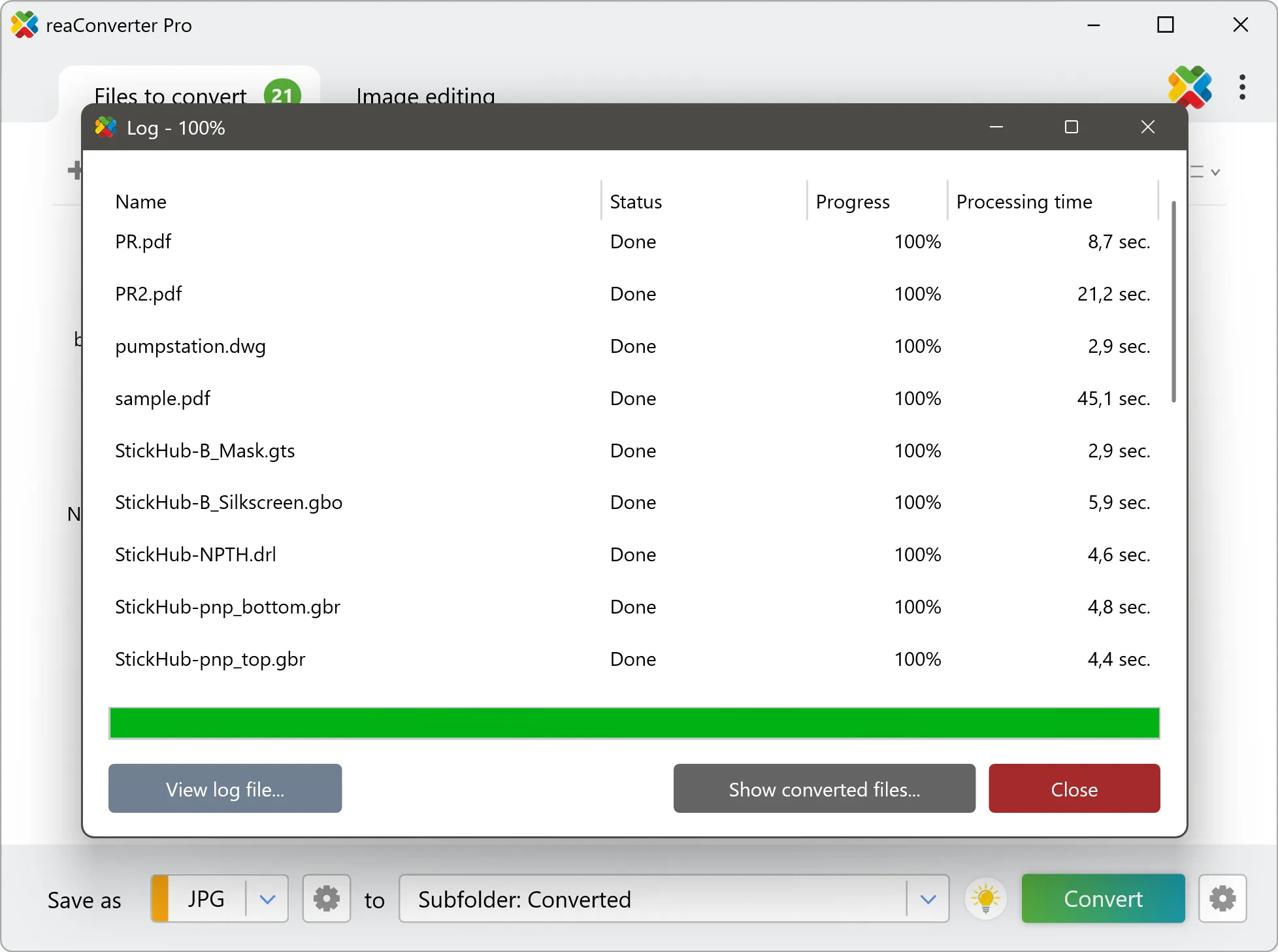
Step by step
See It in Action
For quick and effortless BIP file handling on your PC, reaConverter offers powerful conversion tools with batch processing. Best of all, it works entirely offline — ensuring your sensitive data never leaves your computer.
GIS Toolkit
Do more with your GIS data
Need BIP data as something anyone can open? reaConverter renders imagery and elevation grids into standard images and documents without QGIS or ArcGIS, and works through whole folders in one pass.
- Render imagery, elevation grids and scanned charts to TIFF, PNG, JPG or PDF
- Resize, crop and set DPI on the output in the same run
- Bring tiles, scenes and grids from many sources into one consistent format
- Convert incoming survey and field data automatically with Watch Folders
- Script GIS conversions from the command line for pipelines and scheduled jobs
- Keep cadastral, utility and client data on your PC: nothing is uploaded

User reviews
From those who tried it
Average User Rating:Last updated on July 28, 2026




Questions & Answers
BIP files: Frequently Asked Questions
What are BIP files?
BIP (ESRI Band Interleaved by Pixel) is a flat binary raster layout for multispectral data, where the spectral values of one pixel are written sequentially, followed by those of the next pixel. This arrangement favors pixel-based classification and spectral signature extraction, but is less efficient for single-band filtering than BSQ or BIL. The file stores raw matrices of integer, unsigned integer, or floating-point values in big-endian or little-endian order, as defined by the mandatory ASCII .hdr companion. Because the bands of each pixel are adjacent, a three-band 8-bit BIP file corresponds almost directly to the pixel order of an RGB bitmap, which simplifies conversion to PNG, JPEG, or TIFF; files with more bands first require choosing three bands, often a false-color set with near-infrared, and stretching them to 8 bits. GeoTIFF keeps full precision. The format is supported by ArcGIS, QGIS, Global Mapper, and ENVI, and Cloud Optimized GeoTIFF (COG) is recommended for web and cloud use.
Can reaConverter open BIP files?
reaConverter fully supports the BIP file format – open, edit, and export BIP files to any other popular file format with ease.
Do I need QGIS or ArcGIS to convert BIP files?
No. reaConverter reads BIP files on its own, so the conversion needs no GIS installation and no licence. It handles whole folders at once, which suits survey archives, tile sets and data deliveries that have to reach people working in other software.
How do I change BIP to another format?
reaConverter is a user-friendly tool for converting BIP files. Once installed on your computer, it allows you to convert all your .bip files at once with just a few clicks. You can even convert bip images directly from Windows Explorer using the right-click menu — fast and convenient.
Why choose offline conversion with reaConverter?
Keep your sensitive data 100% private with offline processing that never exposes files to cloud risks. Our software meets strict compliance standards (GDPR, HIPAA, CCPA) while handling confidential documents for legal, healthcare and financial sectors.
Can I convert BIP online?
If you only want to convert a few BIP files, you are welcome to try our free online BIP converter.
How can I turn BIP files on my computer to another format?
The best way to convert BIP files on your PC is to get a quality piece of software, such as reaConverter. This software is extremely efficient in managing a wide range of batch files conversions, including conversion from BIP.
How can I automate BIP files conversion?
reaConverter supports all the essential automation features, such as right-click сonversion and Watch Folders, for the most efficient automated file conversion in any software of its kind.
Can I convert BIP files using scripts or the command-line interface?
reaConverter provides full access to all its features from the Windows command-line shell, including the command-line bip converter.
What else can I do with reaConverter?
Convert CAD formatsSet file dateChange format settingsCopy EXIF dataConvert vector images
What formats can I convert a BIP file to?
Discover More
Beyond BIP conversion
Convert .bip files in batches of any size, with editing and processing applied along the way. The same tool also handles 800+ other formats, including CAD, medical imaging, and GIS.
