FAQ
BLP to PCT Conversion
What are BLP files?
BLP (Blizzard Picture) is a proprietary texture file format developed by Blizzard Entertainment for games such as Warcraft III, World of Warcraft, and StarCraft II. A file of this type stores 2D game textures—including character skins, terrain tiles, spell effects, minimap icons, and UI elements—alongside pre-generated mipmap chains for fast real-time rendering. Depending on the format revision, BLP files can store image data using JPEG compression, 256-color indexed palettes, or hardware-ready DXT1/DXT3/DXT5 (S3TC) block compression. BLP files are packed inside Blizzard's MPQ or CASC game archives and are widely edited by the modding community.
What are PCT files?
PCT is an image file format associated with Macintosh QuickDraw, a graphics program developed in the 1980s as part of the Apple Macintosh operating system. The initial version of the format, called PICT 1, could store 8 colors, while the later developed PICT 2 supported 24 and 32-bit color images. In recent years, the format has decreased in popularity, being gradually replaced by more versatile formats.
Can reaConverter convert BLP to PCT?
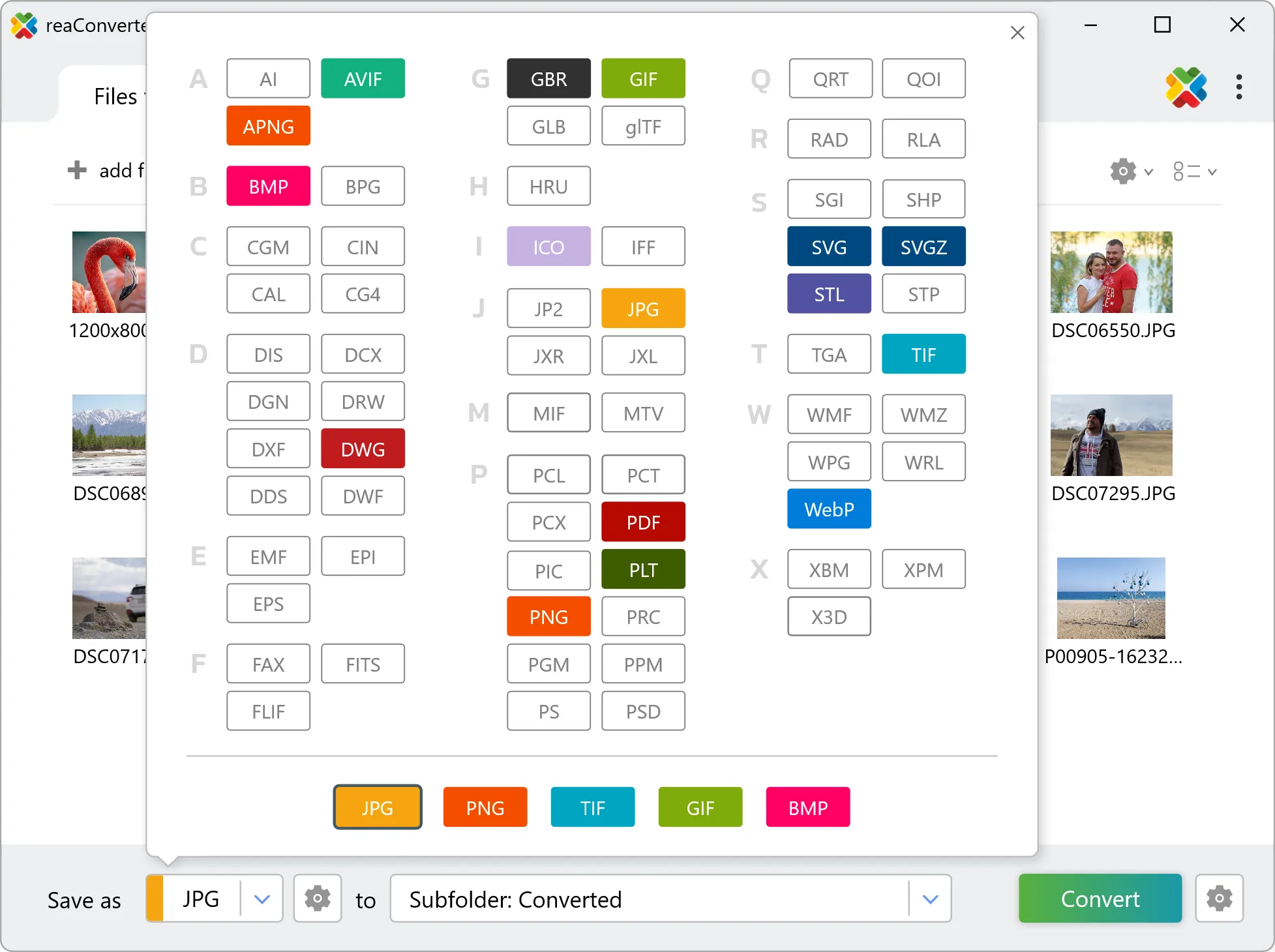
Yes! reaConverter instantly converts .blp to .pct with perfect quality preservation. With its batch processing feature, you can convert multiple files at once in just a few clicks. You can even convert BLP images directly from Windows Explorer using the right-click menu — fast and convenient.
What is reaConverter used for?
reaConverter is a software program used for converting images and other types of files from one format to another. It supports a wide range of file formats and allows users to convert multiple files at once, making it a valuable tool for graphic designers, photographers, and other professionals who work with digital images. reaConverter also includes features for resizing, cropping, and editing images, along with batch processing capabilities that help automate repetitive tasks.
Can I convert BLP to PCT online?
If you only need to convert a few BLP files to PCT format, feel free to try our free online free online BLP to PCT converter — perfect for small batches with no installation needed!
How can I turn BLP files into PCT on my computer?
The best way to change BLPs to PCTs on your PC is to install a quality piece of software, such as reaConverter. This software is extremely efficient in managing a wide range of batch files conversions, including conversion from BLP to PCT.
How can I automate BLP to PCT files conversion?
reaConverter supports all the most useful automation features such as right-click сonversion and Watch Folders for the most efficient automated files conversion in any software of this type.
Is there a way to convert BLP files to PCT using the command prompt?
reaConverter provides full access to all its features via Windows command line, including a high-performance command-line blp to pct converter for batch processing.
What else can I do with reaConverter?
Change format settingsCopy metadata (EXIF, IPTC)Convert DICOM filesCrop imageConvert PDF files
Related conversions
Other ways to convert BLP files, and other sources that convert to PCT.