DWF → STP · Windows

Convert DWF to STP

DWF to STP conversion without modelling software. reaConverter processes 3D files locally, so no extra licences are required.

Need to convert DWF to STP? reaConverter handles batch conversion with ease, processing hundreds of files at once while preserving quality. Your files never leave your machine. No third-party servers, no privacy concerns. Processes 3D files for collaboration across different platforms.

.dwf.STP
4.8

Converting files since 2001

Runs offline — nothing uploaded

Read what our users say →

How to Convert Multiple .dwf Files to .stp?

1. Download and Install reaConverter

reaConverter is a standalone Windows app — download, install, and start converting DWF files in under two minutes.

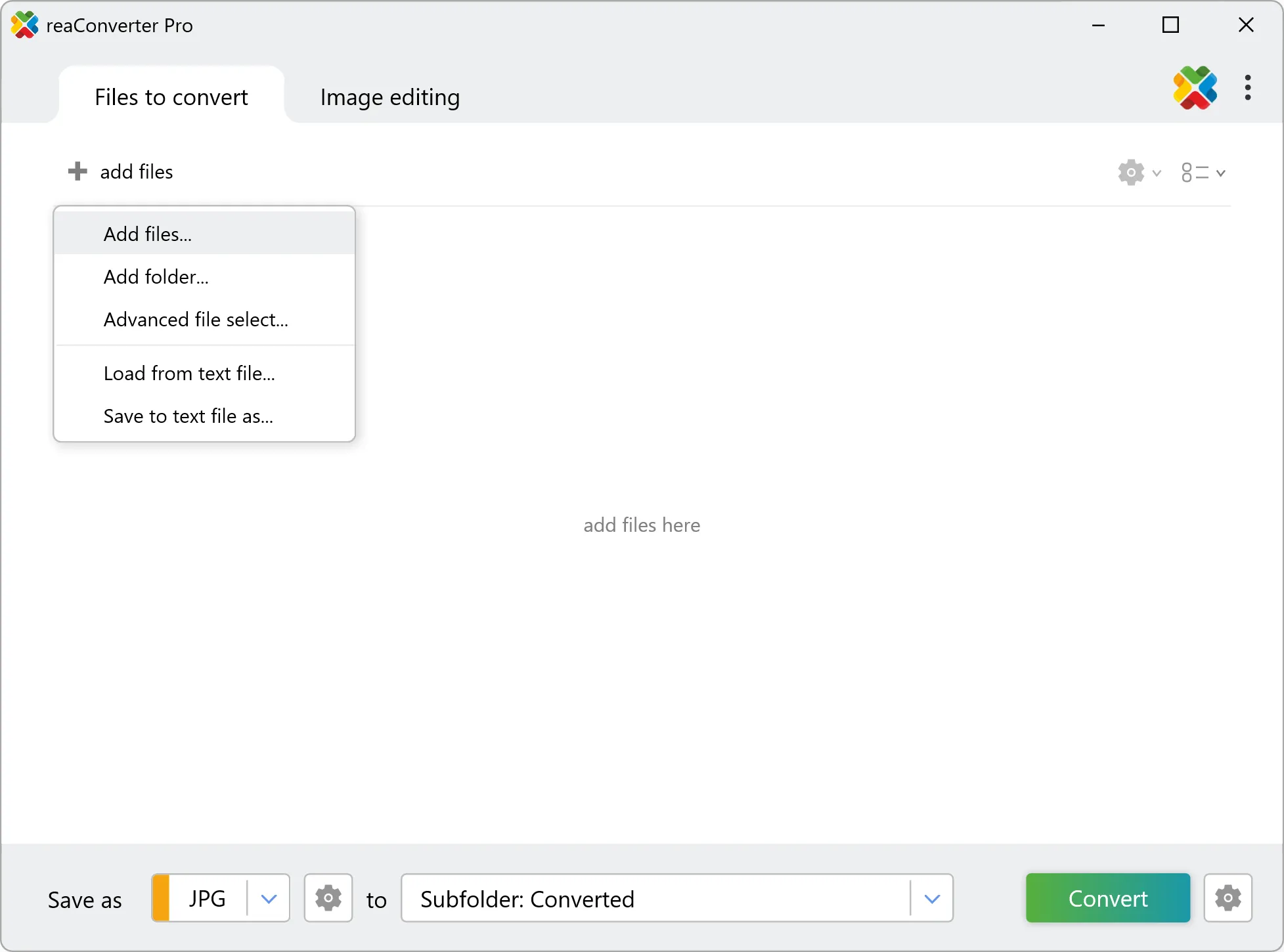
2. Load your DWF files

Add DWF files to reaConverter. One file or a thousand, the process is the same. Everything runs locally on your machine.

Drag-and-drop DWFs directly into reaConverter or use the folder browser to load entire directories.

Load your DWF files into reaConverter

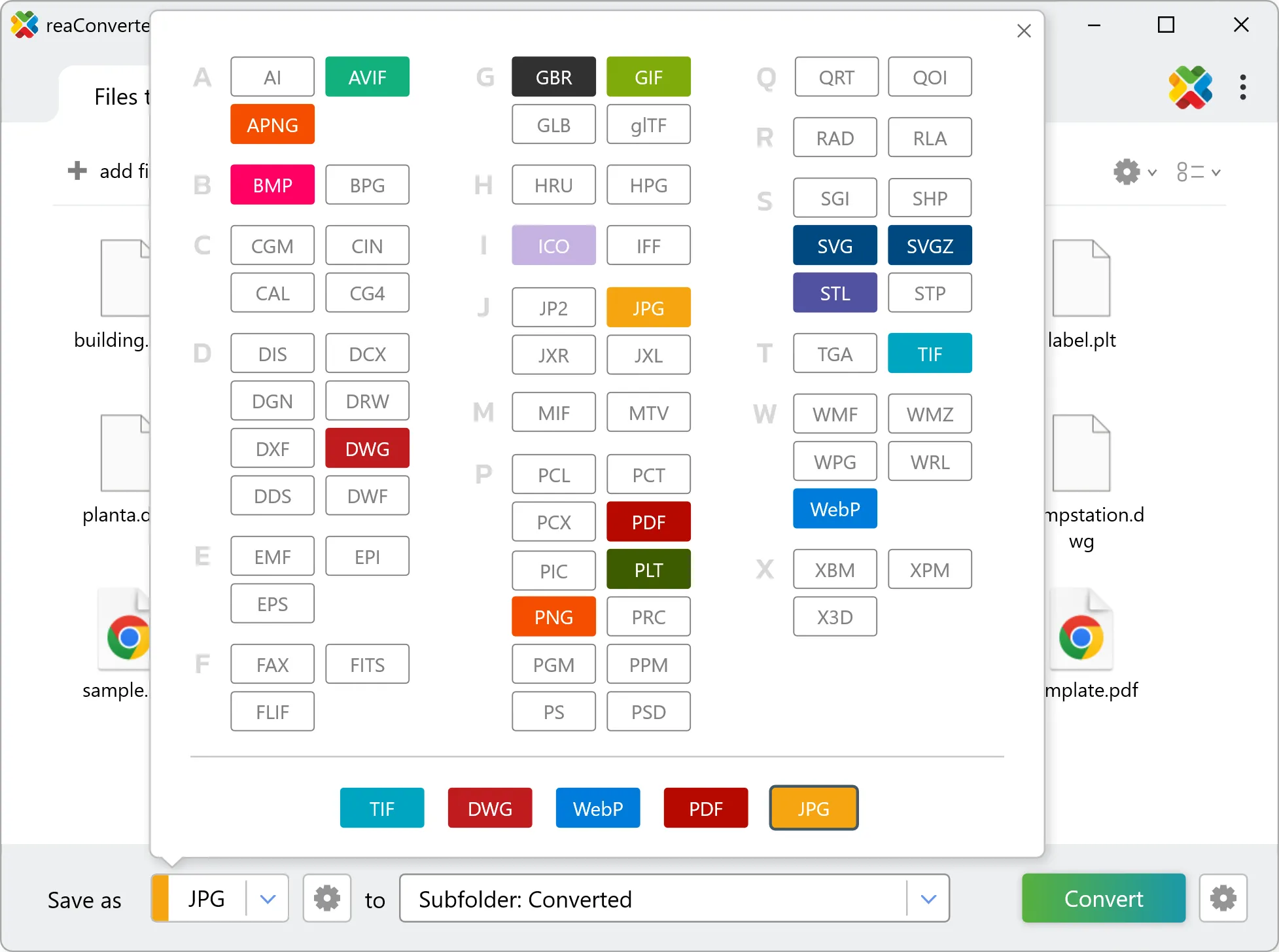
3. Select STP as output format

Select STP as target format and pick where to save results. You can keep default settings or fine-tune the output.

Select STP as output format

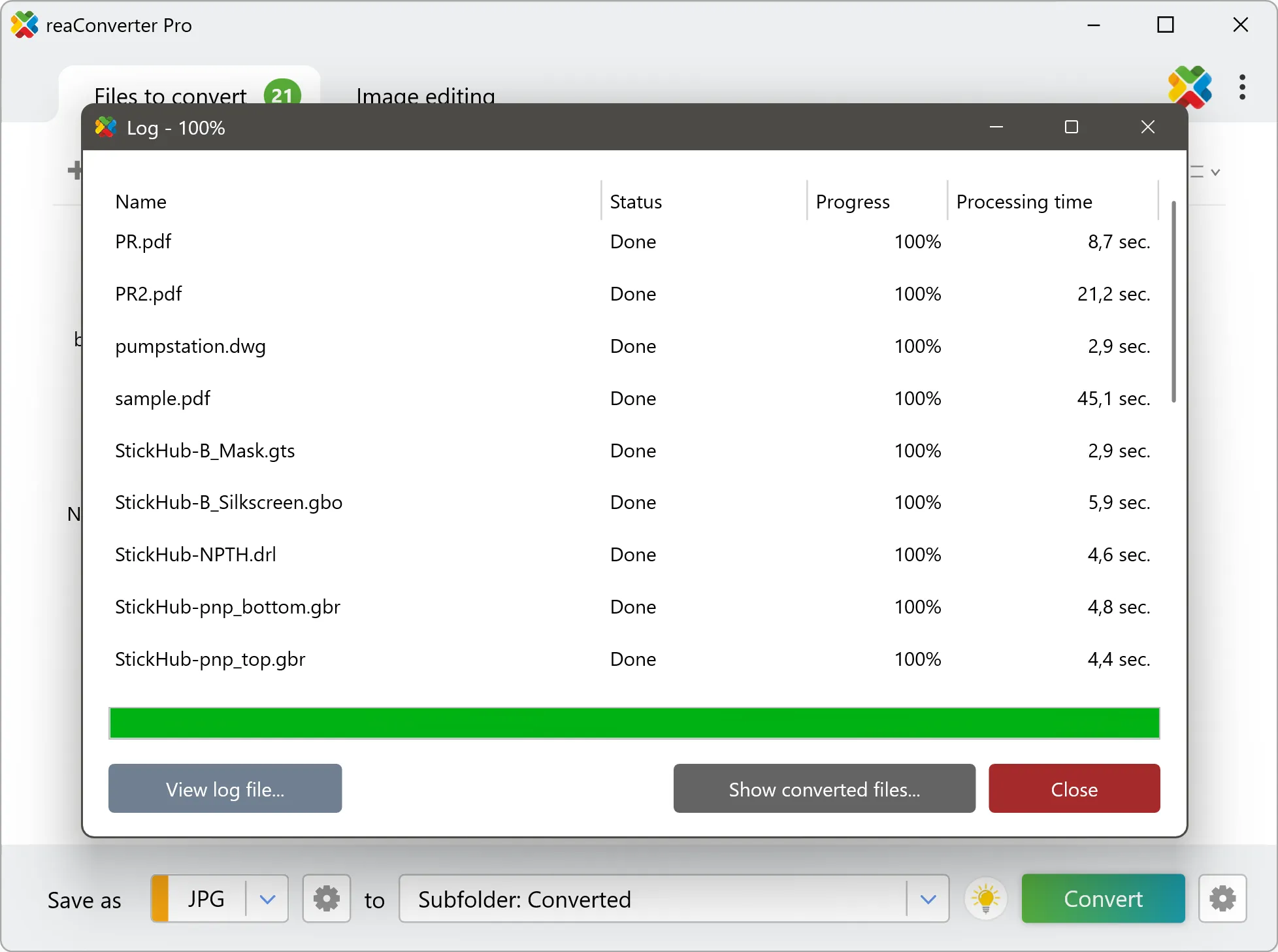
4. Start DWF to STP conversion

Press Convert to begin processing. You can watch the progress or minimize and let it run in the background.

Start Conversion

Your converted STP files will appear in the destination folder as soon as processing completes.

Step by step

How It Works

reaConverter offers the fastest, simplest solution for converting your DWF files into STP without AutoCAD - all files processed on your PC for maximum privacy and speed.

Technical note

How DWF and STP differ in practice

DWF is flat, so the conversion builds depth by extrusion: every closed outline is lifted to one height, set in millimetres in the 3D formats loading settings. An open line has no area to lift, so a drawing meant for extrusion needs closed contours. Every shape gets the same height, which suits plates, signs and logos, while parts at different heights need separate runs.

3D Workflow

From flat drawing to 3D model

Need a 3D STP from a flat DWF? reaConverter extrudes the outlines to the height you set and processes a whole folder in one run.

  • Set the extrusion height in millimetres before the run
  • Apply the same height to every file in the batch
  • Pick up new models automatically with Watch Folders
  • Convert a whole folder of drawings in one pass
3D model conversion

User reviews

What people say after the first batch

Average User Rating:4.8
Last updated on October 17, 2026
After testing multiple DWF converters, reaConverter stood out for its precision and intuitive workflow. The tutorial made setup effortless, and I had batch-converted files within minutes — no compromises on quality.
Zhang Wei
Zhang Wei
Satisfied Customer
I needed to extract text and dimensions from DWF files for a bill of materials. reaConverter's output to SVG gave me clean, scalable graphics. I was able to import them into Inkscape and extract all measurements. A lifesaver for reverse‑engineering work.
Dr. Elena Vogt
Dr. Elena Vogt
Satisfied Customer
Finally — a DWF converter that actually works! Followed the video guide (super helpful), and boom: my files were ready faster than I expected. Why didn’t I find this sooner?
Peter J. Collins
Peter J. Collins
Satisfied Customer
My company uses reaConverter daily to convert DWF files from our suppliers into PDFs for internal review. The batch mode handles 50+ files per day, and the quality is consistent. We've saved hundreds of hours compared to manual conversion in AutoCAD.
Thomas Müller
Thomas Müller
Procurement Manager
CAD files, vendor specs, legacy archives — everyone uses different formats. reaConverter's the only tool I trust to actually deliver usable PDFs from messy DWF files without corrupting layers.
Raymond Evans
Raymond Evans
Satisfied Customer
For architects/engineers working with DWF files, reaConverter offers enterprise-grade conversion with consumer-level simplicity. Outputs are optimized for cross-platform use without quality loss.
Frank Rogers
Frank Rogers
Satisfied Customer

FAQ

DWF to STP Conversion

Can reaConverter convert DWF to STP?

Yes! reaConverter instantly converts .dwf to .stp with perfect quality preservation. With its batch processing feature, you can convert multiple files at once in just a few clicks. You can even convert DWF drawings directly from Windows Explorer using the right-click menu — fast and convenient.

What is reaConverter used for?

reaConverter is a Windows converter for 800+ formats, 3D models among them. For DWF to STP it replaces the round trip through Blender, a CAD program or an upload form: add the files, pick the output format, and the whole batch converts offline. Engineers, 3D printing shops and product teams use it to move models between CAD, printing, web and documentation formats.

Why choose offline conversion with reaConverter?

reaConverter is a software program that is used for offline files conversion. Your proprietary documents never leave your computer – essential for architects, engineers, healthcare and government contractors handling classified projects. Meets GDPR, HIPAA, CCPA, and corporate security policies by ensuring files never cross borders or third-party systems.

Can I convert DWF to STP online?

If you only need to convert a few DWF files to STP format, feel free to try our free online free online DWF to STP converter — perfect for small batches with no installation needed! reaConverter Online never stores or shares any data uploaded by users, ensuring complete privacy and security for all file conversions.

How can I turn DWF files into STP on my computer?

The best way to change DWFs to STPs on your PC is to install a quality piece of software, such as reaConverter. This software is extremely efficient in managing a wide range of batch files conversions, including conversion from DWF to STP.

How can I automate DWF to STP files conversion?

reaConverter supports all the most useful automation features such as right-click сonversion and Watch Folders for the most efficient automated files conversion in any software of this type.

Is there a way to convert DWF files to STP using the command prompt?

reaConverter provides full access to all its features via Windows command line, including a high-performance command-line dwf to stp converter for batch processing.

What else can I do with reaConverter?

Convert Gerber imagesChange image color spaceConvert DICOM imagesCrop picturesConvert PDF

Related conversions

Other ways to convert DWF files, and other sources that convert to STP.
Discover More

Beyond format conversion

Batch conversion, editing, and processing across 800+ formats, from RAW and HEIC to DICOM, DWG, and PDF. Everything runs locally, with no cloud and no upload limits.

Free trial · Windows 10/11 · v8.0.260 · Files never leave your computer

reaConverter software