DWG → MIF · Windows

Convert DWG to MIF

Batch convert DWG to MIF on an ordinary Windows PC. No GIS licence, no command line, the same settings applied to every file.

reaConverter transforms DWG files to MIF quickly and reliably. Drag in folders, set your options, click Convert, done. No cloud accounts, no file uploads, no complicated setup. Just install and start converting. Works without QGIS or ArcGIS, so GIS data can be converted on any office PC.

.dwg.MIF
4.8

Converting files since 2001

Runs offline — nothing uploaded

Read what our users say →

How to Convert Multiple .dwg Files to .mif?

1. Download and Install reaConverter

reaConverter installs quickly on any Windows PC. No dependencies, no bloatware — just a clean setup that's ready to use immediately.

2. Load your DWG files

Open reaConverter and add your DWG files. You can load individual files, entire folders, or even nested subfolders.

Select DWGs from a folder or drag-and-drop them directly into the reaConverter window.

Load your DWG files into reaConverter

3. Select MIF as output format

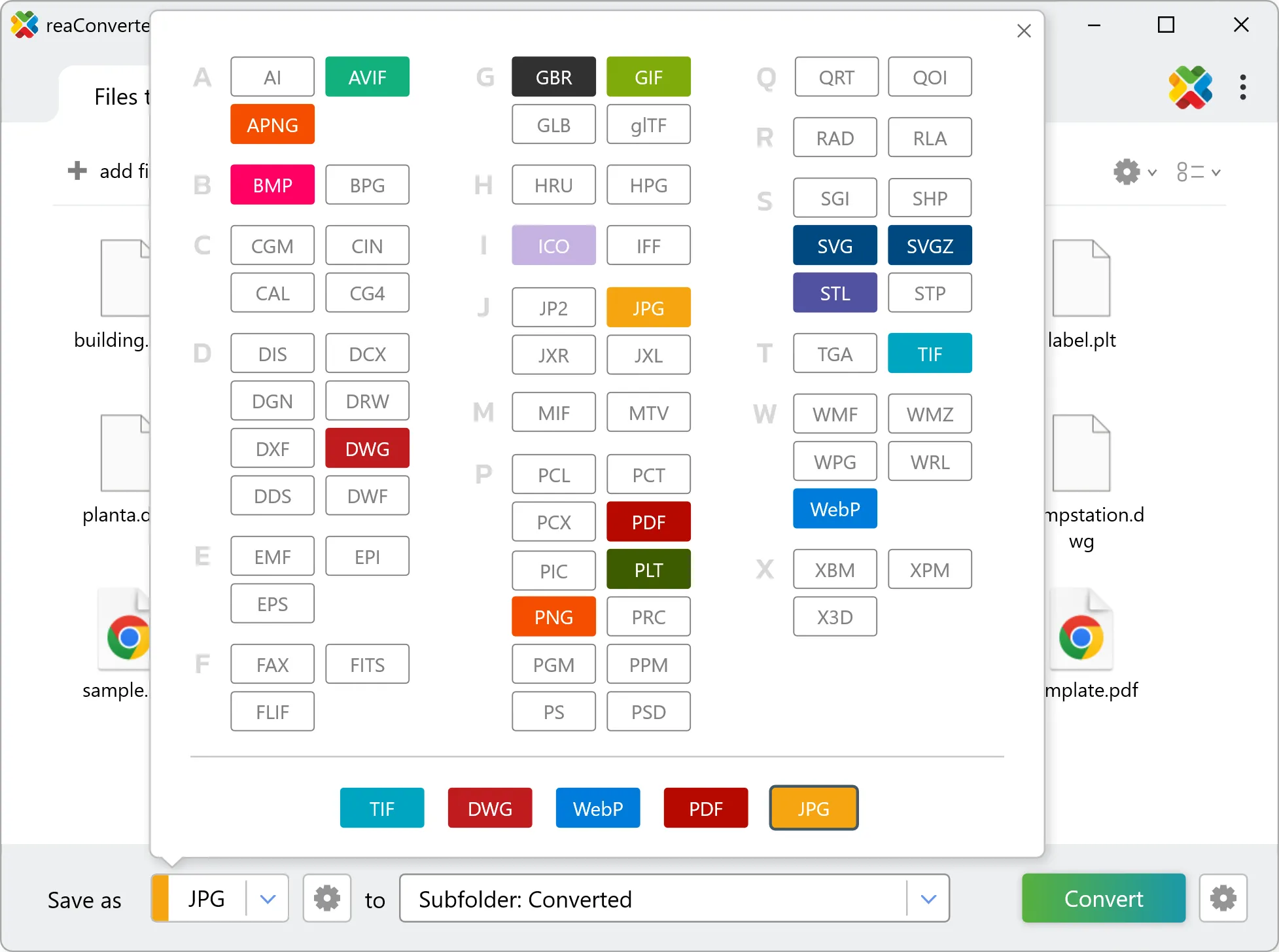
Choose MIF for output and set your save location. reaConverter lets you customize quality and apply edits before conversion.

Select MIF as output format

4. Start DWG to MIF conversion

Press the Convert button and reaConverter takes care of the rest. Processing time depends on file size and volume.

Start Conversion

After processing, find all your new .mif files in the output location. The log shows details for each conversion.

Step by step

How It Works

reaConverter offers the fastest, simplest solution for converting your DWG files into MIF without AutoCAD - all files processed on your PC for maximum privacy and speed.

Technical note

DWG to MIF: what carries over and what does not

A DWG drawing measures from an arbitrary origin and carries no coordinate reference system, so the MIF output arrives with correct geometry and no place on the earth. Defining the projection and georeferencing the result against known control points is a step that happens in the GIS afterwards. The conversion cannot infer it, because the information was never in the drawing.

Map Data Workflow

From drawing to GIS layer

Taking DWG drawings into a GIS? reaConverter writes the geometry to MIF in batch, so as-built drawings, plot plans and survey sketches reach the map without an AutoCAD seat.

  • Convert a whole drawing archive to MIF in one pass
  • Produce Shapefile, GeoJSON or KML from the same drawings for different recipients
  • Apply identical settings to every drawing in the batch
  • Pick up new data automatically with Watch Folders, or script the job from the command line

Everything runs on your PC, which matters for cadastral, utility and client data that should not pass through an upload form.

GIS data conversion

User reviews

What people say after the first batch

Average User Rating:4.8
Last updated on October 13, 2026
Thank you so much for this incredibly detailed guide! When I needed to convert DWG to PDF, I expected to spend hours figuring it out—but your step-by-step instructions had me done in just 5 minutes flat. This saved me a ton of time and frustration!
Michelle Lee
Michelle Lee
Satisfied Customer
The program's interface is refreshingly simple and intuitive. The entire process is streamlined to just a few steps: specify your source files, set an output folder, and you're done! Batch processing works flawlessly too. An excellent tool that makes file conversion effortless.
Ralph Murphy
Ralph Murphy
Satisfied Customer
I inherited a mess of DWG files from a previous engineer – all in different versions. reaConverter batch‑converted them all to a single, clean DWG format (2018) with no errors. It even fixed some corrupt headers. This tool is a miracle worker.
Amanda Lee
Amanda Lee
Civil Engineer
When uni gives you DWG files but you're not an CAD expert yet... 🥴 Thank goodness for reaConverter! First try success → now studying these blueprints on my iPad. Lifesaver for freshman year! #EngineeringStudent
Alan Cox
Alan Cox
Satisfied Customer
If you work with AutoCAD, Autodesk, or similar CAD software, you’ve likely faced format compatibility issues. Every developer seems to insist on their own proprietary formats, making conversions a real challenge. The solution? reaConverter. This tool effortlessly handles two-way conversion between dozens of specialized formats!
Att. Matthew K. Jones
Satisfied Customer
As an occasional CAD user, I appreciate tools that 'just work.' reaConverter's documentation eliminated my DWG conversion struggles with crystal-clear examples — no trial and error needed.
Margaret B.
Margaret B.
Satisfied Customer

FAQ

DWG to MIF Conversion

Can reaConverter convert DWG to MIF?

Yes! reaConverter instantly converts .dwg to .mif with perfect quality preservation. With its batch processing feature, you can convert multiple files at once in just a few clicks. You can even convert DWG drawings directly from Windows Explorer using the right-click menu — fast and convenient.

What is reaConverter used for?

reaConverter is a Windows converter for 800+ formats, GIS data among them. For DWG to MIF it replaces the usual detour through QGIS, ArcGIS or ogr2ogr: add the files, pick the output format, and the whole batch converts offline. Surveyors, planners and engineering teams use it to pass data between GIS, CAD and everyday document formats.

Why choose offline conversion with reaConverter?

reaConverter is a software program that is used for offline files conversion. Your proprietary documents never leave your computer – essential for architects, engineers, healthcare and government contractors handling classified projects. Meets GDPR, HIPAA, CCPA, and corporate security policies by ensuring files never cross borders or third-party systems.

Can I convert DWG to MIF online?

If you only need to convert a few DWG files to MIF format, feel free to try our free online free online DWG to MIF converter — perfect for small batches with no installation needed! reaConverter Online never stores or shares any data uploaded by users, ensuring complete privacy and security for all file conversions.

How can I turn DWG files into MIF on my computer?

The best way to change DWGs to MIFs on your PC is to install a quality piece of software, such as reaConverter. This software is extremely efficient in managing a wide range of batch files conversions, including conversion from DWG to MIF.

How can I automate DWG to MIF files conversion?

reaConverter supports all the most useful automation features such as right-click сonversion and Watch Folders for the most efficient automated files conversion in any software of this type.

Is there a way to convert DWG files to MIF using the command prompt?

reaConverter provides full access to all its features via Windows command line, including a high-performance command-line dwg to mif converter for batch processing.

What else can I do with reaConverter?

Convert PDF filesAdd watermark on imageConvert DICOM filesCrop photoConvert GIS files

Related conversions

Other ways to convert DWG files, and other sources that convert to MIF.
Discover More

Beyond format conversion

Batch conversion, editing, and processing across 800+ formats, from RAW and HEIC to DICOM, DWG, and PDF. Everything runs locally, with no cloud and no upload limits.

Free trial · Windows 10/11 · v8.0.259 · Files never leave your computer

reaConverter software