100% Secure & Private
GIG Converter
Convert GIG files on your own machine instead of an upload form. reaConverter processes everything locally, with no size limits.


How to Convert .gig Files in Bulk
1. Install reaConverter

2. Select GIG Files

3. Start Conversion
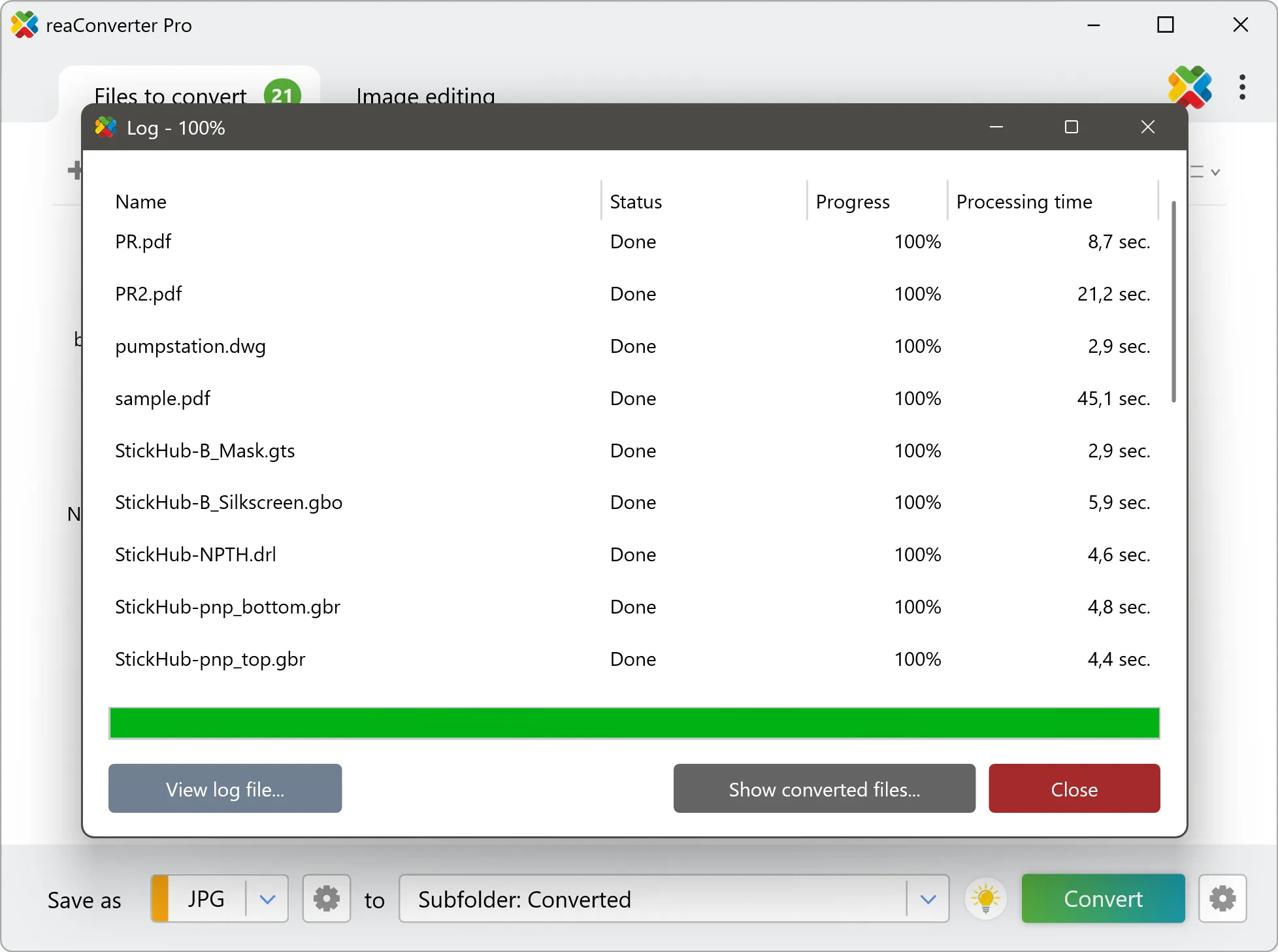
Step by step
See It in Action
For quick and effortless GIG file handling on your PC, reaConverter offers powerful conversion tools with batch processing. Best of all, it works entirely offline — ensuring your sensitive data never leaves your computer.
Extra Tools
Do more with your files
Converting GIG files for use in a larger project? reaConverter offers many ways to process files, so you can customize them according to your requirements.
Our range of editing options includes auto-processing options such as auto-rotate, auto-crop, watermarking and more. Change Color Space, copy Metadata, set DPI, manage ICC Profile, control Bit Depth.

User reviews
From those who tried it
Average User Rating:Last updated on July 30, 2026




Questions & Answers
GIG files: Frequently Asked Questions
What are GIG files?
GIG images are associated with Giga Paint, a software pack launched in the late 1980s for use on Commodore 64 and 128 computers. The program offered a wide range of drawing and image editing features, allowing users to apply a set of complex image processing commands. A GIG file contains a multi-color image created using Giga Paint and might be compatible with some advanced graphics programs available at the moment.
Can reaConverter open GIG files?
reaConverter fully supports the GIG file format – open, edit, and export GIG files to any other popular file format with ease.
How do I change GIG to another format?
reaConverter is a user-friendly tool for converting GIG files. Once installed on your computer, it allows you to convert all your .gig files at once with just a few clicks. You can even convert GIG files directly from Windows Explorer using the right-click menu — fast and convenient.
Can I convert GIG online?
If you only want to convert a few GIG files, you are welcome to try our free online GIG converter.
How can I turn GIG files on my computer to another format?
The best way to convert GIG files on your PC is to get a quality piece of software, such as reaConverter. This software is extremely efficient in managing a wide range of batch files conversions, including conversion from GIG.
How can I automate GIG files conversion?
reaConverter supports all the essential automation features, such as right-click сonversion and Watch Folders, for the most efficient automated file conversion in any software of its kind.
Can I convert GIG files using scripts or the command-line interface?
reaConverter provides full access to all its features from the Windows command-line shell, including the command-line gig converter.
What else can I do with reaConverter?
Vectorize imagesChange bit depthConvert PDF filesWatermark picturesChange format settings
What formats can I convert a GIG file to?
Discover More
Beyond GIG conversion
Convert .gig files in batches of any size, with editing and processing applied along the way. The same tool also handles 800+ other formats, including CAD, medical imaging, and GIS.
