

How to Convert Multiple .kc2 Images to .obj?
1. Download and Install reaConverter
First, grab reaConverter from the download button below. Installation is fast, and the software runs offline — no account or signup needed. reaConverter also includes editing tools: resize, crop, rotate, and more.

2. Load your KC2 files
Add your KC2 files to reaConverter. Whether it's a handful or an entire archive, the batch engine processes them efficiently.
Drag files into the window, use the Add Files button, or select entire folders.

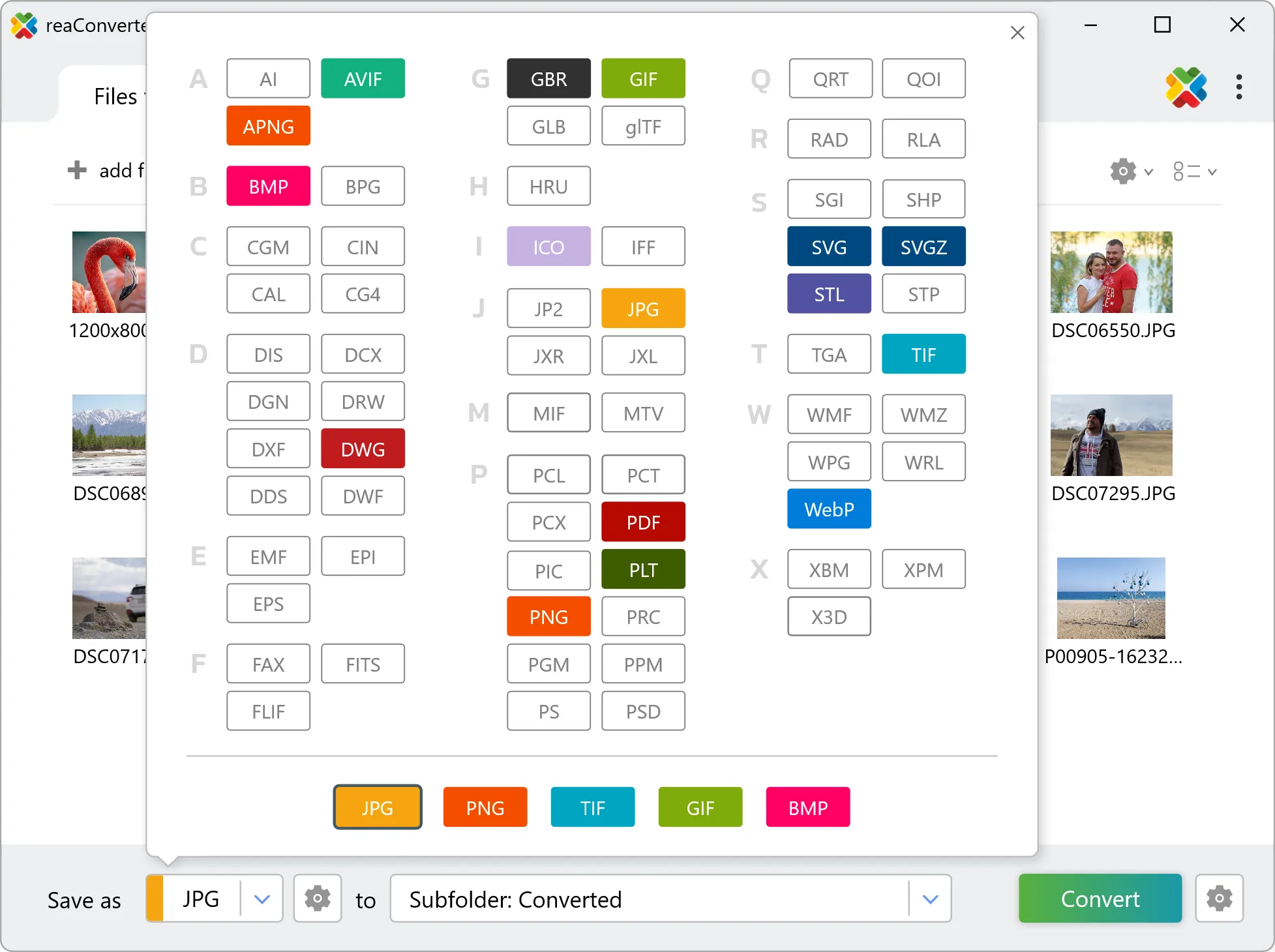
3. Select OBJ as output format
Set OBJ as output format and select where to save your converted files. Customize quality settings if needed.
4. Start KC2 to OBJ conversion
Hit Convert to process your files. The log window shows progress, timing, and status for every file.

Conversion complete? Your OBJ files are saved to the destination folder, ready to use.