

How to Convert Multiple .lif Files to .obj?
1. Download and Install reaConverter
Download reaConverter and install it in seconds. The setup is straightforward — no complex configuration, no extra software required.

2. Load your LIF files
Load LIF files into reaConverter directly. There is no size limit and nothing is uploaded, which matters for slide scans and long time series.
Use drag-and-drop, folder browser, or right-click conversion from Explorer.

3. Select OBJ as output format
Choose OBJ and set a destination folder. Resolution and quality settings are worth a look here, since the output is what colleagues and reviewers will actually see.
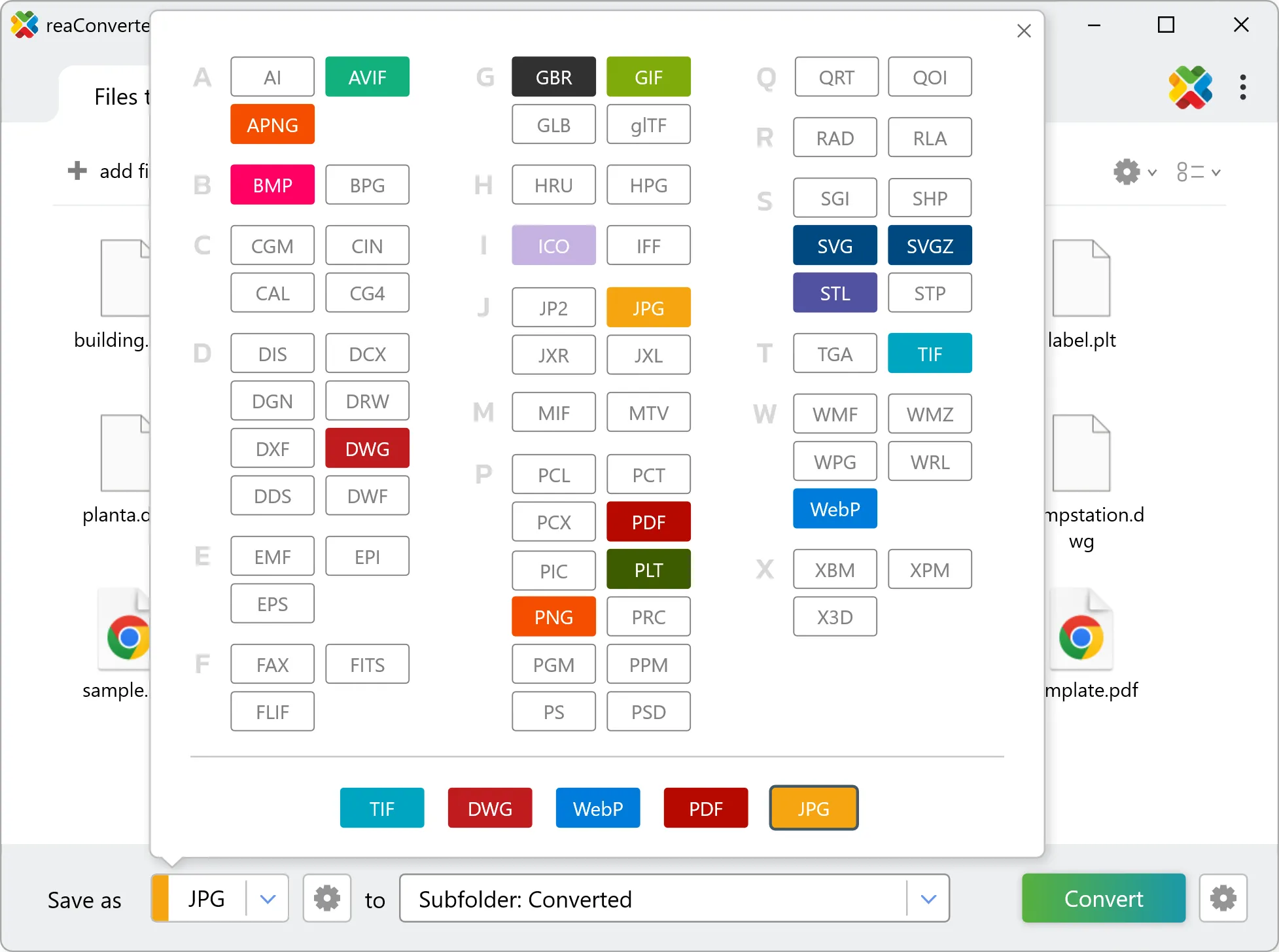
4. Start LIF to OBJ conversion
Click Convert to start the batch. reaConverter processes files quickly and shows you the status of each one.

Once done, reaConverter shows a summary. Click 'Show converted files' to jump straight to your OBJ output.