STEP → OBJ · Windows

Convert STEP to OBJ

Batch convert STEP to OBJ for easy sharing. reaConverter exports 3D models offline with control over output settings.

Looking to change STEP files to OBJ format? reaConverter makes it simple — add your files, select output format, and convert entire folders in one click. Runs entirely on your hardware for maximum speed, so you never wait for uploads or server queues. 3D files convert without expensive modeling software licenses.

.step.OBJ
4.8

Converting files since 2001

Runs offline — nothing uploaded

Read what our users say →

How to Convert Multiple .step Models to .obj?

1. Download and Install reaConverter

reaConverter installs quickly on any Windows PC. No dependencies, no bloatware — just a clean setup that's ready to use immediately.

2. Load your STEP files

Start reaConverter and add your .step files. The software processes everything locally, so your files never leave your computer.

Use drag-and-drop, folder browser, or right-click conversion from Explorer.

Load your STEP files into reaConverter

3. Select OBJ as output format

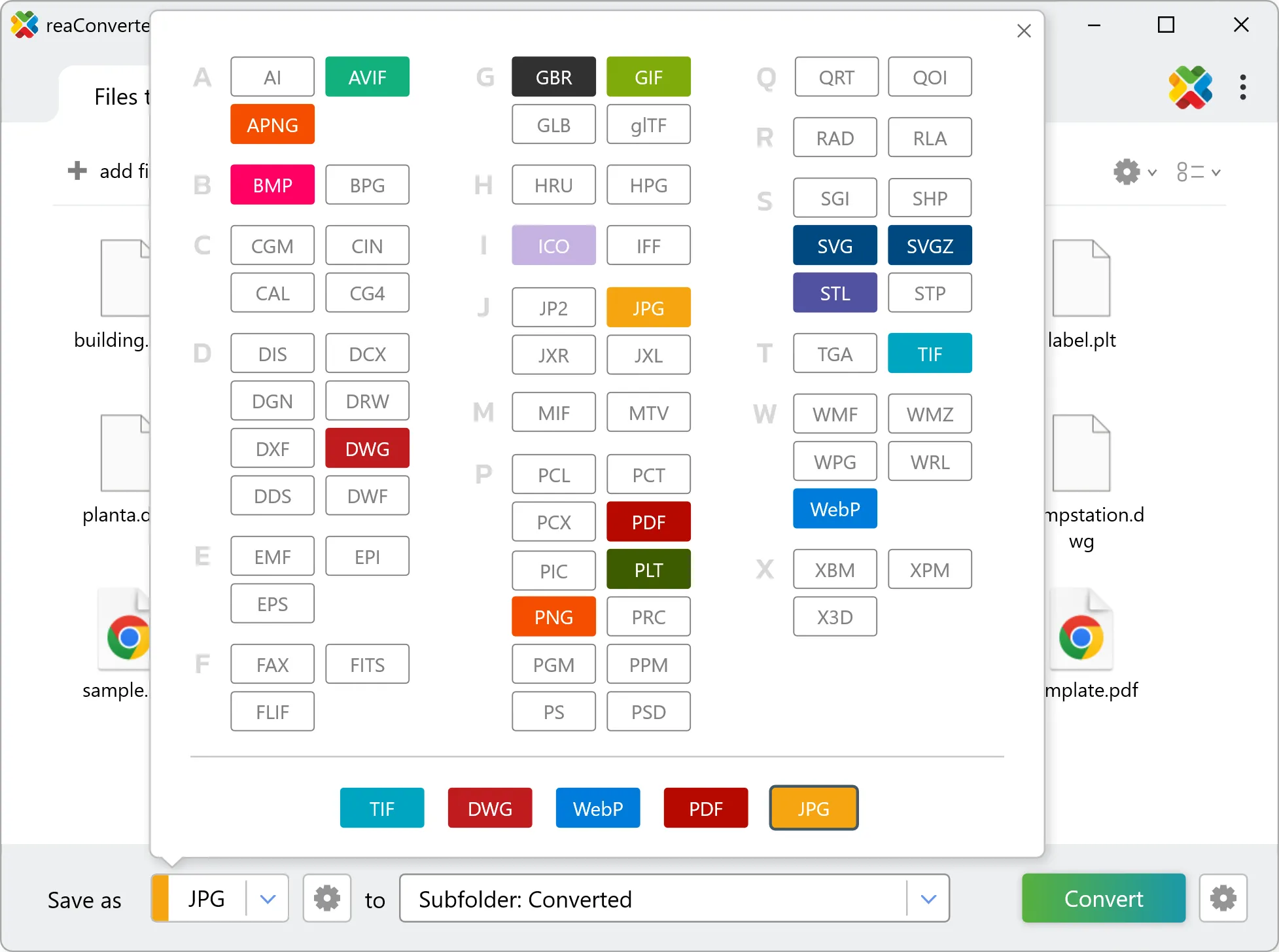
Select OBJ from 800+ supported output formats. Choose your destination folder and adjust settings to match your needs.

Select OBJ as output format

4. Start STEP to OBJ conversion

Click Convert to start the batch. reaConverter processes files quickly and shows you the status of each one.

Start Conversion

Once done, reaConverter shows a summary. Click 'Show converted files' to jump straight to your OBJ output.

Step by step

How It Works

reaConverter offers the fastest, simplest solution for converting your STEP files into OBJ without 3D or CAD software - all models processed on your PC for maximum privacy and speed.

Technical note

STEP to OBJ: what to expect from the conversion

STEP holds exact mathematical surfaces and OBJ approximates them with triangles. Curves become faceted, and how visible that is depends on the level of detail, a value from 1 to 7 in the 3D formats loading settings. A middle value suits most printing; for a close-up render of a shiny curved part, raise it and expect a larger file. STEP records the unit its model was built in, and OBJ has nowhere to put one: it holds bare numbers, which slicers read as millimetres. A model built in inches can arrive 25.4 times too small, one built in centimetres ten times too small. Check one known dimension in the slicer before printing.

3D Workflow

From solid model to mesh

Need STEP parts on a printer, in a slicer or in a web viewer? reaConverter turns them into OBJ meshes offline, a whole folder at a time.

  • Set the level of detail from 1 to 7: finer triangles for smooth curves, fewer for small files
  • Convert a whole folder of parts in one run
  • Script the job from the command line for pipelines and scheduled runs
3D model conversion

User reviews

What people say after the first batch

Average User Rating:4.8
Last updated on October 12, 2026
I needed to convert a batch of STEP files for a client presentation and ReaConverter made it simple. The interface is intuitive, letting me drag, drop, and choose my output format (I used STL) in seconds. The batch processing saved me hours of work. Highly recommended for its reliability and speed.
Alex J.
Alex J.
CAD Designer
reaConverter made converting my STEP files to DXF a breeze! The batch processing feature saved me hours, handling hundreds of files flawlessly in minutes. Its offline mode ensured my CAD data stayed secure, and the intuitive interface was perfect for a non-techie like me. Highly recommend for anyone needing fast, reliable STEP file conversions!
John S.
John S.
Satisfied Customer
reaConverter has been a huge time-saver for our team. We regularly work with CAD models in STEP format, and converting them to images or other file types used to be a hassle. With reaConverter, the process is fast, accurate, and incredibly easy to set up. The batch conversion feature is especially useful when handling large projects. Highly recommended for anyone dealing with STEP files on a regular basis.
Mark T.
Mark T.
Engineer
5/5⭐ Finally! Does what it promises - converts AND tweaks images without complicated menus. Perfect for quick jobs.
J. Mitchell
J. Mitchell
Satisfied Customer
reaConverter is pure gold! Rock-solid performance with zero crashes. No internet needed—perfect for travel or low-connectivity work. The ultimate offline alternative to sketchy web converters. Plus, the desktop version keeps sensitive files secure since nothing ever gets uploaded to the cloud.
Malik T. Martin
Malik T. Martin
Satisfied Customer
I was skeptical at first, but reaConverter exceeded my expectations. The interface is intuitive, and the advanced settings let me tweak outputs perfectly. Plus, the customer support is fantastic!
Sarah Lane
Sarah Lane
Satisfied Customer

FAQ

STEP to OBJ Conversion

Can reaConverter convert STEP to OBJ?

Yes! reaConverter instantly converts .step to .obj with perfect quality preservation. With its batch processing feature, you can convert multiple files at once in just a few clicks. You can even convert STEP models directly from Windows Explorer using the right-click menu — fast and convenient.

What is reaConverter used for?

reaConverter is a Windows converter for 800+ formats, 3D models among them. For STEP to OBJ it replaces the round trip through Blender, a CAD program or an upload form: add the files, pick the output format, and the whole batch converts offline. Engineers, 3D printing shops and product teams use it to move models between CAD, printing, web and documentation formats.

Why choose offline conversion with reaConverter?

reaConverter is a software program that is used for offline files conversion. Your proprietary documents never leave your computer – essential for architects, engineers, healthcare and government contractors handling classified projects. Meets GDPR, HIPAA, CCPA, and corporate security policies by ensuring files never cross borders or third-party systems.

Can I convert STEP to OBJ online?

If you only need to convert a few STEP files to OBJ format, feel free to try our free online free online STEP to OBJ converter — perfect for small batches with no installation needed!

How can I turn STEP files into OBJ on my computer?

The best way to change STEPs to OBJs on your PC is to install a quality piece of software, such as reaConverter. This software is extremely efficient in managing a wide range of batch files conversions, including conversion from STEP to OBJ.

How can I automate STEP to OBJ files conversion?

reaConverter supports all the most useful automation features such as right-click сonversion and Watch Folders for the most efficient automated files conversion in any software of this type.

Is there a way to convert STEP files to OBJ using the command prompt?

reaConverter provides full access to all its features via Windows command line, including a high-performance command-line step to obj converter for batch processing.

What else can I do with reaConverter?

Separate STEP PartsConvert GIS filesConvert vector imagesChange image DPIConvert Gerber imagesConvert picture color space

Related conversions

Other ways to convert STEP files, and other sources that convert to OBJ.
Discover More

Beyond format conversion

Batch conversion, editing, and processing across 800+ formats, from RAW and HEIC to DICOM, DWG, and PDF. Everything runs locally, with no cloud and no upload limits.

Free trial · Windows 10/11 · v8.0.258 · Files never leave your computer

reaConverter software