


How to Convert Multiple NEF Images to EMF?
1. Download and Install reaConverter
reaConverter is a standalone Windows app — download, install, and start converting NEF files in under two minutes. reaConverter also includes editing tools: resize, crop, rotate, and more.

2. Load your NEF files
Load your NEF RAW photos into reaConverter. Add entire shoots at once and process them in minutes.
Browse for files, drag them in, or add entire folders at once. reaConverter queues everything automatically.

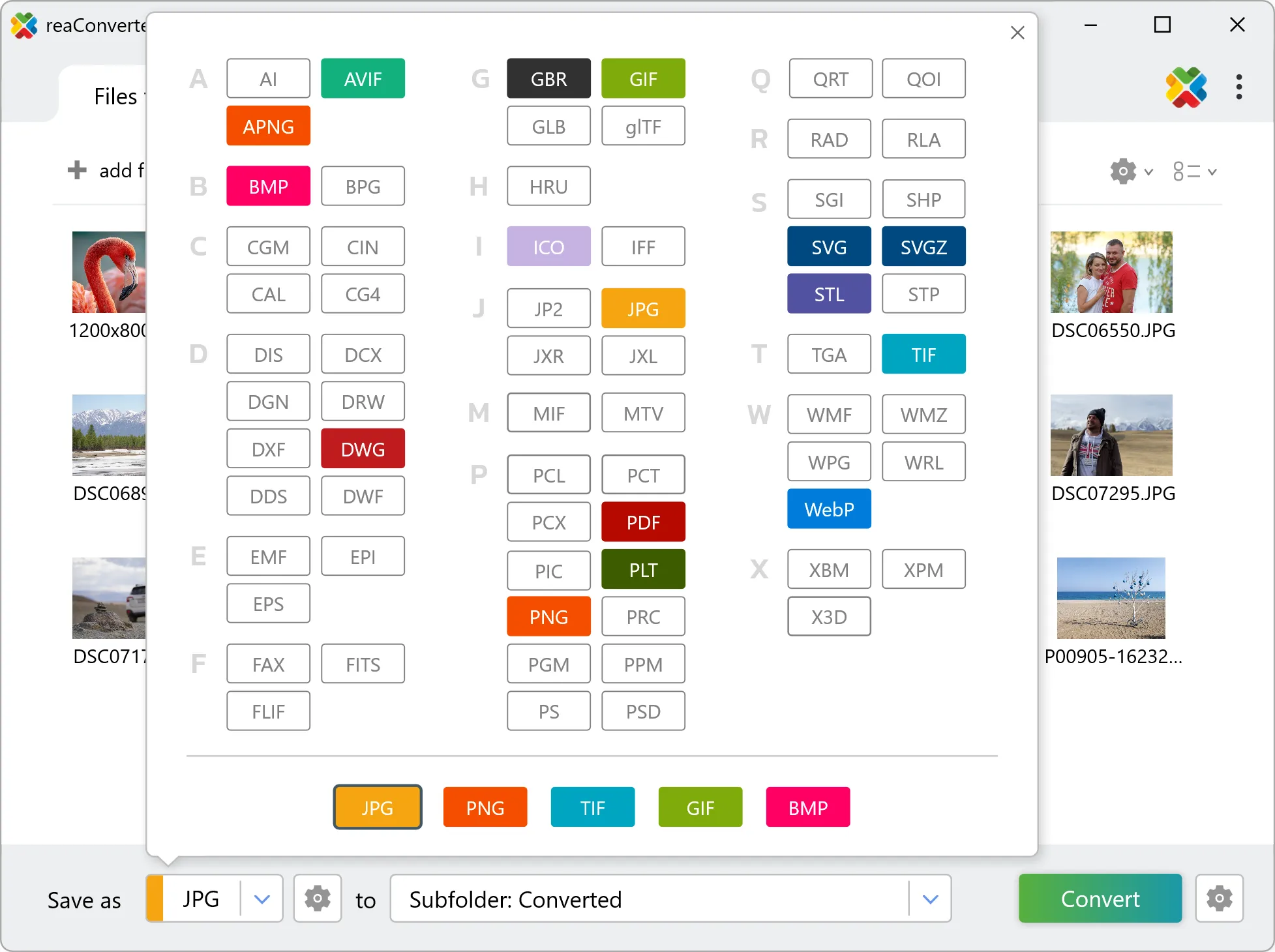
3. Select EMF as output format
Choose EMF as output format. Adjust color profile, quality, and resolution settings to match your photography workflow.
4. Start NEF to EMF conversion
Start the conversion with one click. reaConverter handles everything and notifies you when it's done.

When the batch finishes, your EMF files are ready in the destination folder you chose earlier.
How NEF and EMF differ in practice
NEF files hold unprocessed sensor data, so white balance and exposure are still adjustable. Converting to EMF bakes those decisions into the pixels, and highlight recovery is no longer available afterwards. Set white balance and exposure before the run rather than after. NEF is made of pixels and EMF is a geometry format, so the two describe images in fundamentally different ways. Check the result before sending it downstream: what matters is whether the output contains editable geometry or a picture placed inside a EMF container, and that determines whether a CAD or design tool can work with it.


