FAQ
PDS to JP2 Conversion
What are PDS files?
PDS is an extension shared by two unrelated formats. The first is the pattern file of Optitex PDS (Pattern Design System), a Windows CAD program for fashion and apparel design. It holds the pieces of a sewing pattern as precise outlines in real dimensions, with notches, grainlines, seam allowances, and labels, and it can also keep textures and 3D content for draping the pattern on a virtual garment. The second is the Planetary Data System (PDS) format of NASA, used to archive scientific data from space missions, such as planetary, solar, and lunar images, spectra, and measurement tables. It is rare outside research, and regular image viewers cannot open it. The contents of the file tell the two apart.
What are JP2 files?
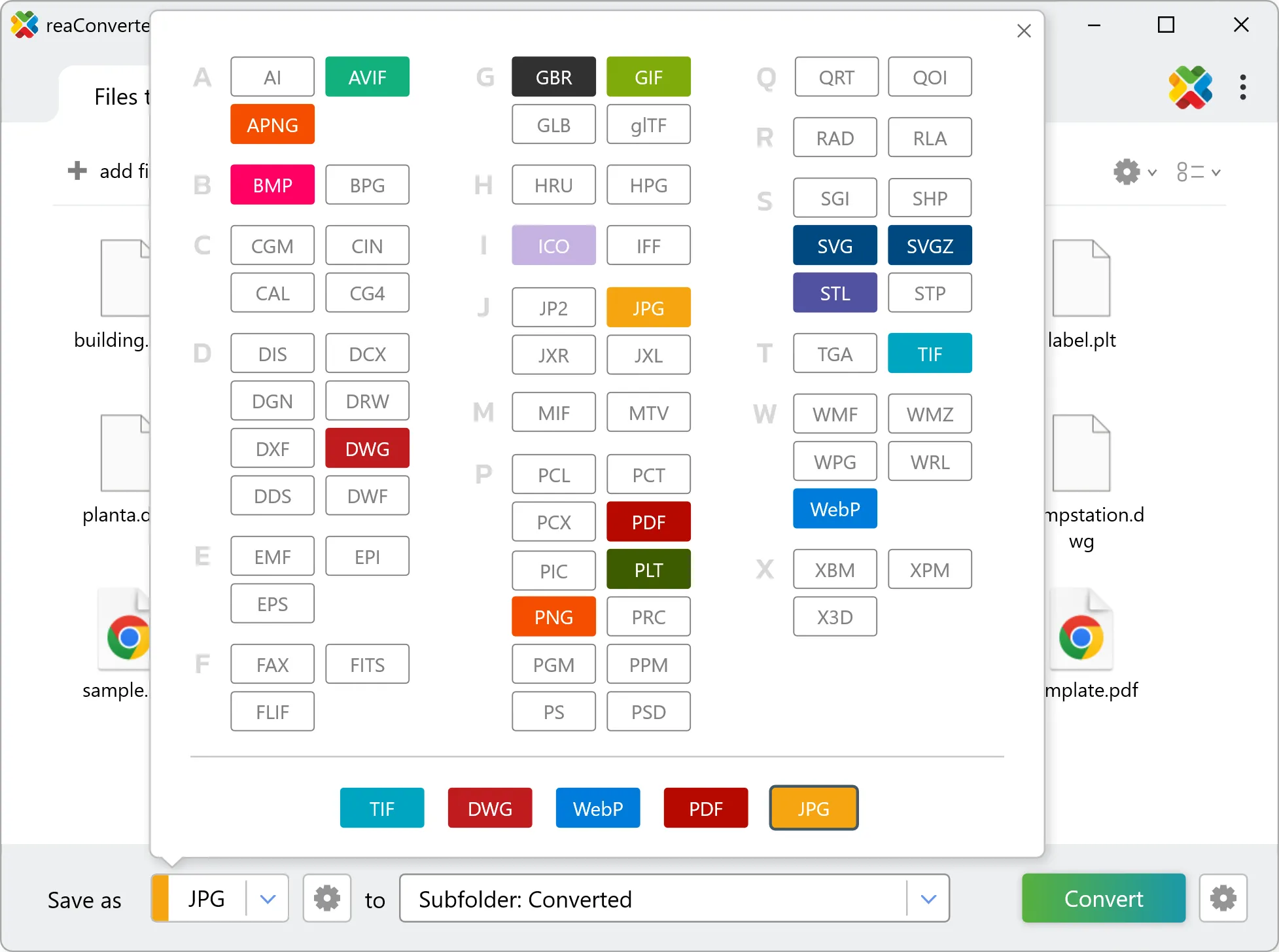
JP2 or JPEG 2000 is an improved version of JPEG, one of the most popular file formats for storing and transferring images. Compared to the latter, JP2 image files offer higher quality and smaller size images by using a different compression algorithm, which can be either lossy or lossless. JP2s are created using the JPEG2000 Core Coding application, but can also be obtained through conversion from other formats.
Can reaConverter convert PDS to JP2?
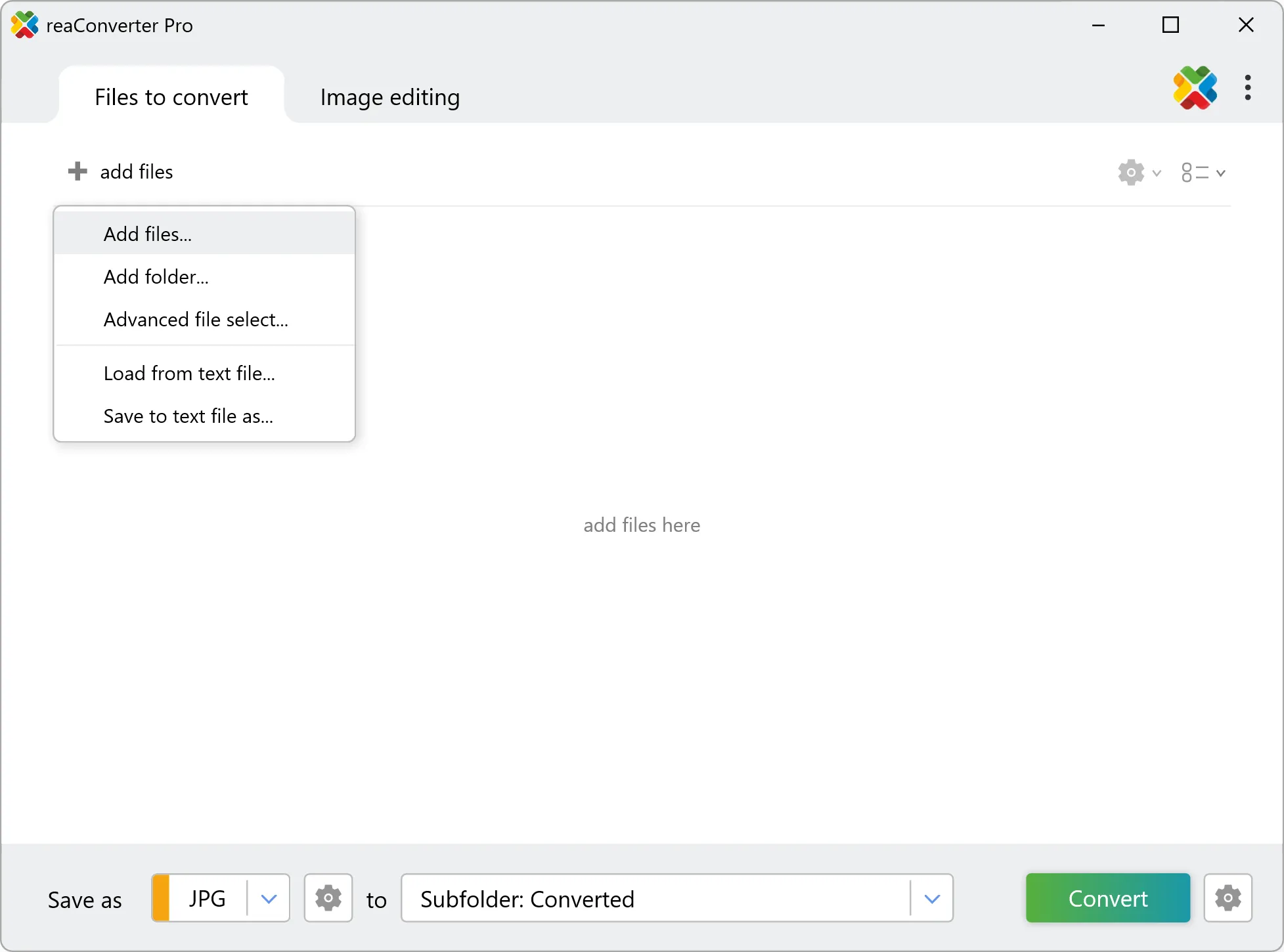
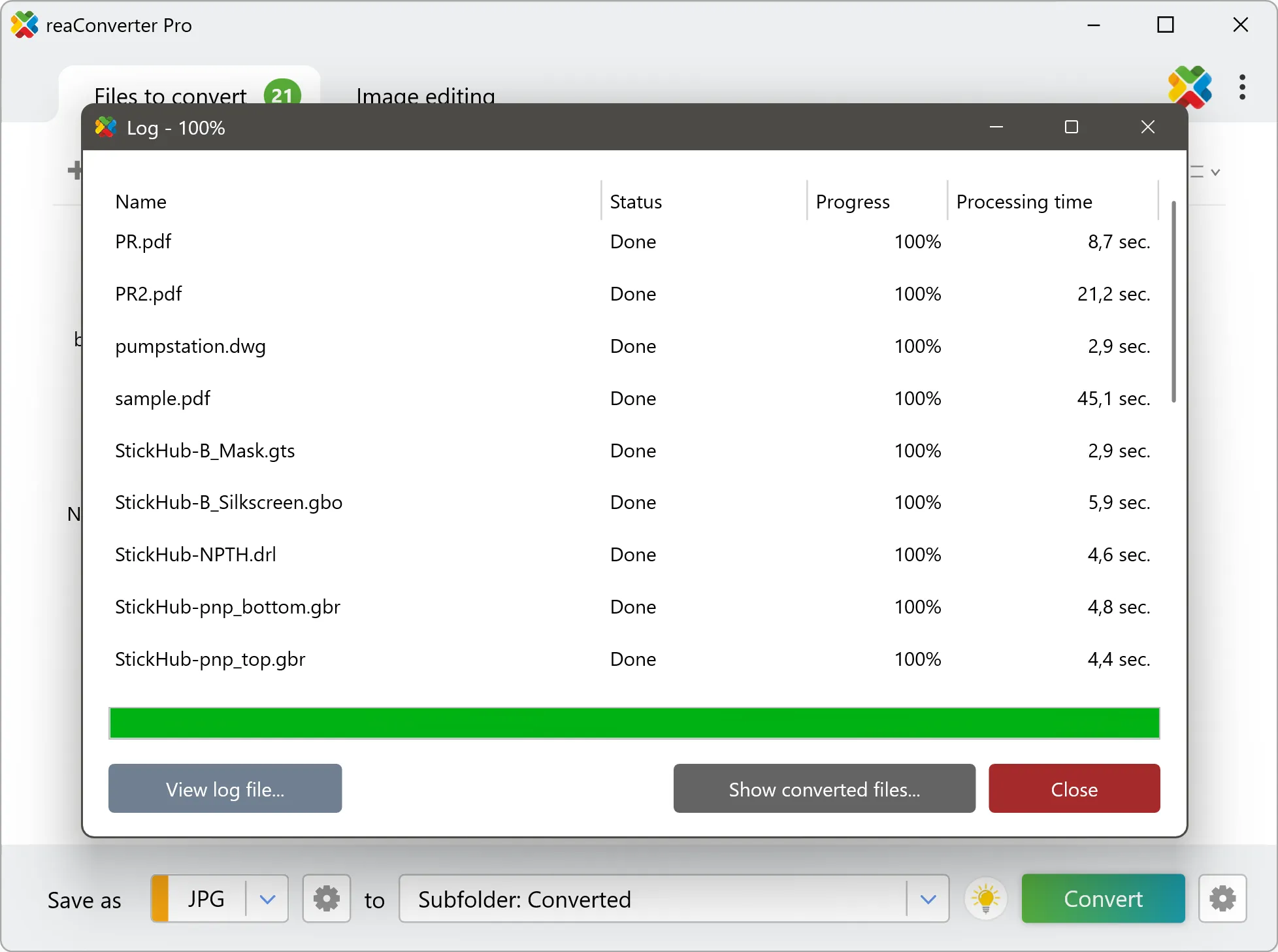
Yes! reaConverter instantly converts .pds to .jp2 with perfect quality preservation. With its batch processing feature, you can convert multiple files at once in just a few clicks. You can even convert PDS files directly from Windows Explorer using the right-click menu — fast and convenient.
Can I convert PDS to JP2 online?
If you only need to convert a few PDS files to JP2 format, feel free to try our free online free online PDS to JP2 converter — perfect for small batches with no installation needed!
How can I turn PDS files into JP2 on my computer?
The best way to change PDSs to JP2s on your PC is to install a quality piece of software, such as reaConverter. This software is extremely efficient in managing a wide range of batch files conversions, including conversion from PDS to JP2.
How can I automate PDS to JP2 files conversion?
reaConverter supports all the most useful automation features such as right-click сonversion and Watch Folders for the most efficient automated files conversion in any software of this type.
Is there a way to convert PDS files to JP2 using the command prompt?
reaConverter provides full access to all its features via Windows command line, including a high-performance command-line pds to jp2 converter for batch processing.
What else can I do with reaConverter?
Convert vector filesChange image DPIChange format settingsCopy IPTC dataConvert PDF files
Related conversions
Other ways to convert PDS files, and other sources that convert to JP2.