PLT → OBJ · Windows

Convert PLT to OBJ

Batch convert PLT to OBJ for easy sharing. reaConverter exports 3D models offline with control over output settings.

Got a folder full of PLT files? reaConverter batch converts them to OBJ in minutes, not hours. Local processing means instant results, even with thousands of files. 3D files convert without expensive modeling software licenses.

.plt.OBJ
4.8

Converting files since 2001

Runs offline — nothing uploaded

Read what our users say →

How to Convert Multiple .plt Files to .obj?

1. Download and Install reaConverter

Install reaConverter to convert PLT without CAD software. Lightweight setup, works independently on any Windows PC.

2. Load your PLT files

Open reaConverter and add your PLT files. You can load individual files, entire folders, or even nested subfolders.

Use drag-and-drop, folder browser, or right-click conversion from Explorer.

Load your PLT files into reaConverter

3. Select OBJ as output format

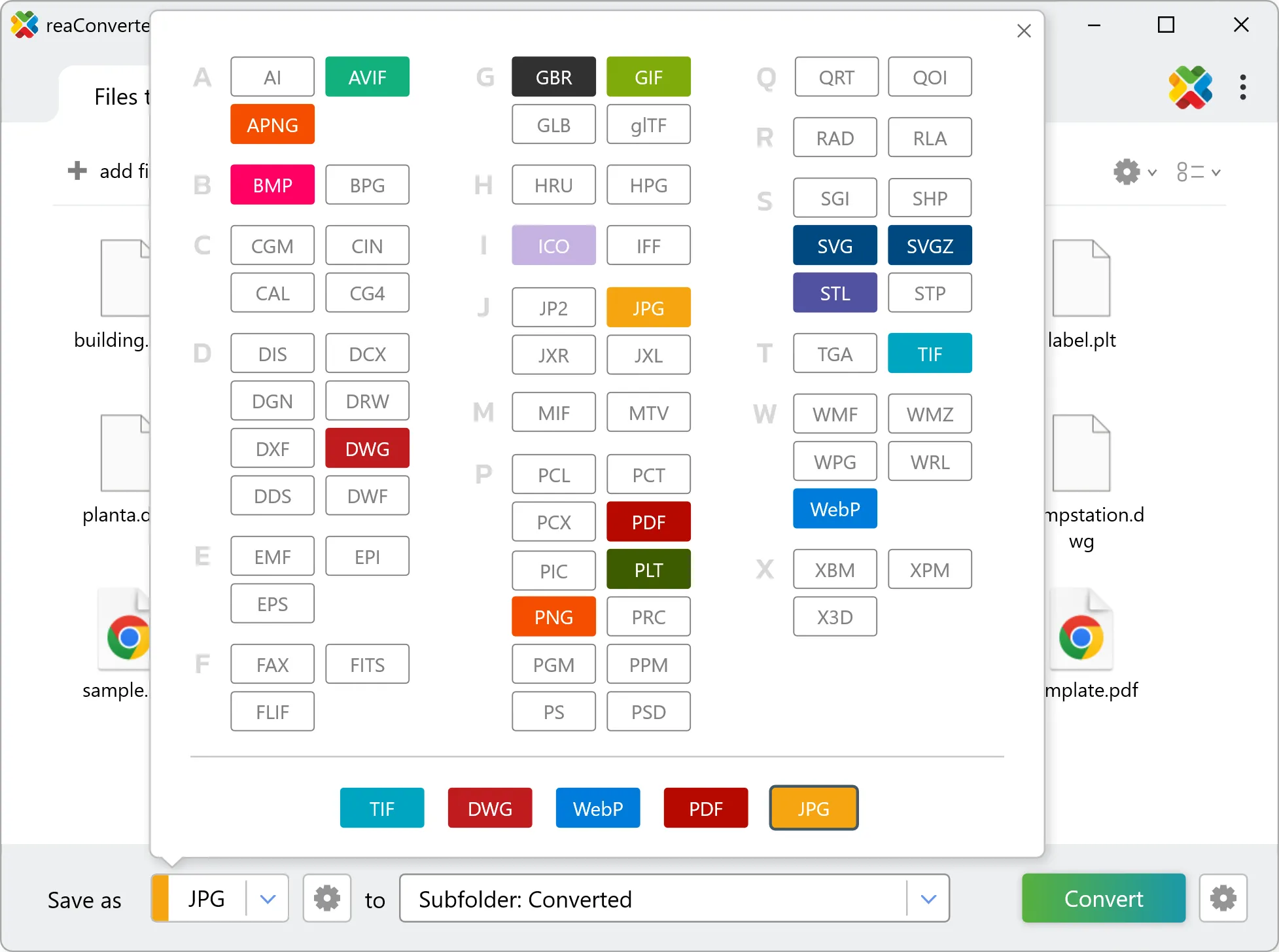
Pick OBJ as output format and choose the destination folder where you want to save new .obj files.

Select OBJ as output format

4. Start PLT to OBJ conversion

Click Convert to start the batch. reaConverter processes files quickly and shows you the status of each one.

Start Conversion

Once done, reaConverter shows a summary. Click 'Show converted files' to jump straight to your OBJ output.

Step by step

How It Works

reaConverter offers the fastest, simplest solution for converting your PLT files into OBJ without AutoCAD - all files processed on your PC for maximum privacy and speed.

Technical note

What changes when you convert PLT to OBJ

PLT is flat, so the conversion builds depth by extrusion: every closed outline is lifted to one height, set in millimetres in the 3D formats loading settings. An open line has no area to lift, so a drawing meant for extrusion needs closed contours. Every shape gets the same height, which suits plates, signs and logos, while parts at different heights need separate runs.

3D Workflow

From flat drawing to 3D model

Need a 3D OBJ from a flat PLT? reaConverter extrudes the outlines to the height you set and processes a whole folder in one run.

  • Set the extrusion height in millimetres before the run
  • Keep unreleased designs and client models on your PC: nothing is uploaded
  • Script the job from the command line for pipelines and scheduled runs
3D model conversion

User reviews

What people say after the first batch

Average User Rating:4.8
Last updated on October 14, 2026
Our laser-cutting shop receives PLT files daily from clients. reaConverter automates the process of turning them into DXF for our machines—saving us hours of manual work in specialized CAD software.
Andrew B. Martin
Andrew B. Martin
Satisfied Customer
We evaluated several tools for automating PLT to raster conversions, and reaConverter stood out for its reliability and command-line flexibility. The software integrates seamlessly into our custom scripts, enabling fully automated processing of architectural drawings for archiving and distribution. The Watch Folders functionality adds an additional layer of automation, making it easy to trigger complex conversion workflows with zero manual input. reaConverter has become a critical component in our document management pipeline.
Alexander K.
Alexander K.
CAD Systems Engineer
One of the few tools that correctly interprets PLT files without corrupting vector data. A must-have if you work with plotters or legacy CAD systems.
M. Roberts
M. Roberts
Satisfied Customer
We regularly work with PLT files from various CAD systems, and reaConverter has proven to be the most efficient solution for batch converting them into accessible formats like PDF and TIFF. Its ability to handle PLT files accurately, without losing line weights or scaling, is essential for maintaining the integrity of our technical drawings. Combined with command-line support and Watch Folder automation, it fits perfectly into our production workflow, saving hours of manual processing each week.
Martina S.
Martina S.
Technical Documentation Specialist
This software just works! My old laptop can’t handle Photoshop, but reaConverter flies through conversions without breaking a sweat. Wi-Fi gone? Still strong!
Robert Williams
Robert Williams
Happy User
Rare software that actually does it all! Converts anything, beautiful interface, and never lets me down. A must-have!
Henry R.
Henry R.
Happy User

FAQ

PLT to OBJ Conversion

Can reaConverter convert PLT to OBJ?

Yes! reaConverter instantly converts .plt to .obj with perfect quality preservation. With its batch processing feature, you can convert multiple files at once in just a few clicks. You can even convert PLT drawings directly from Windows Explorer using the right-click menu — fast and convenient.

What is reaConverter used for?

reaConverter is a Windows converter for 800+ formats, 3D models among them. For PLT to OBJ it replaces the round trip through Blender, a CAD program or an upload form: add the files, pick the output format, and the whole batch converts offline. Engineers, 3D printing shops and product teams use it to move models between CAD, printing, web and documentation formats.

Why choose offline conversion with reaConverter?

reaConverter is a software program that is used for offline files conversion. Your proprietary documents never leave your computer – essential for architects, engineers, healthcare and government contractors handling classified projects. Meets GDPR, HIPAA, CCPA, and corporate security policies by ensuring files never cross borders or third-party systems.

Can I convert PLT to OBJ online?

If you only need to convert a few PLT files to OBJ format, feel free to try our free online free online PLT to OBJ converter — perfect for small batches with no installation needed! reaConverter Online never stores or shares any data uploaded by users, ensuring complete privacy and security for all file conversions.

How can I turn PLT files into OBJ on my computer?

The best way to change PLTs to OBJs on your PC is to install a quality piece of software, such as reaConverter. This software is extremely efficient in managing a wide range of batch files conversions, including conversion from PLT to OBJ.

How can I automate PLT to OBJ files conversion?

reaConverter supports all the most useful automation features such as right-click сonversion and Watch Folders for the most efficient automated files conversion in any software of this type.

Is there a way to convert PLT files to OBJ using the command prompt?

reaConverter provides full access to all its features via Windows command line, including a high-performance command-line plt to obj converter for batch processing.

What else can I do with reaConverter?

Change format settingsCopy metadata (EXIF, IPTC)Convert vector filesChange DPIConvert GIS files

Related conversions

Other ways to convert PLT files, and other sources that convert to OBJ.
Discover More

Beyond format conversion

Batch conversion, editing, and processing across 800+ formats, from RAW and HEIC to DICOM, DWG, and PDF. Everything runs locally, with no cloud and no upload limits.

Free trial · Windows 10/11 · v8.0.259 · Files never leave your computer

reaConverter software