100% Secure & Private
PPTM Converter
Convert PPTM files on your own machine instead of an upload form. reaConverter processes everything locally, with no size limits.



How to Convert .pptm Files in Bulk
1. Install reaConverter

2. Select PPTM Files

3. Start Conversion
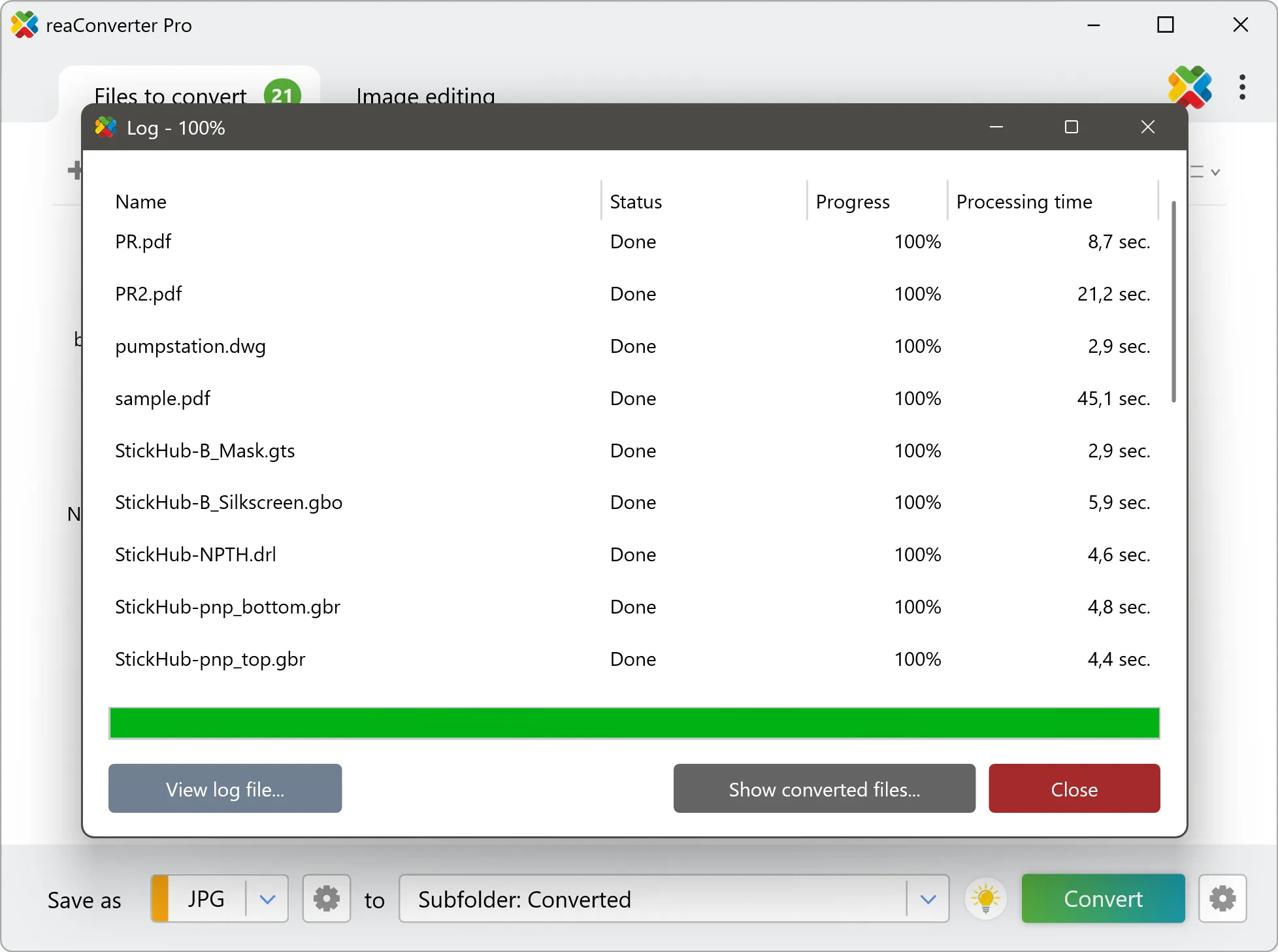
Step by step
See It in Action
For quick and effortless PPTM file handling on your PC, reaConverter offers powerful conversion tools with batch processing. Best of all, it works entirely offline — ensuring your sensitive data never leaves your computer.
Extra Tools
Do more with your documents
Converting PPTM documents for use in a larger project? reaConverter offers many ways to process documents, so you can customize them according to your requirements.
Our range of editing options includes auto-processing options such as auto-rotate, auto-crop, watermarking and more. Change Color Space, copy Metadata, set DPI, manage ICC Profile, control Bit Depth.

User reviews
From those who tried it
Average User Rating:Last updated on July 28, 2026




Questions & Answers
PPTM documents: Frequently Asked Questions
What are PPTM files?
PPTM is the macro-enabled version of the PPTX presentation format. In the file names of Office Open XML, the letter x means a standard format without macros, and the letter m means that macros are allowed. A PPTM file has the same structure as a PPTX file, a ZIP package with XML parts for slides, layouts, masters, themes, and media, and in addition it carries a VBA project with the code of the macros. PowerPoint saves a presentation with macros only in this format, and if the same file is saved as PPTX, the macros are removed. Macros are disabled by default, and the program shows a security warning, and in protected view the presentation can be read, but the macros do not run and editing is restricted. Because macros can contain malicious code, files of this type are often treated with caution by mail filters. Supported by Microsoft PowerPoint.
Can reaConverter open PPTM files?
reaConverter fully supports the PPTM document format – open, edit, and export PPTM files to any other popular file format with ease.
How do I change PPTM to another format?
reaConverter is a user-friendly tool for converting PPTM files. Once installed on your computer, it allows you to convert all your .pptm files at once with just a few clicks. You can even convert PPTM documents directly from Windows Explorer using the right-click menu — fast and convenient.
Why choose offline conversion with reaConverter?
Keep your sensitive data 100% private with offline processing that never exposes files to cloud risks. Our software meets strict compliance standards (GDPR, HIPAA, CCPA) while handling confidential documents for legal, healthcare and financial sectors.
Can I convert PPTM online?
If you only want to convert a few PPTM documents, you are welcome to try our free online PPTM converter.
How can I turn PPTM files on my computer to another format?
The best way to convert PPTM documents on your PC is to get a quality piece of software, such as reaConverter. This software is extremely efficient in managing a wide range of batch files conversions, including conversion from PPTM.
How can I automate PPTM files conversion?
reaConverter supports all the essential automation features, such as right-click сonversion and Watch Folders, for the most efficient automated file conversion in any software of its kind.
Can I convert PPTM files using scripts or the command-line interface?
reaConverter provides full access to all its features from the Windows command-line shell, including the command-line pptm converter.
What else can I do with reaConverter?
Convert RAW formatsConvert CAD formatsSet file dateConvert Gerber imagesChange image color space
What formats can I convert a PPTM file to?
Discover More
Beyond PPTM conversion
Convert .pptm files in batches of any size, with editing and processing applied along the way. The same tool also handles 800+ other formats, including CAD, medical imaging, and GIS.
