FAQ
PVR to PSD Conversion
What are PVR files?
PVR is a GPU-ready texture container format developed by Imagination Technologies for PowerVR graphics hardware and widely adopted across mobile, embedded, and game development pipelines. A file of this type stores pre-compressed or uncompressed 2D, 3D, cubemap, and texture-array assets—complete with full mipmap chains—so graphics APIs such as OpenGL ES, Vulkan, and Metal can upload them directly into video memory without CPU decompression. While best known for hardware-accelerated PVRTC and PVRTC2 compression used on iOS and PowerVR-powered devices, the v3 container also supports ETC1, ETC2, ASTC, BCn (DXT/BPTC), and standard uncompressed pixel formats.
What are PSD files?
PSD is the default format for handling images using Adobe Photoshop and it represents a layered image file. PSDs allow later editing of available layers, including transparency, masks, alpha channels and texts, among others. After applying all desired editing, PSD files can be saved in Photoshop under more easily recognizable formats, such as JPEG or PNG, which are also smaller in size but flatten the image and hence do not allow later editing of layers.
Can reaConverter convert PVR to PSD?
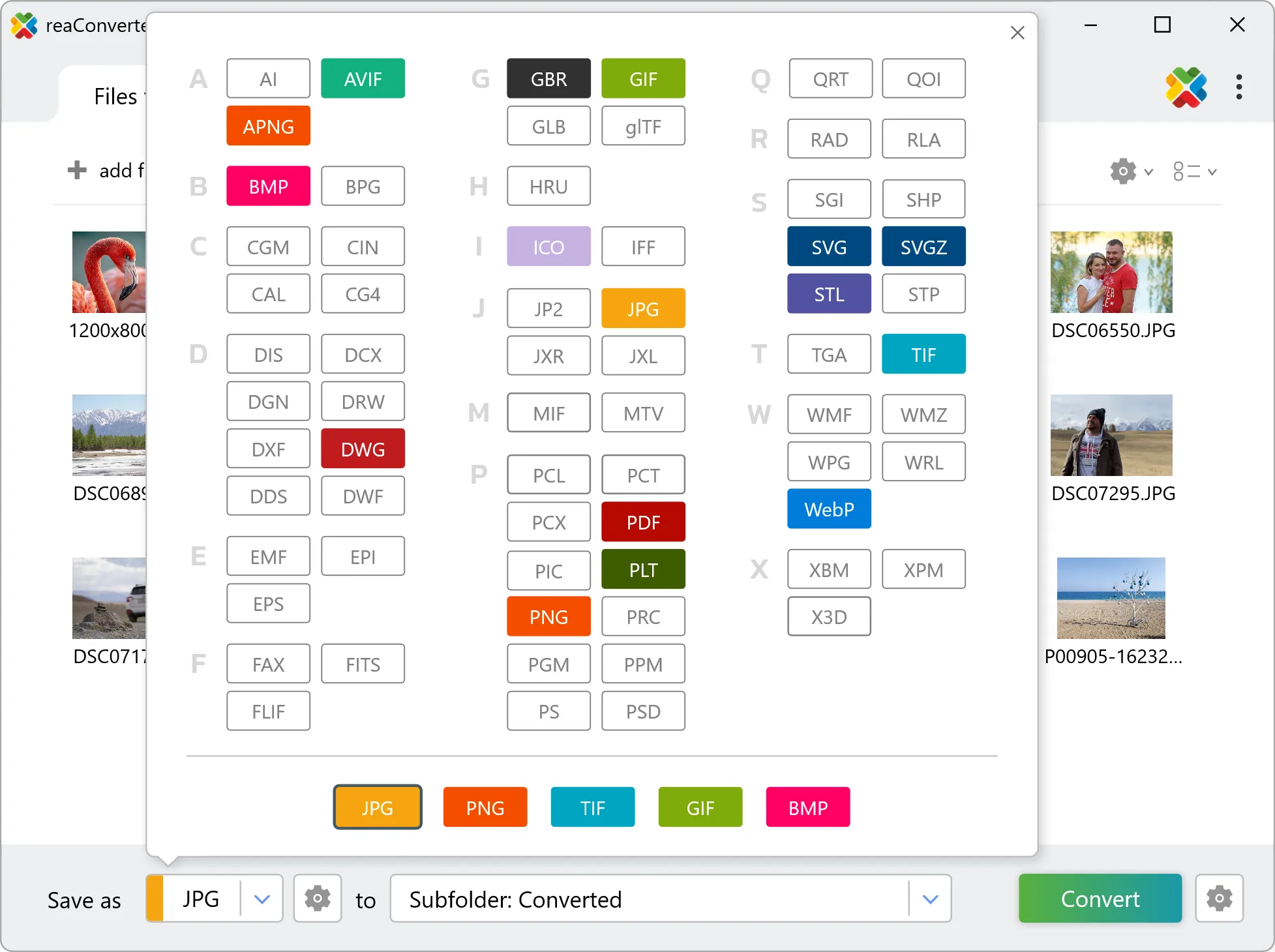
Yes! reaConverter instantly converts .pvr to .psd with perfect quality preservation. With its batch processing feature, you can convert multiple files at once in just a few clicks. You can even convert PVR images directly from Windows Explorer using the right-click menu — fast and convenient.
What is reaConverter used for?
reaConverter is a software program used for converting images and other types of files from one format to another. It supports a wide range of file formats and allows users to convert multiple files at once, making it a valuable tool for graphic designers, photographers, and other professionals who work with digital images. reaConverter also includes features for resizing, cropping, and editing images, along with batch processing capabilities that help automate repetitive tasks.
Can I convert PVR to PSD in my browser?
Yes — with our free web-based PVR to PSD converter, you can convert .pvr files instantly, right in your browser. No installation, no uploads — perfect for quick, local conversions.
How can I turn PVR files into PSD on my computer?
The best way to change PVRs to PSDs on your PC is to install a quality piece of software, such as reaConverter. This software is extremely efficient in managing a wide range of batch files conversions, including conversion from PVR to PSD.
How can I automate PVR to PSD files conversion?
reaConverter supports all the most useful automation features such as right-click сonversion and Watch Folders for the most efficient automated files conversion in any software of this type.
Is there a way to convert PVR files to PSD using the command prompt?
reaConverter provides full access to all its features via Windows command line, including a high-performance command-line pvr to psd converter for batch processing.
What else can I do with reaConverter?
Convert PDFAdd watermark on imageConvert Gerber imagesConvert picture color spaceConvert vector images
Related conversions
Other ways to convert PVR files, and other sources that convert to PSD.