How to Convert Multiple .rpm Files to .ply?
1. Download and Install reaConverter
Download reaConverter and install it in seconds. The setup is straightforward — no complex configuration, no extra software required.

2. Load your RPM files
Load your RPM files into reaConverter. You can add individual files or point to folders, and the software will queue everything automatically.
Select RPMs from a folder or drag-and-drop them directly into the reaConverter window.

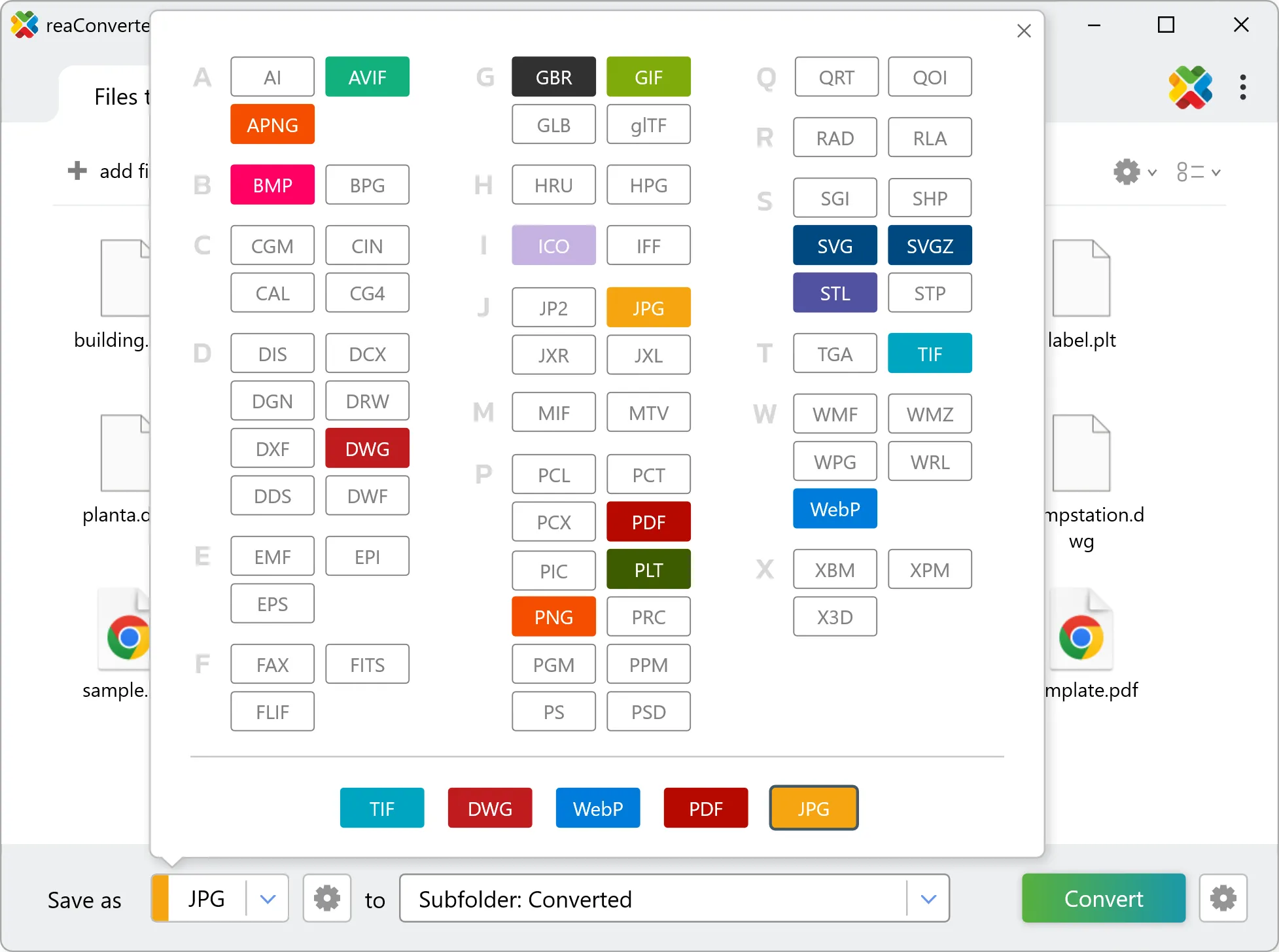
3. Select PLY as output format
Choose PLY for output and set your save location. reaConverter lets you customize quality and apply edits before conversion.
4. Start RPM to PLY conversion
Press the Convert button and reaConverter takes care of the rest. Processing time depends on file size and volume.

After processing, find all your new .ply files in the output location. The log shows details for each conversion.