


How to Convert Multiple SR2 Images to SHP?
1. Download and Install reaConverter
Download reaConverter and install it in seconds. The setup is straightforward — no complex configuration, no extra software required. Apply image edits like resize, crop, or color adjustment while converting.

2. Load your SR2 files
Add your SR2 files to reaConverter. Whether it's a handful or an entire archive, the batch engine processes them efficiently.
Drag files into the window, use the Add Files button, or select entire folders.

3. Select SHP as output format
Set SHP as output format and select where to save your converted files. Customize quality settings if needed.
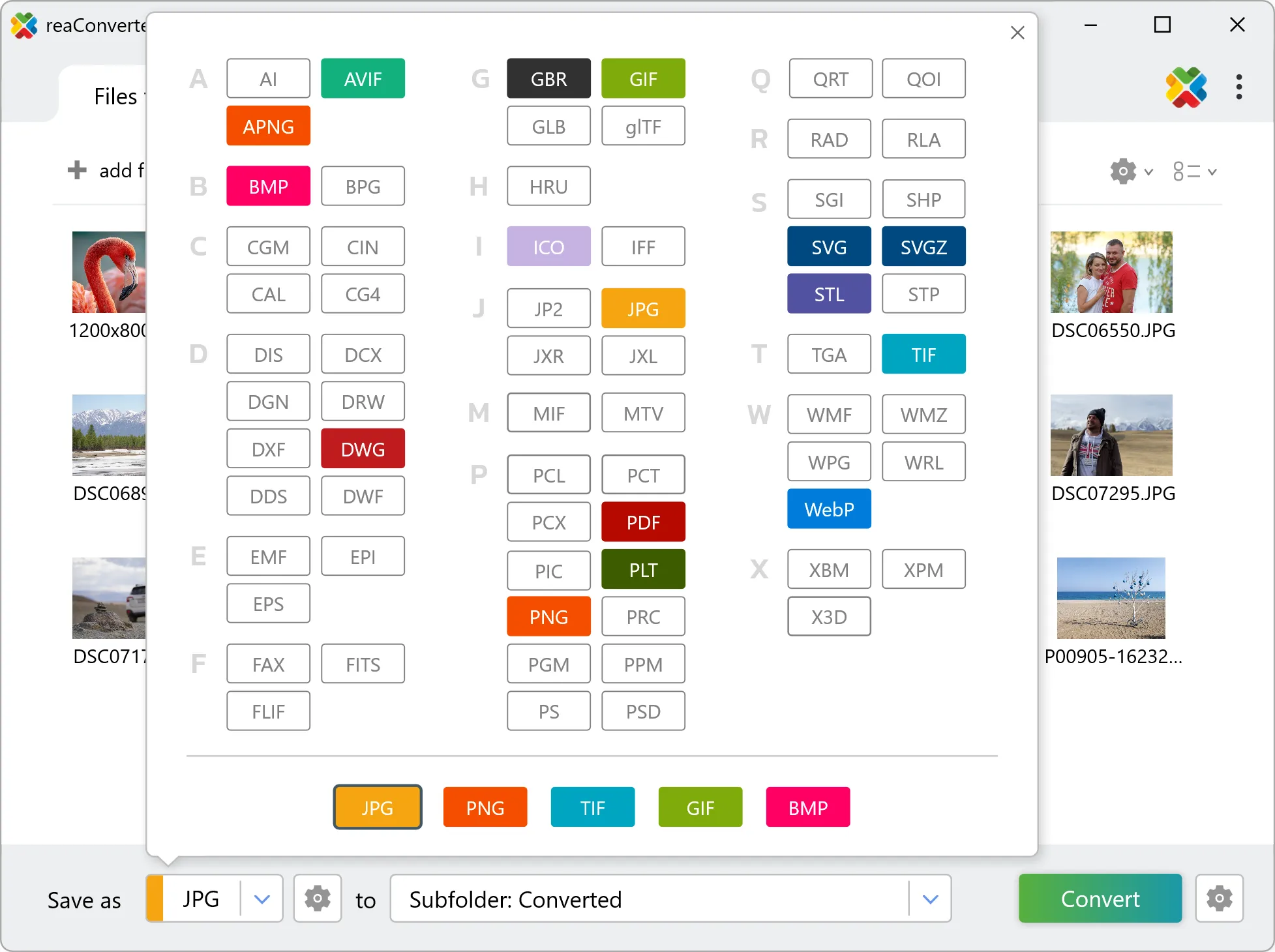
4. Start SR2 to SHP conversion
Hit Convert to process your files. The log window shows progress, timing, and status for every file.

Conversion complete? Your SHP files are saved to the destination folder, ready to use.
Before you convert SR2 to SHP
SR2 files hold unprocessed sensor data, so white balance and exposure are still adjustable. Converting to SHP bakes those decisions into the pixels, and highlight recovery is no longer available afterwards. Set white balance and exposure before the run rather than after. SR2 is made of pixels and SHP is a geometry format, so the two describe images in fundamentally different ways. Check the result before sending it downstream: what matters is whether the output contains editable geometry or a picture placed inside a SHP container, and that determines whether a CAD or design tool can work with it.