How to Convert Multiple .tn1 Files to .ply?
1. Download and Install reaConverter
Download reaConverter and install it in seconds. The setup is straightforward — no complex configuration, no extra software required.

2. Load your TN1 files
Open reaConverter and import your .tn1 files. No file limits, no slowdowns. Add as many as you need.
Drag files into the window, use the Add Files button, or select entire folders.

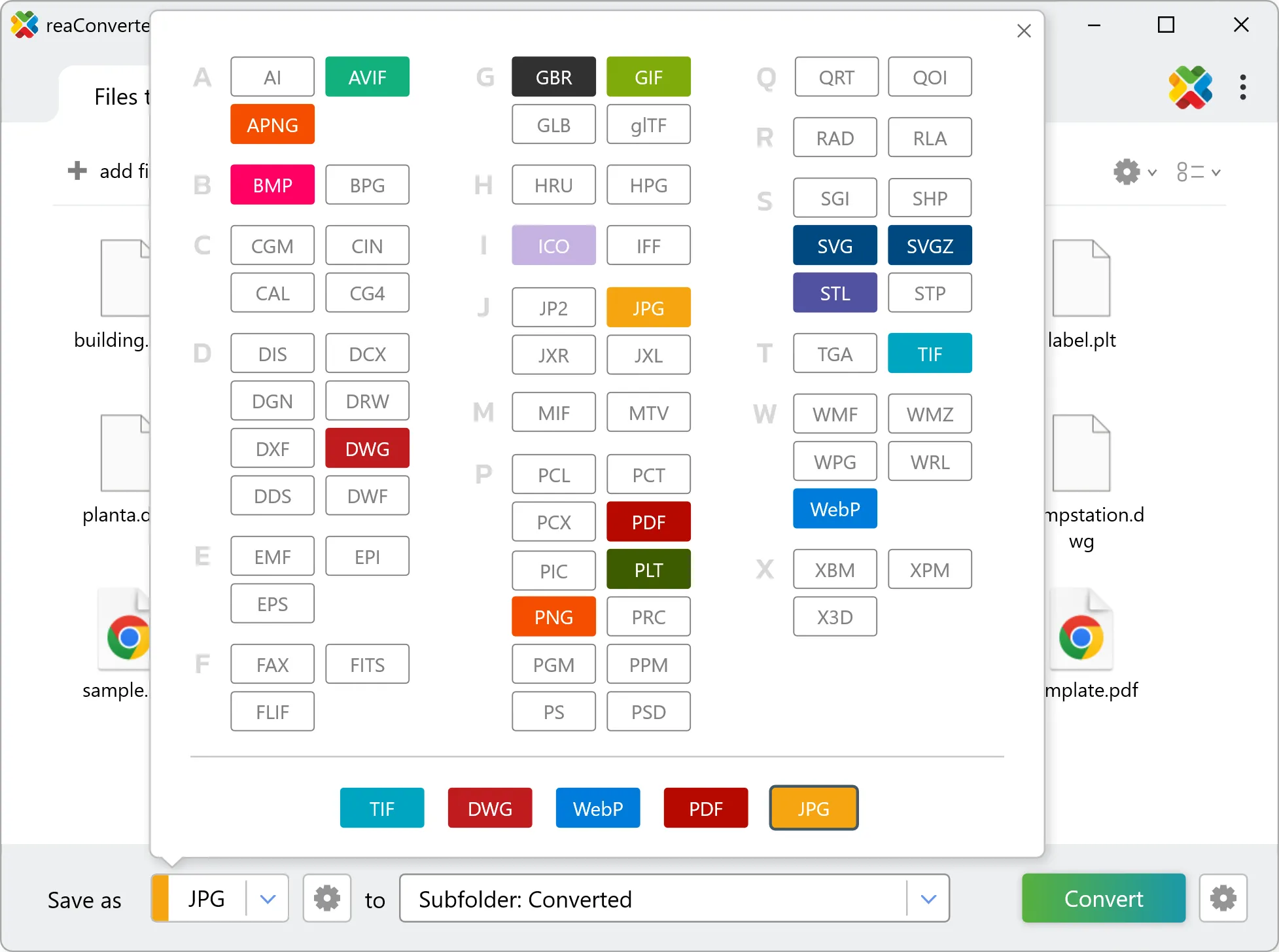
3. Select PLY as output format
Select PLY as target format and pick where to save results. You can keep default settings or fine-tune the output.
4. Start TN1 to PLY conversion
Hit Convert to process your files. The log window shows progress, timing, and status for every file.

Conversion complete? Your PLY files are saved to the destination folder, ready to use.