How to Convert Multiple .upi Files to .ply?
1. Download and Install reaConverter
reaConverter installs quickly on any Windows PC. No dependencies, no bloatware — just a clean setup that's ready to use immediately.

2. Load your UPI files
Add UPI files to reaConverter. One file or a thousand, the process is the same. Everything runs locally on your machine.
You can drag-and-drop files, browse to a folder, or add entire directory trees including subfolders.

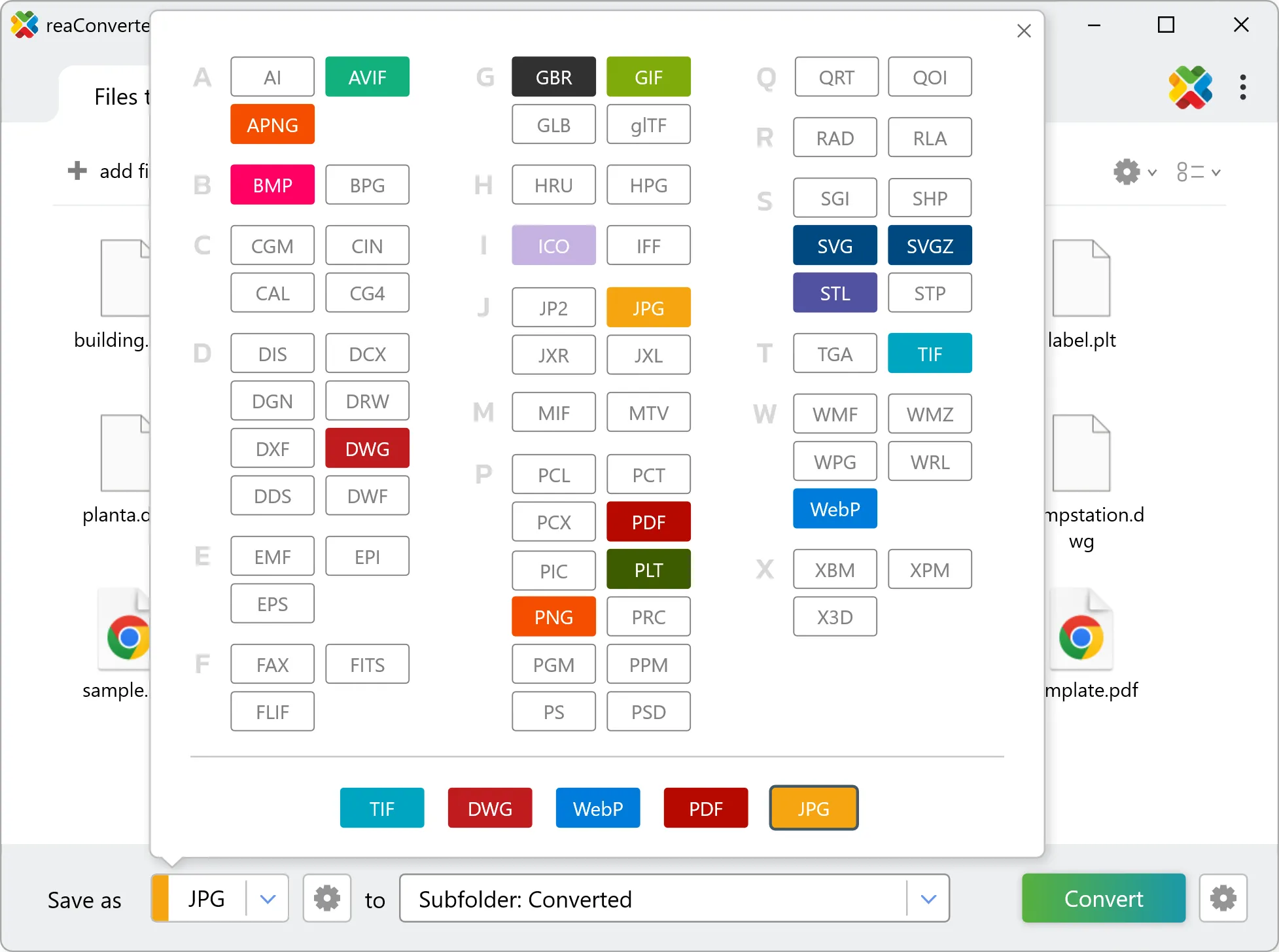
3. Select PLY as output format
Select PLY from the output format list and set your destination folder. You can also adjust quality and compression settings.
4. Start UPI to PLY conversion
Click the Convert button to start. reaConverter will process all your files with the settings you selected.

When finished, your new .ply files will be waiting in the destination folder.