FAQ
VDX to DDS Conversion
What are VDX files?
VDX is the Visio XML Drawing format introduced with Visio 2003 as a plain-text alternative to the binary VSD. A file of this type is a single uncompressed XML document that describes the pages, shapes, masters, styles, colors, fonts, and shape data of a diagram, so it can be read, searched, and generated by programs other than Visio. It was widely used for integration with databases, workflow tools, and reporting systems, and it was kept as a save option in Visio 2007 and 2010. Because nothing is compressed, VDX files are noticeably larger than VSD or VSDX files of the same diagram, and embedded images are stored as encoded text.
What are DDS files?
DDS (DirectDraw Surface) is an image file format that usually contains texture data, cubic environment maps or other type of data compressed using the S3TC (S3 Texture Compression) algorithm. The DDS format was first associated with Microsoft's DirectX 7.0 and later on with DirectDraw, a tool for accelerating the rendering of graphics in various applications. DDS is a container file and can be decompressed using a graphics processing unit (GPU).
Can reaConverter convert VDX to DDS?
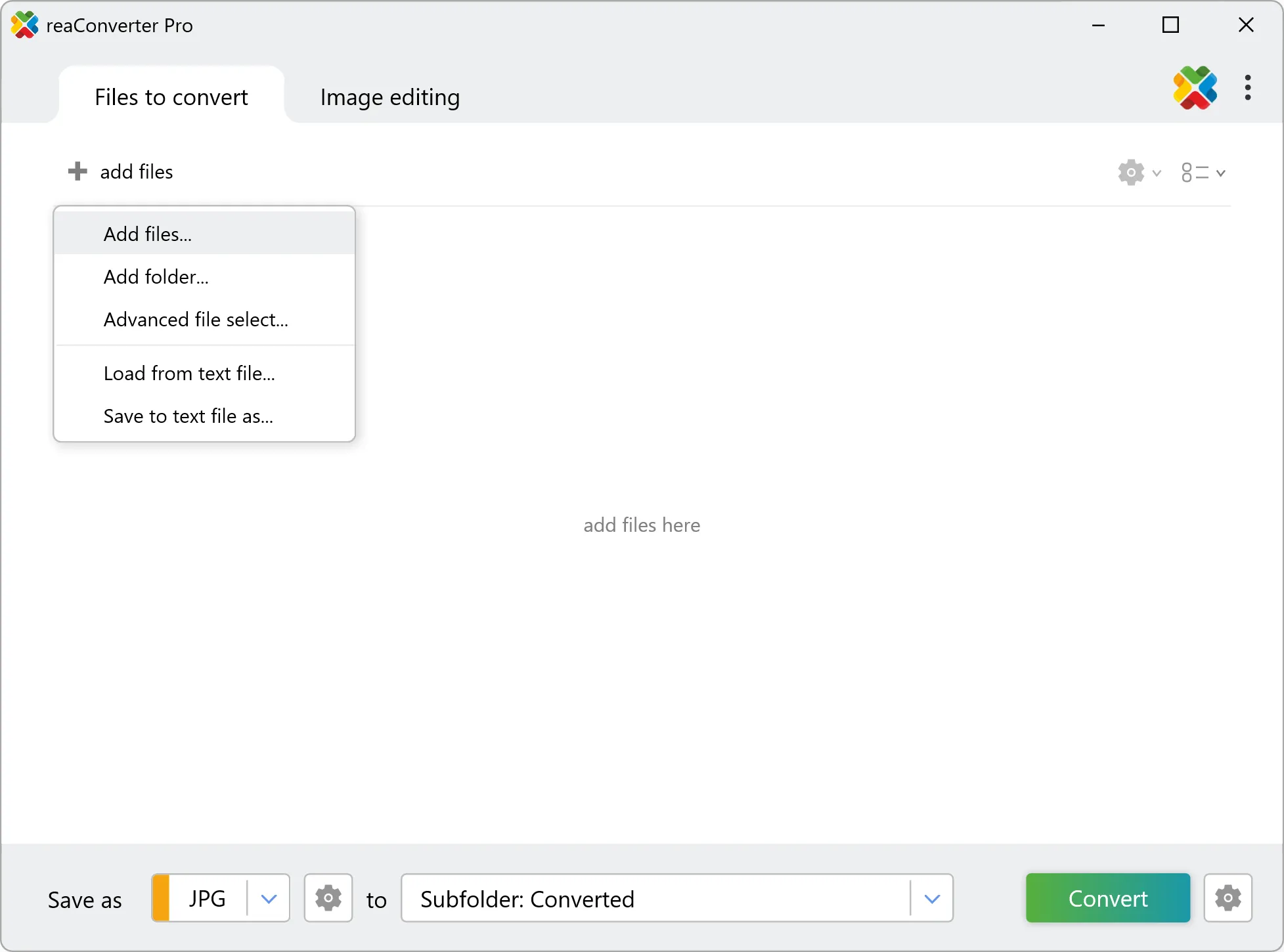
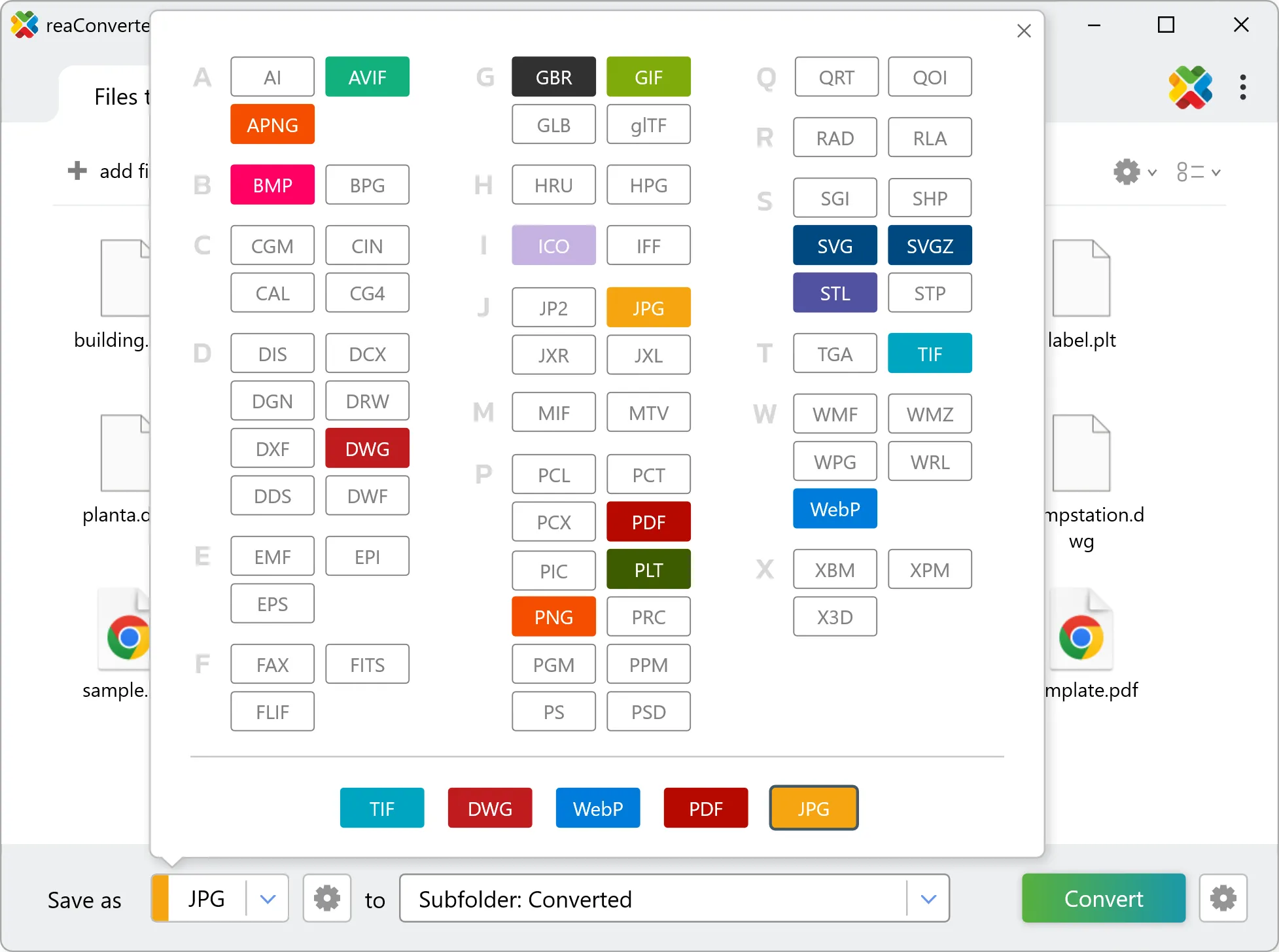
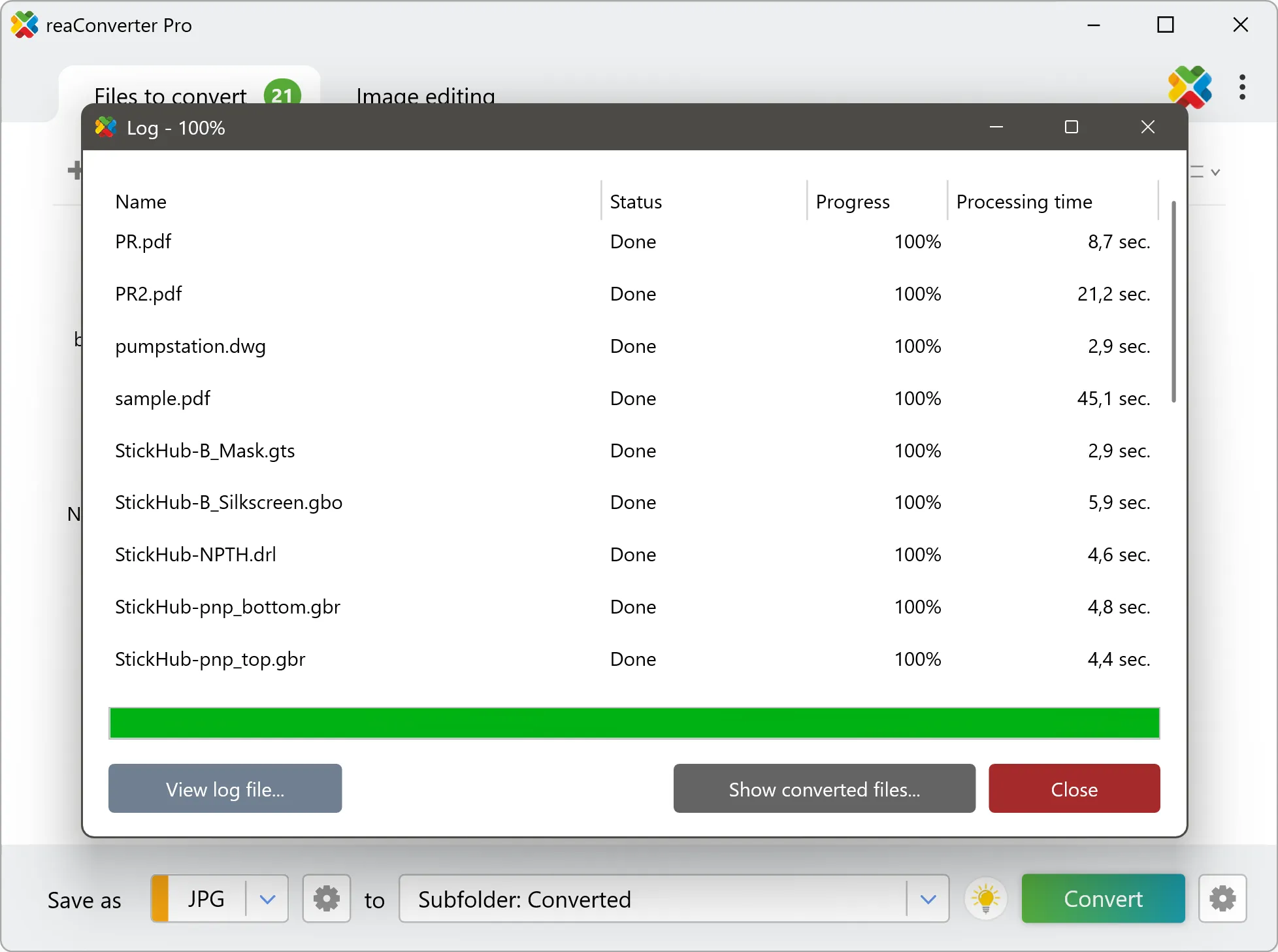
Yes! reaConverter instantly converts .vdx to .dds with perfect quality preservation. With its batch processing feature, you can convert multiple files at once in just a few clicks. You can even convert VDX documents directly from Windows Explorer using the right-click menu — fast and convenient.
Why choose offline conversion with reaConverter?
reaConverter is a software program that is used for offline files conversion. Your proprietary documents never leave your computer – essential for architects, engineers, healthcare and government contractors handling classified projects. Meets GDPR, HIPAA, CCPA, and corporate security policies by ensuring files never cross borders or third-party systems.
Can I convert VDX to DDS online?
If you only need to convert a few VDX files to DDS format, feel free to try our free online free online VDX to DDS converter — perfect for small batches with no installation needed! reaConverter Online never stores or shares any data uploaded by users, ensuring complete privacy and security for all file conversions.
How can I turn VDX files into DDS on my computer?
The best way to change VDXs to DDSs on your PC is to install a quality piece of software, such as reaConverter. This software is extremely efficient in managing a wide range of batch files conversions, including conversion from VDX to DDS.
How can I automate VDX to DDS files conversion?
reaConverter supports all the most useful automation features such as right-click сonversion and Watch Folders for the most efficient automated files conversion in any software of this type.
Is there a way to convert VDX files to DDS using the command prompt?
reaConverter provides full access to all its features via Windows command line, including a high-performance command-line vdx to dds converter for batch processing.
What else can I do with reaConverter?
Convert CAD formatsSet file dateConvert raster to vectorSet picture bit depthConvert RAW formats
Related conversions
Other ways to convert VDX files, and other sources that convert to DDS.