How to Convert Multiple VIC Files to SVGA?
1. Download and Install reaConverter
reaConverter is quick to download, install and launch. This standalone software is extremely efficient in managing a wide range of batch conversions. reaConverter is incredibly powerful and boasts an extensive variety of features.

2. Load your VIC files
Start reaConverter and load all the .vic files you intend to convert into .svga. The software supports multiple VIC conversion and processes all files locally on your computer.
Select VICs from a folder or by drag-and-dropping them directly into the reaConverter window.

3. Select SVGA as output format
Pick the SVGA as output format and choose the destination folder where you want to save new .svga files.
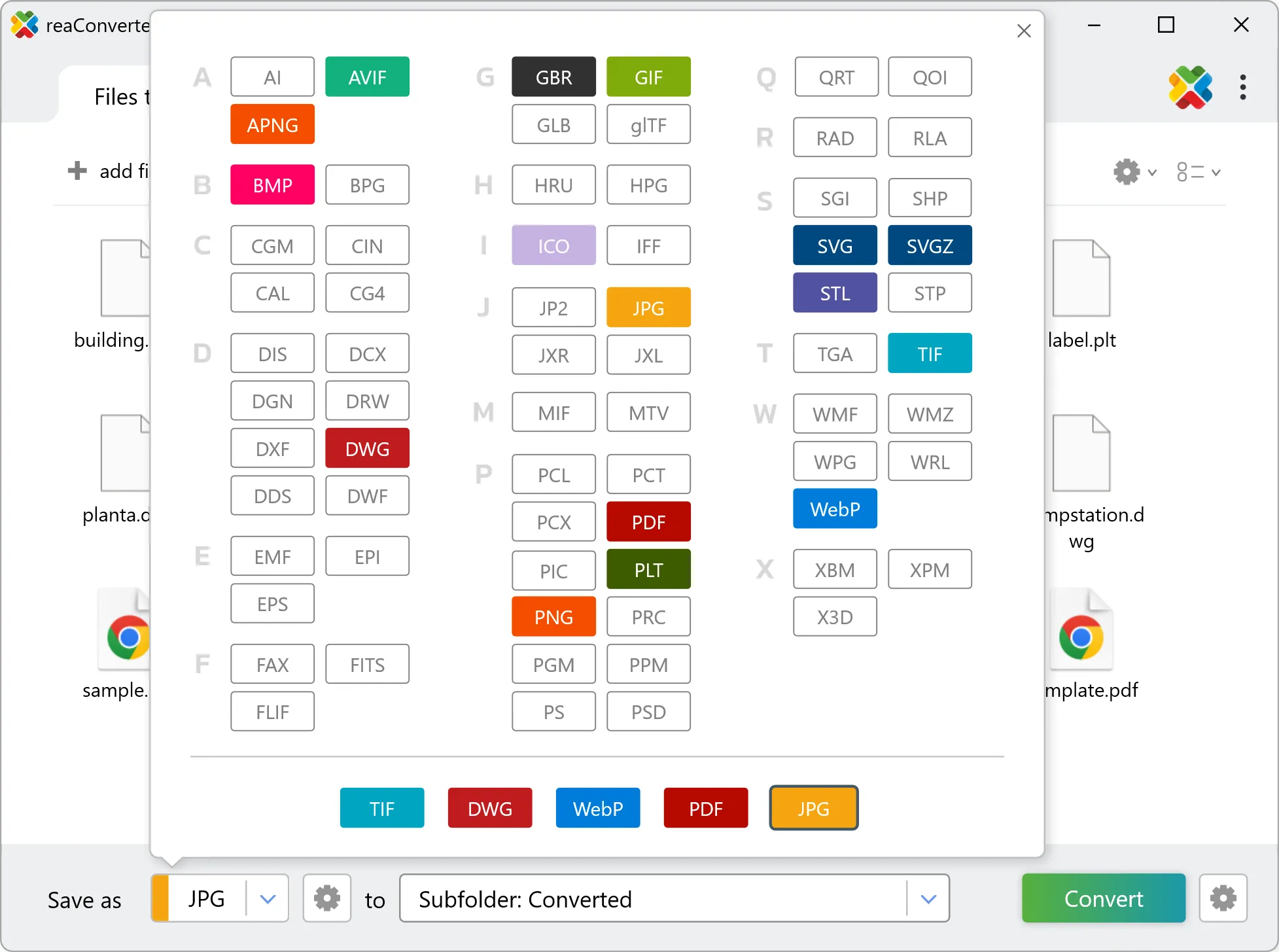
4. Start VIC to SVGA conversion
Then simply press Convert button and your conversion will begin in no time!

Once the conversion is complete, you can find your SVGA files in the destination folder you selected.