FAQ
ASEPRITE to BMP Conversion
What are ASEPRITE files?
ASEPRITE is the native project file format used by Aseprite, a popular pixel-art editor and 2D sprite animation tool. A file of this type stores a complete working sprite project—preserving multiple layers, layer groups, opacity and blend modes, frame-by-frame animation timelines, frame durations, animation tags, color palettes, slices, and tilemaps—without flattening the artwork. Game developers and pixel artists use ASEPRITE files as non-destructive source files while designing characters, tilesets, UI icons, and animated effects.
What are BMP files?
The BMP or Bitmap file format is a popular raster graphic format, compatible with a wide array of image processing software, both on PC and Mac computers. BMP files store grids of pixels and detailed information concerning color tones and shades, and are highly appreciated for their ability to provide increased quality images. However, due to the lack of any compression algorithm in storing pixel data, BMP images can often be very large in size and thus difficult to store or transfer.
Can reaConverter convert ASEPRITE to BMP?
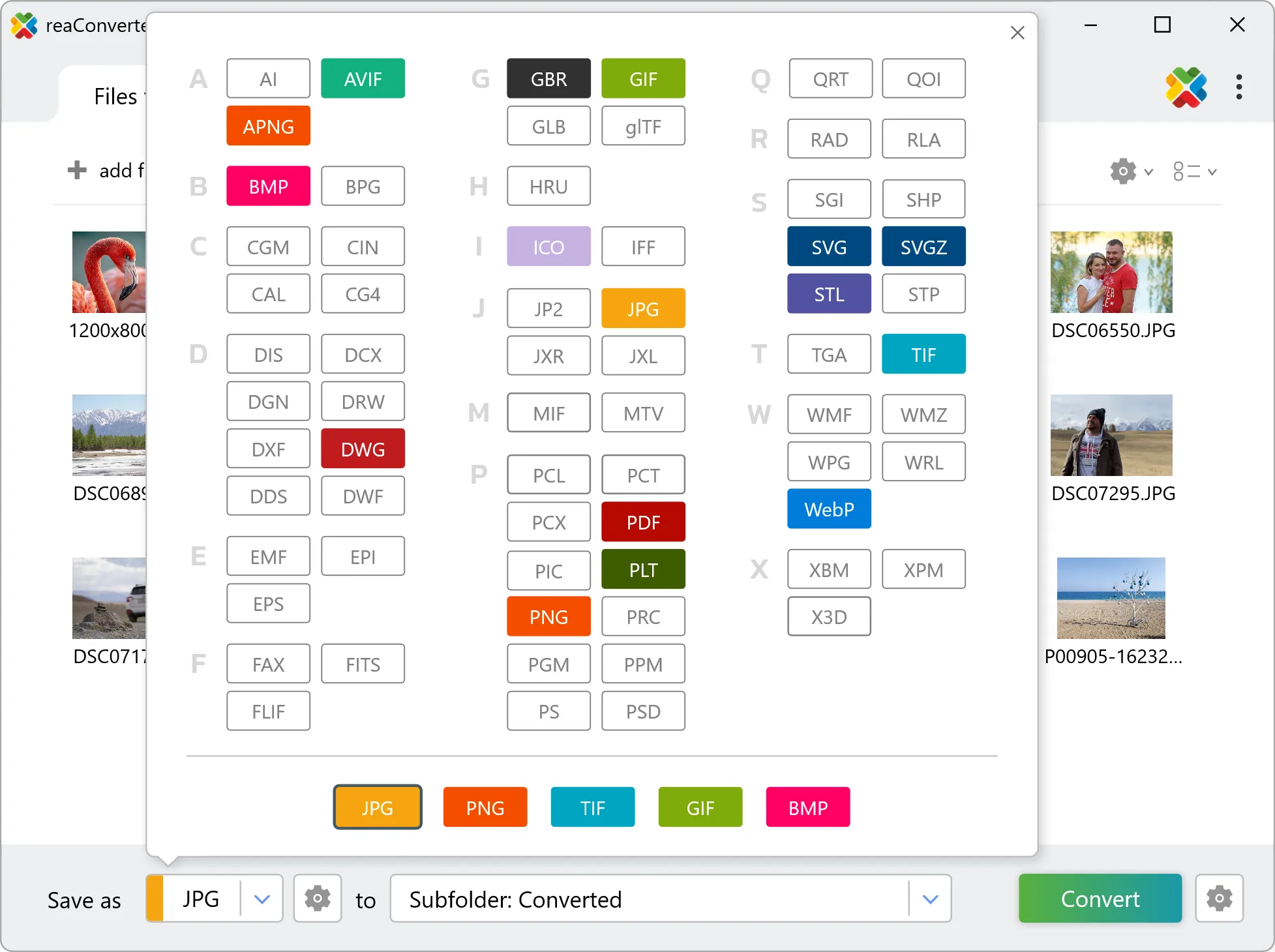
Yes! reaConverter instantly converts .aseprite to .bmp with perfect quality preservation. With its batch processing feature, you can convert multiple files at once in just a few clicks. You can even convert ASEPRITE images directly from Windows Explorer using the right-click menu — fast and convenient.
What is reaConverter used for?
reaConverter is a software program used for converting images and other types of files from one format to another. It supports a wide range of file formats and allows users to convert multiple files at once, making it a valuable tool for graphic designers, photographers, and other professionals who work with digital images. reaConverter also includes features for resizing, cropping, and editing images, along with batch processing capabilities that help automate repetitive tasks.
Can I convert ASEPRITE to BMP in my browser?
Yes — with our free web-based ASEPRITE to BMP converter, you can convert .aseprite files instantly, right in your browser. No installation, no uploads — perfect for quick, local conversions.
How can I turn ASEPRITE files into BMP on my computer?
The best way to change ASEPRITEs to BMPs on your PC is to install a quality piece of software, such as reaConverter. This software is extremely efficient in managing a wide range of batch files conversions, including conversion from ASEPRITE to BMP.
How can I automate ASEPRITE to BMP files conversion?
reaConverter supports all the most useful automation features such as right-click сonversion and Watch Folders for the most efficient automated files conversion in any software of this type.
Is there a way to convert ASEPRITE files to BMP using the command prompt?
reaConverter provides full access to all its features via Windows command line, including a high-performance command-line aseprite to bmp converter for batch processing.
What else can I do with reaConverter?
Convert GIS filesConvert medical imagesImage resizerConvert Gerber filesChange color space
Related conversions
Other ways to convert ASEPRITE files, and other sources that convert to BMP.