FAQ
CDT to BPG Conversion
What are CDT files?
CDT is a template file created by CorelDRAW, a vector graphics editor used for illustration, page layout, and print design. A file of this type stores a reusable starting layout, such as a business card, brochure, poster, newsletter, or packaging die-line: page dimensions, bleed and margin guides, color palettes, typography styles, and placeholder graphics or text frames. When opened, CorelDRAW creates a new untitled document based on the template so the original file stays untouched. CDT files come bundled with CorelDRAW or are created by designers and print shops to keep branding and print specifications consistent across recurring projects.
What are BPG files?
BPG is a new and promising image format, which currently provides the most advanced technology in image compression. Released in 2014 by software developer Fabrice Bellard, the BPG format has been shown to include the best quality/size ratio, when compared to other popular formats such as JPG or PNG. The number of image viewers that can open BPG files is currently limited, but is expected to grow in the near future. For easier access, conversion can be done to and from the BPG format.
Can reaConverter convert CDT to BPG?
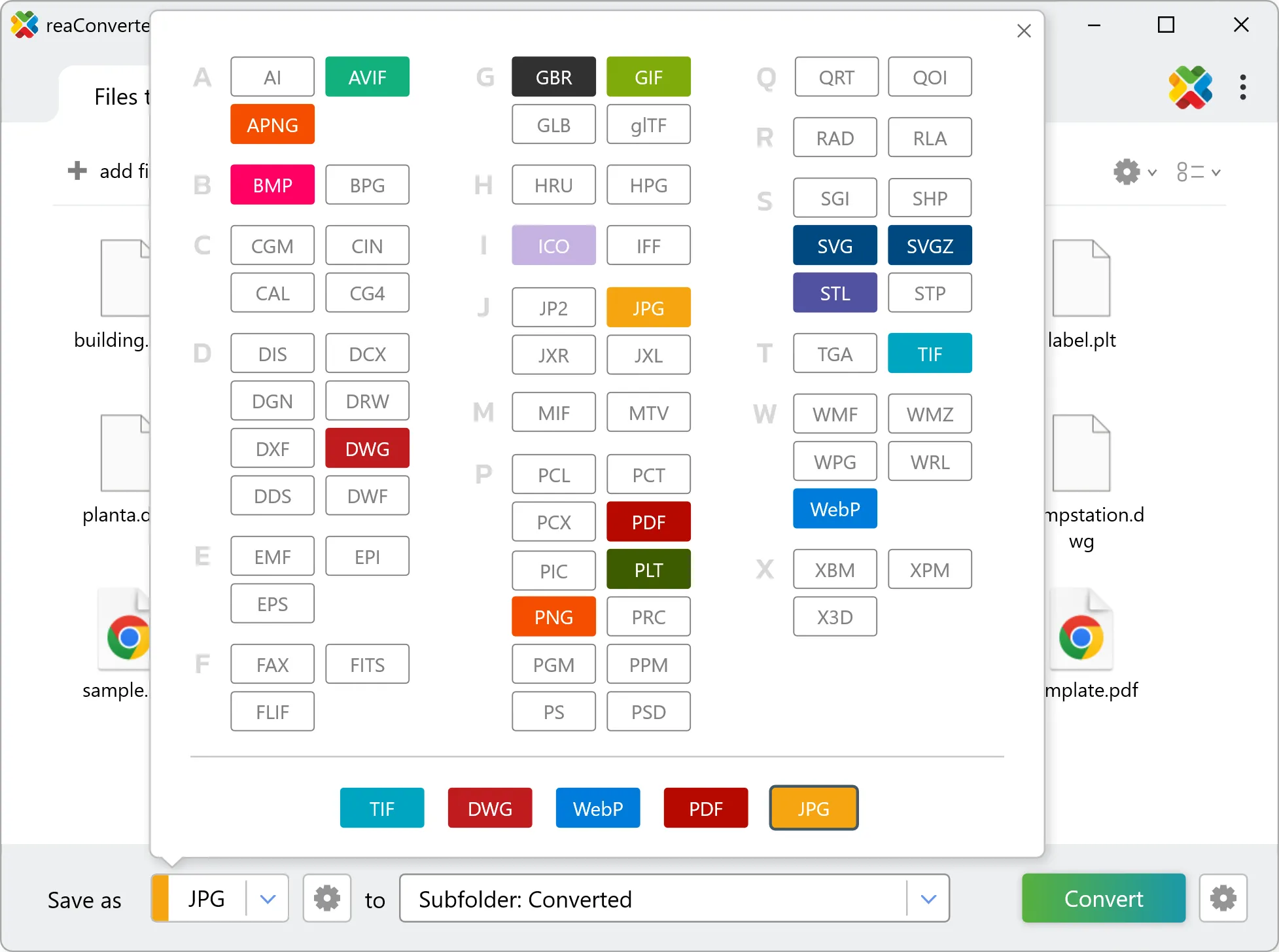
Yes! reaConverter instantly converts .cdt to .bpg with perfect quality preservation. With its batch processing feature, you can convert multiple files at once in just a few clicks. You can even convert CDT files directly from Windows Explorer using the right-click menu — fast and convenient.
Can I convert CDT to BPG online?
If you only need to convert a few CDT files to BPG format, feel free to try our free online free online CDT to BPG converter — perfect for small batches with no installation needed!
How can I turn CDT files into BPG on my computer?
The best way to change CDTs to BPGs on your PC is to install a quality piece of software, such as reaConverter. This software is extremely efficient in managing a wide range of batch files conversions, including conversion from CDT to BPG.
How can I automate CDT to BPG files conversion?
reaConverter supports all the most useful automation features such as right-click сonversion and Watch Folders for the most efficient automated files conversion in any software of this type.
Is there a way to convert CDT files to BPG using the command prompt?
reaConverter provides full access to all its features via Windows command line, including a high-performance command-line cdt to bpg converter for batch processing.
What else can I do with reaConverter?
Convert RAW filesTrace images to vectorChange bit depthConvert vector filesChange picture DPI
Related conversions
Other ways to convert CDT files, and other sources that convert to BPG.