100% Secure & Private
CDT Converter
Free browser-based CDT converter with no signup. Your files stay local. reaConverter for Windows adds automation, editing, and 800+ other formats.


How to Convert .cdt Files in Bulk
1. Install reaConverter

2. Select CDT Files

3. Start Conversion
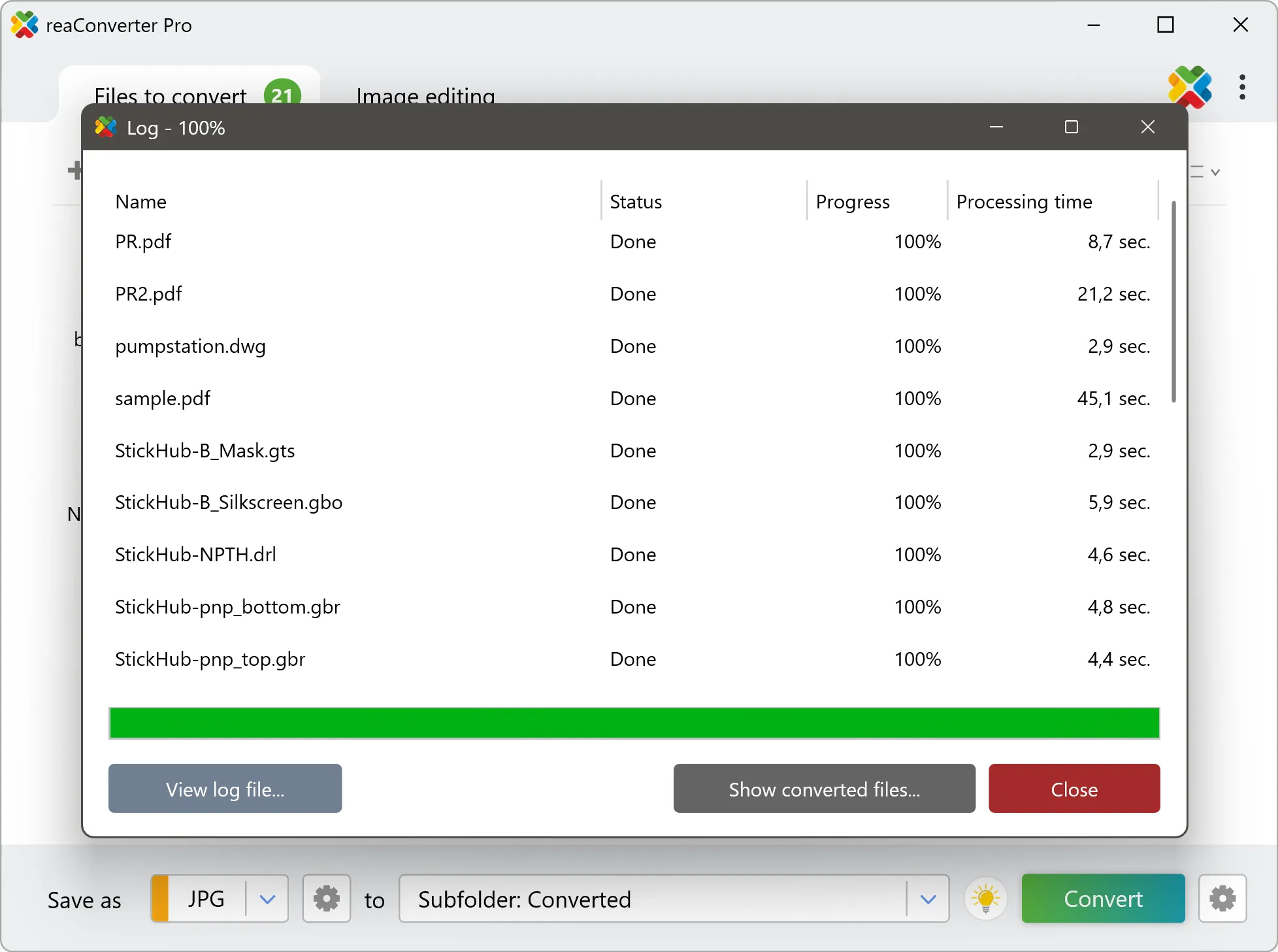
Step by step
See It in Action
For quick and effortless CDT file handling on your PC, reaConverter offers powerful conversion tools with batch processing. Best of all, it works entirely offline — ensuring your sensitive data never leaves your computer.
Extra Tools
Do more with your files
Converting CDT files for use in a larger project? reaConverter offers many ways to process files, so you can customize them according to your requirements.
Our range of editing options includes auto-processing options such as auto-rotate, auto-crop, watermarking and more. Change Color Space, copy Metadata, set DPI, manage ICC Profile, control Bit Depth.

User reviews
From those who tried it
Average User Rating:Last updated on August 26, 2026





Questions & Answers
CDT files: Frequently Asked Questions
What are CDT files?
CDT (CorelDRAW Template) is a proprietary vector template format used by CorelDRAW to store pre-configured page layouts, design styles, and reusable graphic assets.
Structurally, a CDT file shares the same internal architecture as a standard CDR drawing file: modern versions (from CorelDRAW X4 onward) use a ZIP-based container holding RIFF-formatted binary streams for vector paths, text objects, color profiles, embedded bitmaps, and layout metadata, while older versions rely on a raw RIFF binary structure. Inside, a template defines page size, orientation, grid and guideline positions, default graphic and text styles, color palettes, and locked background elements. Opening a CDT file initializes a new, unsaved document populated with these settings rather than modifying the template itself.
For graphics output and cross-platform sharing, converting a CDT file renders its vector curves, typography, and embedded rasters into standard formats such as PDF, SVG, EPS, PNG, or JPEG for client previews, web publishing, or commercial printing. Supported by CorelDRAW Graphics Suite.
Can reaConverter open CDT files?
reaConverter fully supports the CDT file format – open, edit, and export CDT files to any other popular file format with ease.
How do I change CDT to another format?
reaConverter is a user-friendly tool for converting CDT files. Once installed on your computer, it allows you to convert all your .cdt files at once with just a few clicks. You can even convert CDT files directly from Windows Explorer using the right-click menu — fast and convenient.
Can I convert CDT online?
If you only want to convert a few CDT files, you are welcome to try our free online CDT converter.
How can I turn CDT files on my computer to another format?
The best way to convert CDT files on your PC is to get a quality piece of software, such as reaConverter. This software is extremely efficient in managing a wide range of batch files conversions, including conversion from CDT.
How can I automate CDT files conversion?
reaConverter supports all the essential automation features, such as right-click сonversion and Watch Folders, for the most efficient automated file conversion in any software of its kind.
Can I convert CDT files using scripts or the command-line interface?
reaConverter provides full access to all its features from the Windows command-line shell, including the command-line cdt converter.
What else can I do with reaConverter?
Convert GIS filesVectorize imagesChange bit depthChange format settingsCopy metadata (EXIF, IPTC)
What formats can I convert a CDT file to?
Discover More
Beyond CDT conversion
Convert .cdt files in batches of any size, with editing and processing applied along the way. The same tool also handles 800+ other formats, including CAD, medical imaging, and GIS.
