CDT → DWG · Windows

Convert CDT to DWG

Convert CDT to DWG without AutoCAD. reaConverter reads CAD drawings on its own, so no seat licence is needed for the conversion.

Batch CDT to DWG conversion doesn't have to be complicated. reaConverter processes entire folders with consistent quality settings. Works offline with no internet required, so you can convert anywhere, anytime. Engineers and architects use it to share drawings without CAD software hassles.

.cdt.DWG
4.8

Converting files since 2001

Runs offline — nothing uploaded

Read what our users say →

How to Convert Multiple .cdt Files to .dwg?

1. Download and Install reaConverter

reaConverter is a standalone Windows app — download, install, and start converting CDT files in under two minutes.

2. Load your CDT files

Start reaConverter and add your .cdt files. The software processes everything locally, so your files never leave your computer.

Select CDTs from a folder or drag-and-drop them directly into the reaConverter window.

Load your CDT files into reaConverter

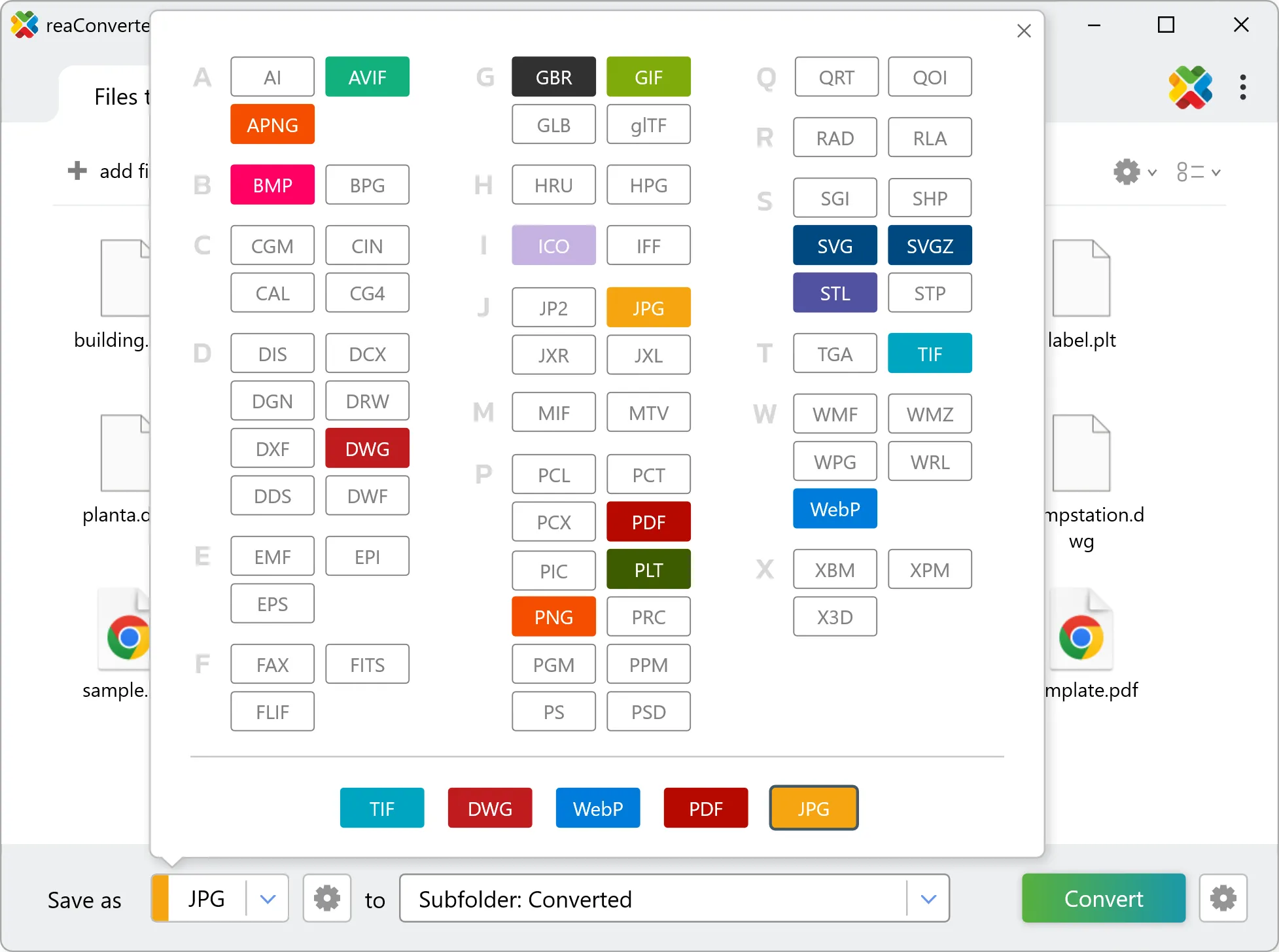
3. Select DWG as output format

Choose DWG as the target format. Pick a destination folder or let reaConverter save files alongside the originals.

Select DWG as output format

4. Start CDT to DWG conversion

Press the Convert button and reaConverter takes care of the rest. Processing time depends on file size and volume.

Start Conversion

After processing, find all your new .dwg files in the output location. The log shows details for each conversion.

Step by step

How It Works

reaConverter offers the fastest, simplest solution for converting your CDT files into DWG in seconds - all files processed on your PC for maximum privacy and speed.

Deep Customization

Do more with your files

Converting CDT files for use in a workflow? reaConverter offers many ways to process files, so you can customize them according to your requirements.

Our range of editing options includes auto-processing options such as auto-rotate, auto-crop, watermarking and more. Change Color Space, copy Metadata, set DPI, manage ICC Profile, control Bit Depth.

Image editing

User reviews

What people say after the first batch

Average User Rating:4.8
Last updated on November 02, 2026
As someone new to CAD file conversion, I was impressed by how effortlessly reaConverter transformed complex DWG files into publication-ready JPGs. The process was remarkably intuitive compared to other tools I've tested.
Jennifer Garcia
Jennifer Garcia
Satisfied Customer
Our school uses AutoCAD, but students don't have the software at home. reaConverter lets us convert assignments to PDF so they can review at home. It's affordable, easy to install, and handles batch conversion of 30+ student files in minutes.
Prof. James Harrison
Satisfied Customer
If you work with AutoCAD, Autodesk, or similar CAD software, you’ve likely faced format compatibility issues. Every developer seems to insist on their own proprietary formats, making conversions a real challenge. The solution? reaConverter. This tool effortlessly handles two-way conversion between dozens of specialized formats!
Att. Matthew K. Jones
Satisfied Customer
As an occasional CAD user, I appreciate tools that 'just work.' reaConverter's documentation eliminated my DWG conversion struggles with crystal-clear examples — no trial and error needed.
Margaret B.
Margaret B.
Satisfied Customer
Thank you so much for this incredibly detailed guide! When I needed to convert DWG to PDF, I expected to spend hours figuring it out—but your step-by-step instructions had me done in just 5 minutes flat. This saved me a ton of time and frustration!
Michelle Lee
Michelle Lee
Satisfied Customer
The proliferation of niche formats like DWG creates unnecessary hurdles. After wasted hours on forums, I discovered this lean converter that delivers single-purpose excellence—precisely the 'no nonsense' solution CAD beginners require.
Rajiv P. Patel
Rajiv P. Patel
Satisfied Customer

FAQ

CDT to DWG Conversion

Can reaConverter convert CDT to DWG?

Yes! reaConverter instantly converts .cdt to .dwg with perfect quality preservation. With its batch processing feature, you can convert multiple files at once in just a few clicks. You can even convert CDT files directly from Windows Explorer using the right-click menu — fast and convenient.

Can I convert CDT to DWG online?

If you only need to convert a few CDT files to DWG format, feel free to try our free online free online CDT to DWG converter — perfect for small batches with no installation needed!

How can I turn CDT files into DWG on my computer?

The best way to change CDTs to DWGs on your PC is to install a quality piece of software, such as reaConverter. This software is extremely efficient in managing a wide range of batch files conversions, including conversion from CDT to DWG.

How can I automate CDT to DWG files conversion?

reaConverter supports all the most useful automation features such as right-click сonversion and Watch Folders for the most efficient automated files conversion in any software of this type.

Is there a way to convert CDT files to DWG using the command prompt?

reaConverter provides full access to all its features via Windows command line, including a high-performance command-line cdt to dwg converter for batch processing.

What else can I do with reaConverter?

Convert Gerber filesChange color spaceChange format settingsCopy metadata (EXIF, IPTC)Convert PDF files

Related conversions

Other ways to convert CDT files, and other sources that convert to DWG.
Discover More

Beyond format conversion

Batch conversion, editing, and processing across 800+ formats, from RAW and HEIC to DICOM, DWG, and PDF. Everything runs locally, with no cloud and no upload limits.

Free trial · Windows 10/11 · v8.0.262 · Files never leave your computer

reaConverter software