FAQ
CDT to CAL Conversion
What are CDT files?
CDT is a template file created by CorelDRAW, a vector graphics editor used for illustration, page layout, and print design. A file of this type stores a reusable starting layout, such as a business card, brochure, poster, newsletter, or packaging die-line: page dimensions, bleed and margin guides, color palettes, typography styles, and placeholder graphics or text frames. When opened, CorelDRAW creates a new untitled document based on the template so the original file stays untouched. CDT files come bundled with CorelDRAW or are created by designers and print shops to keep branding and print specifications consistent across recurring projects.
What are CAL files?
A CAL image file represents a monochrome bitmap image that uses the CALS raster image standard for storing graphics data. This standard was created in the 1980s by the US Department of Defence as a compressed interchangeable image format. CAL and CALS are extensions used for similar purposes.
Can reaConverter convert CDT to CAL?
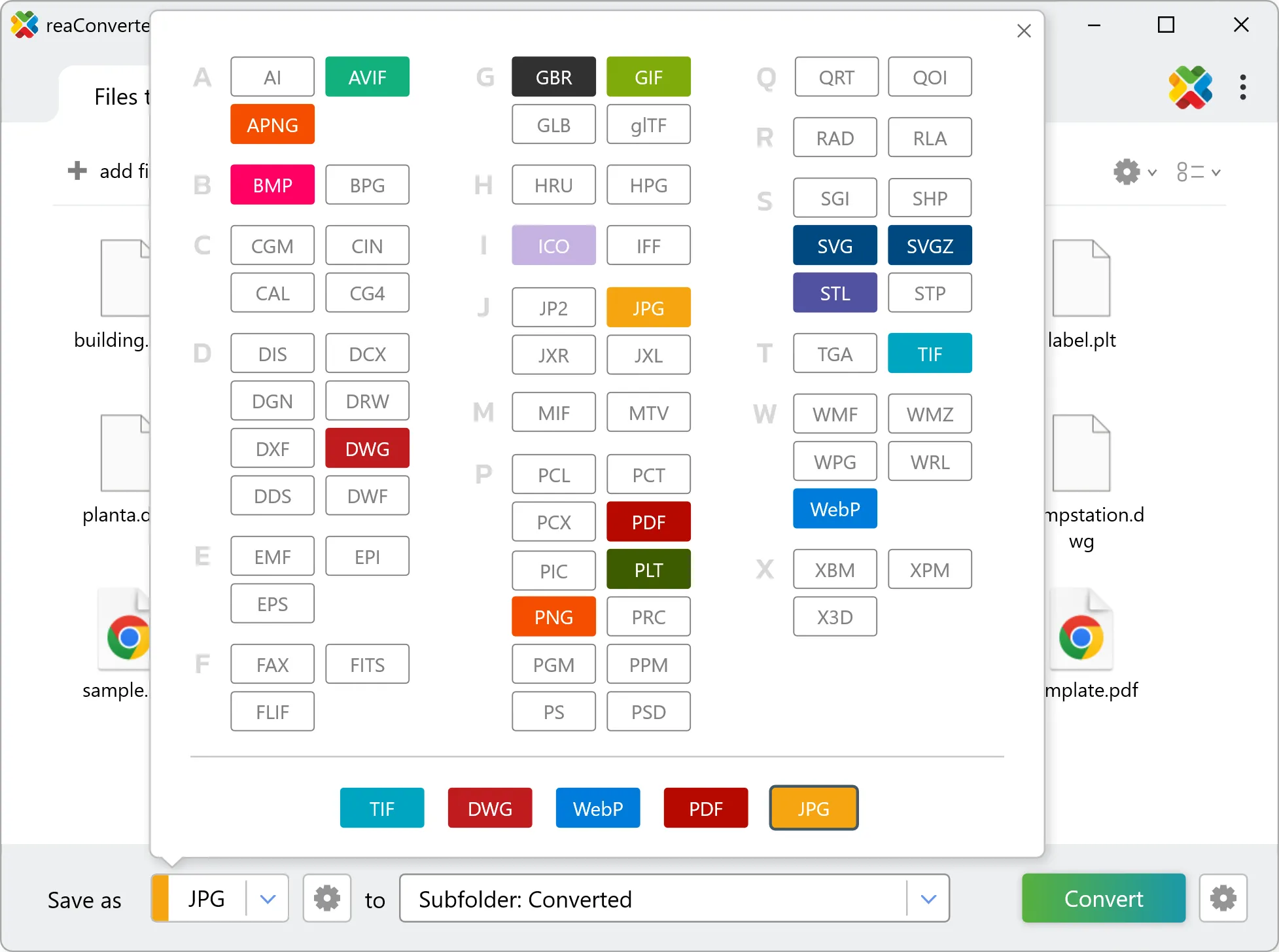
Yes! reaConverter instantly converts .cdt to .cal with perfect quality preservation. With its batch processing feature, you can convert multiple files at once in just a few clicks. You can even convert CDT files directly from Windows Explorer using the right-click menu — fast and convenient.
Can I convert CDT to CAL online?
If you only need to convert a few CDT files to CAL format, feel free to try our free online free online CDT to CAL converter — perfect for small batches with no installation needed!
How can I turn CDT files into CAL on my computer?
The best way to change CDTs to CALs on your PC is to install a quality piece of software, such as reaConverter. This software is extremely efficient in managing a wide range of batch files conversions, including conversion from CDT to CAL.
How can I automate CDT to CAL files conversion?
reaConverter supports all the most useful automation features such as right-click сonversion and Watch Folders for the most efficient automated files conversion in any software of this type.
Is there a way to convert CDT files to CAL using the command prompt?
reaConverter provides full access to all its features via Windows command line, including a high-performance command-line cdt to cal converter for batch processing.
What else can I do with reaConverter?
Change format settingsCopy metadata (EXIF, IPTC)Convert DICOM filesCrop imageConvert CAD formats
Related conversions
Other ways to convert CDT files, and other sources that convert to CAL.