CR2 → PLY · Windows

Convert CR2 to PLY

Convert CR2 3D models to PLY without expensive CAD software. reaConverter handles batch conversion offline with consistent output.

reaConverter transforms CR2 files to PLY quickly and reliably. Drag in folders, set your options, click Convert, done. No cloud accounts, no file uploads, no complicated setup. Just install and start converting. 3D files convert without expensive modeling software licenses.

.cr2.PLY
4.8

Converting files since 2001

Runs offline — nothing uploaded

Read what our users say →

How to Convert Multiple .cr2 Images to .ply?

1. Download and Install reaConverter

reaConverter is a standalone Windows app — download, install, and start converting CR2 files in under two minutes. Built-in editing tools let you resize, crop, or watermark as you convert.

2. Load your CR2 files

Open reaConverter and add your CR2 files. You can load individual files, entire folders, or even nested subfolders.

Select CR2s from a folder or drag-and-drop them directly into the reaConverter window.

Load your CR2 files into reaConverter

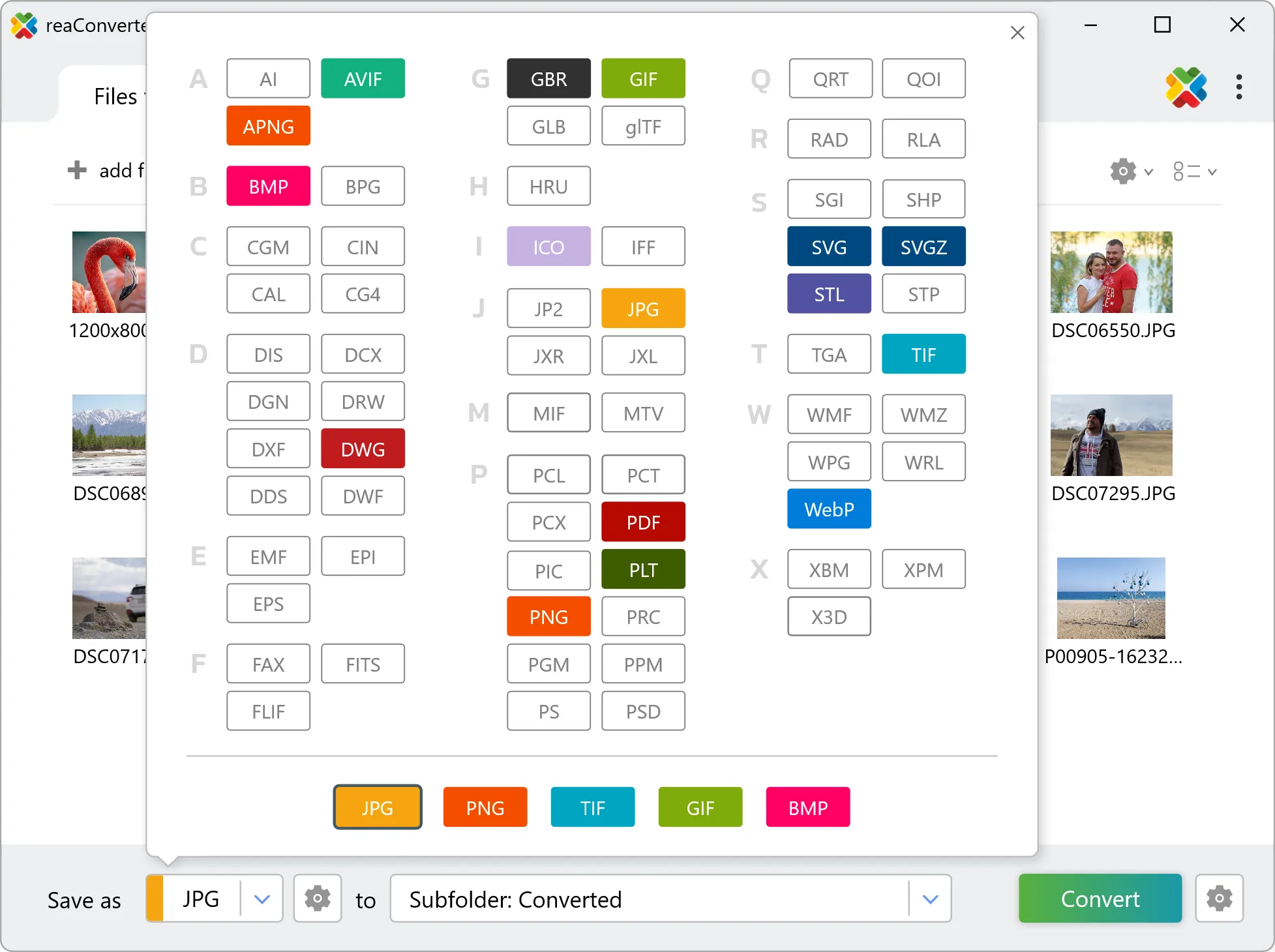
3. Select PLY as output format

Pick PLY as output format and choose the destination folder where you want to save new .ply files.

Select PLY as output format

4. Start CR2 to PLY conversion

Press the Convert button and reaConverter takes care of the rest. Processing time depends on file size and volume.

Start Conversion

After processing, find all your new .ply files in the output location. The log shows details for each conversion.

Step by step

How It Works

reaConverter offers the fastest, simplest solution for converting your CR2 files into PLY in seconds - all photos processed on your PC for maximum privacy and speed.

Technical note

How CR2 and PLY differ in practice

CR2 files hold unprocessed sensor data, so white balance and exposure are still adjustable. Converting to PLY bakes those decisions into the pixels, and highlight recovery is no longer available afterwards. Set white balance and exposure before the run rather than after.

Power Features

Do more with your images

Converting CR2 images for use in a larger project? With reaConverter, you can convert, edit, and enhance your images in one streamlined process.

Our range of editing options includes such image processing actions as Resize, Rotate, Crop, Color Replace, Watermarks and more. Adjust actions include RGB, HLS, HSV, Brightness and Contrast. Auto-processing options are also available, such as auto-rotate and auto-crop.

Image editing

User reviews

What people say after the first batch

Average User Rating:4.8
Last updated on October 29, 2026
I'm not a pro, but I love taking photos with my Canon. When I tried to open CR2 files on my laptop, nothing worked. reaConverter solved it instantly – converted my whole memory card to JPEG in one go. Now I can actually see my beautiful shots!
Olivia M.
Olivia M.
Satisfied Customer
My Canon 5D Mark III produces massive CR2 files that clog my hard drive. reaConverter batch‑converts them to JPEG with smart compression – I get 90% size reduction without visible quality loss. Now I can archive years of shoots without buying new storage. Brilliant!
Chris E.
Chris E.
Portrait Photographer
I regularly process hundreds of RAW files from multiple shoots. reaConverter's batch processing capabilities have transformed my workflow, allowing me to convert CR2 and NEF files to high-quality 16-bit TIFFs while preserving all metadata and color profiles. The ability to apply consistent sharpening and noise reduction during conversion saves me approximately 2 hours per project in post-production.
Mei Chang
Mei Chang
Commercial Photographer
As a professional photographer, I needed a reliable tool to convert CR2 files without losing quality. reaConverter delivers flawless conversions, and the preset options make my workflow effortless. The speed and customization are unmatched — worth every penny!
Sarah Morgan
Sarah Morgan
Portrait Photographer
My DSLR shoots in RAW, but I just need simple JPEGs for social media. reaConverter converts hundreds of files at once, and the auto-enhance option makes my photos pop without Photoshop skills.
Ryan P.
Ryan P.
Satisfied Customer
I was worried about losing RAW quality when converting CR2 to JPEG. reaConverter lets me choose the bit depth and colour space, and the results are stunning – every detail is preserved. I've tried other converters, but none match this level of control.
Emma W.
Emma W.
Satisfied Customer

FAQ

CR2 to PLY Conversion

Can reaConverter convert CR2 to PLY?

Yes! reaConverter instantly converts .cr2 to .ply with perfect quality preservation. With its batch processing feature, you can convert multiple files at once in just a few clicks. You can even convert CR2 photos directly from Windows Explorer using the right-click menu — fast and convenient.

What is reaConverter used for?

reaConverter is a software program used for converting images and other types of files from one format to another. It supports a wide range of file formats and allows users to convert multiple files at once, making it a valuable tool for graphic designers, photographers, and other professionals who work with digital images. reaConverter also includes features for resizing, cropping, and editing images, along with batch processing capabilities that help automate repetitive tasks.

Can I convert CR2 to PLY online?

If you only need to convert a few CR2 files to PLY format, feel free to try our free online free online CR2 to PLY converter — perfect for small batches with no installation needed!

How can I turn CR2 files into PLY on my computer?

The best way to change CR2s to PLYs on your PC is to install a quality piece of software, such as reaConverter. This software is extremely efficient in managing a wide range of batch files conversions, including conversion from CR2 to PLY.

How can I automate CR2 to PLY files conversion?

reaConverter supports all the most useful automation features such as right-click сonversion and Watch Folders for the most efficient automated files conversion in any software of this type.

Is there a way to convert CR2 files to PLY using the command prompt?

reaConverter provides full access to all its features via Windows command line, including a high-performance command-line cr2 to ply converter for batch processing.

What else can I do with reaConverter?

Convert Gerber filesConvert RGB to CMYKConvert GIS filesTrace images to vectorChange image bit depth

Related conversions

Other ways to convert CR2 files, and other sources that convert to PLY.
Discover More

Beyond format conversion

Batch conversion, editing, and processing across 800+ formats, from RAW and HEIC to DICOM, DWG, and PDF. Everything runs locally, with no cloud and no upload limits.

Free trial · Windows 10/11 · v8.0.262 · Files never leave your computer

reaConverter software