FAQ
GEOJSONL to OBJ Conversion
What are GEOJSONL files?
GEOJSONL is a text format for large collections of geographic features, in which each line of the file is a complete GeoJSON feature, with its shape and attributes. A regular GeoJSON file wraps all features in a single container, so a program has to read the whole file before it can use any of them. In a line-delimited file the features are independent, so they can be read, filtered, and processed one at a time, and new features can be added at the end simply by writing another line. This makes the format popular for very big data sets and for passing data between tools in a pipeline. The same idea is described in RFC 8142, the standard of GeoJSON Text Sequences, which was published by Mapbox.
What are OBJ files?
OBJ is a 3D model format created by Wavefront Technologies for its Advanced Visualizer software and now supported by almost every 3D application, which makes it one of the most common formats for exchanging models. A file of this type is plain text that describes the shape of an object: the coordinates of its vertices, the texture coordinates used for UV mapping, the surface normals, and the faces that join them into polygons. Named groups divide a model into separate parts. Colors and materials are not stored in the file itself but in a separate .mtl file that it refers to, with the texture images kept alongside. The format holds a static model only, with no animation, bones, or lights.
Can reaConverter convert GEOJSONL to OBJ?
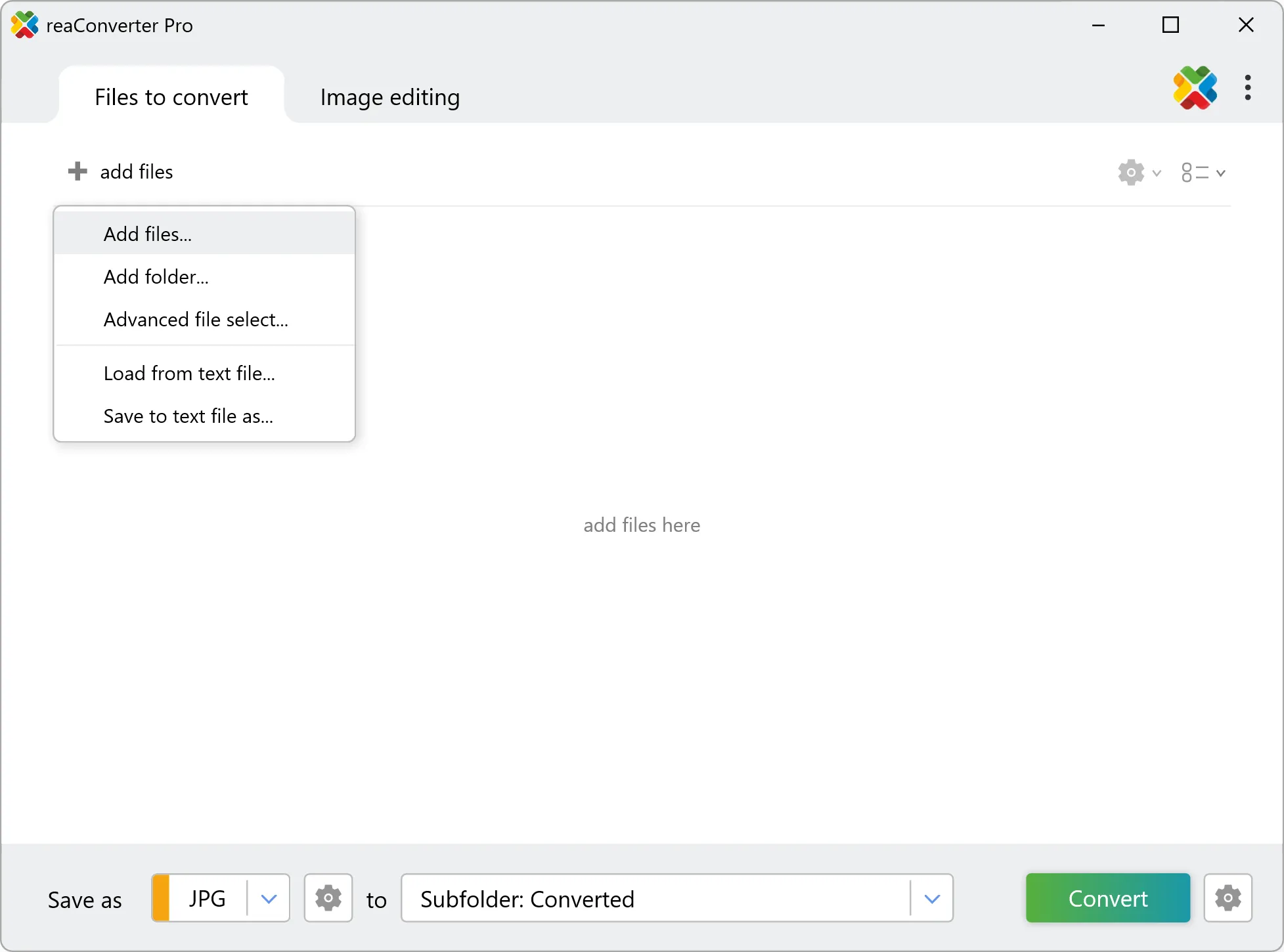
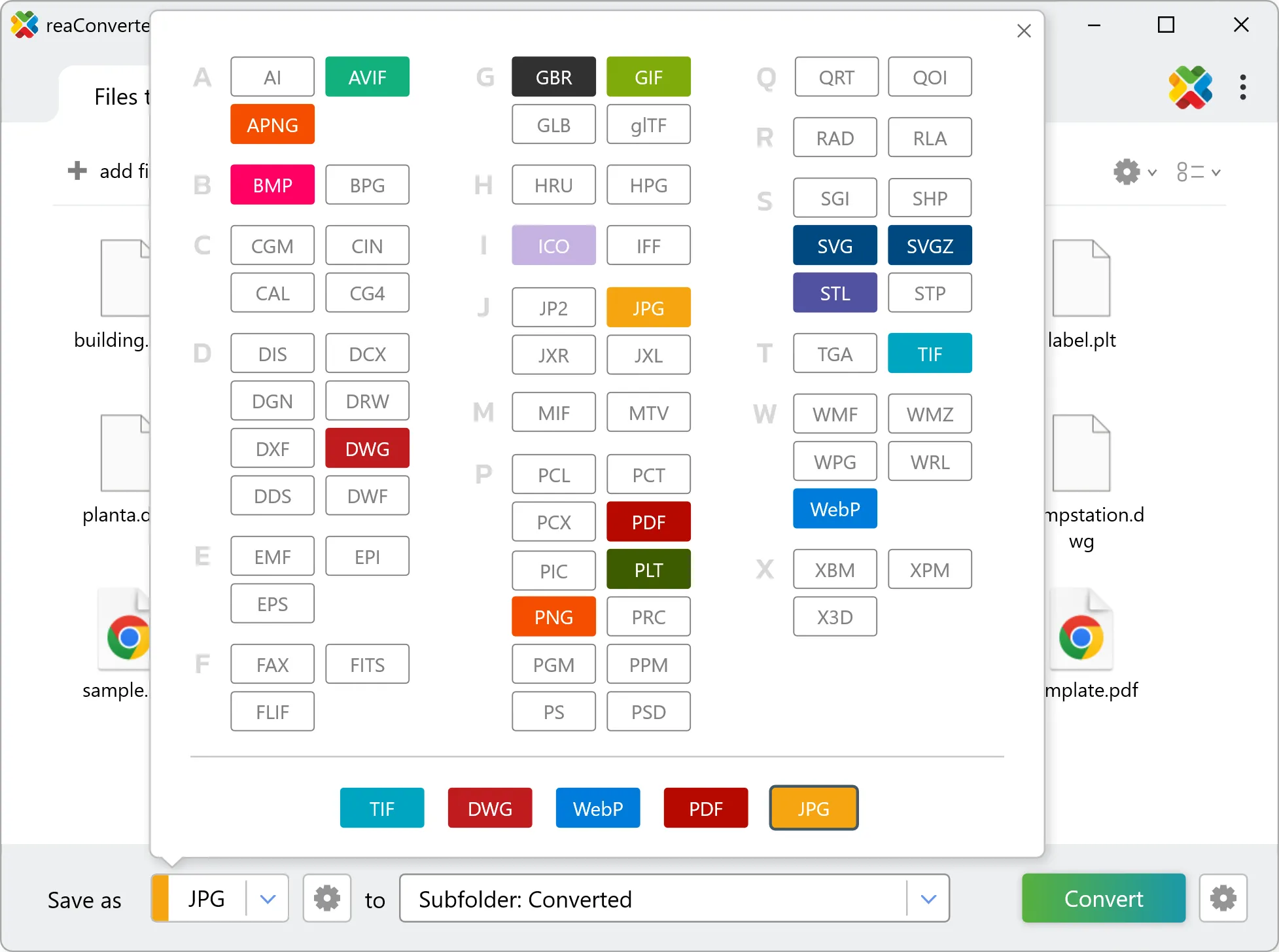
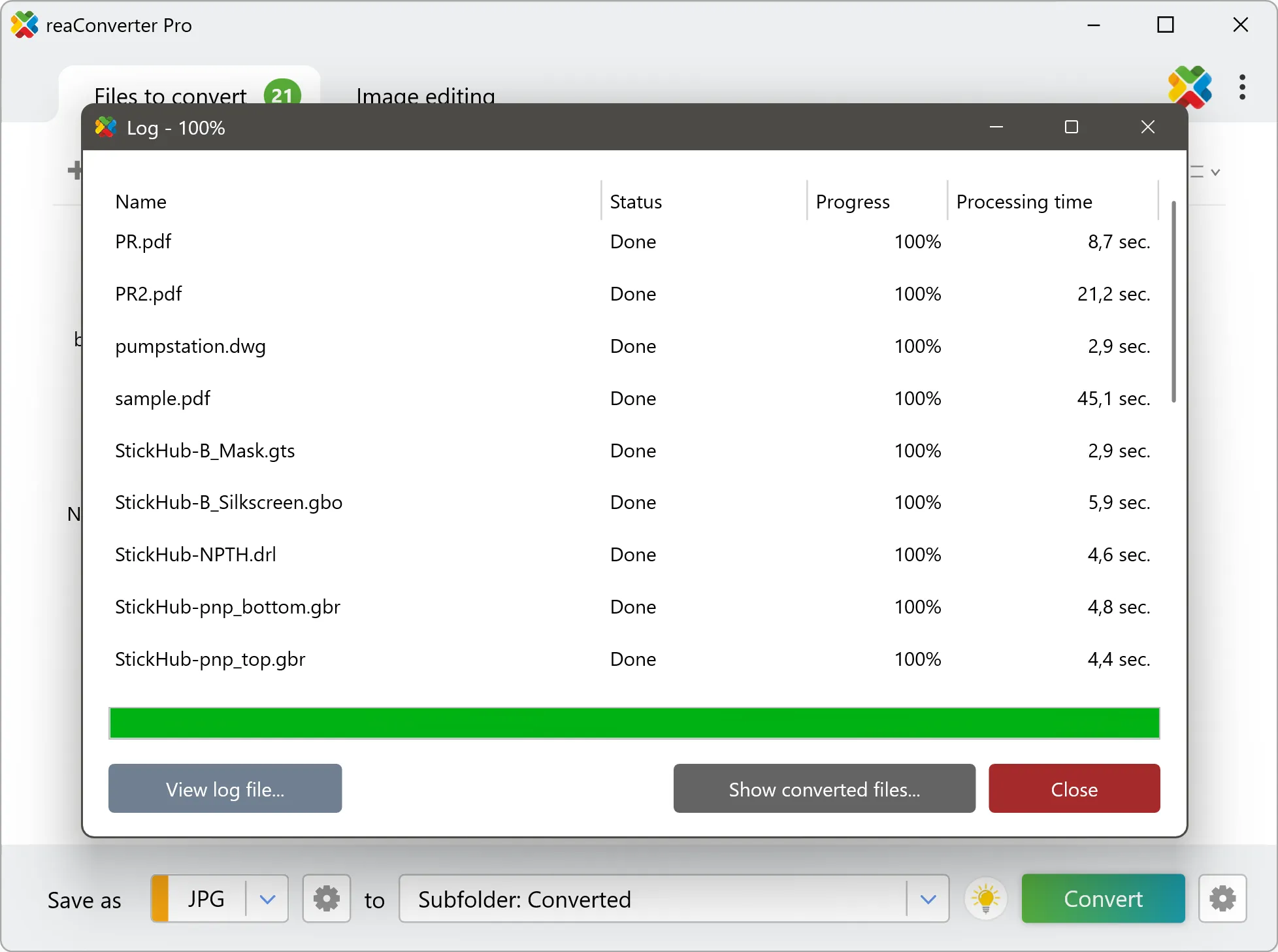
Yes! reaConverter instantly converts .geojsonl to .obj with perfect quality preservation. With its batch processing feature, you can convert multiple files at once in just a few clicks. You can even convert GEOJSONL files directly from Windows Explorer using the right-click menu — fast and convenient.
What is reaConverter used for?
reaConverter is a Windows converter for 800+ formats, GIS data among them. For GEOJSONL to OBJ it replaces the usual detour through QGIS, ArcGIS or ogr2ogr: add the files, pick the output format, and the whole batch converts offline. Surveyors, planners and engineering teams use it to pass data between GIS, CAD and everyday document formats.
Why choose offline conversion with reaConverter?
reaConverter is a software program that is used for offline files conversion. Your proprietary documents never leave your computer – essential for architects, engineers, healthcare and government contractors handling classified projects. Meets GDPR, HIPAA, CCPA, and corporate security policies by ensuring files never cross borders or third-party systems.
Can I convert GEOJSONL to OBJ online?
If you only need to convert a few GEOJSONL files to OBJ format, feel free to try our free online free online GEOJSONL to OBJ converter — perfect for small batches with no installation needed!
How can I turn GEOJSONL files into OBJ on my computer?
The best way to change GEOJSONLs to OBJs on your PC is to install a quality piece of software, such as reaConverter. This software is extremely efficient in managing a wide range of batch files conversions, including conversion from GEOJSONL to OBJ.
How can I automate GEOJSONL to OBJ files conversion?
reaConverter supports all the most useful automation features such as right-click сonversion and Watch Folders for the most efficient automated files conversion in any software of this type.
Is there a way to convert GEOJSONL files to OBJ using the command prompt?
reaConverter provides full access to all its features via Windows command line, including a high-performance command-line geojsonl to obj converter for batch processing.
What else can I do with reaConverter?
Convert GIS filesVectorize imagesChange bit depthChange format settingsCopy metadata (EXIF, IPTC)
Related conversions
Other ways to convert GEOJSONL files, and other sources that convert to OBJ.