How to Convert Multiple .gro4 Files to .obj?
1. Download and Install reaConverter
reaConverter is a standalone Windows app — download, install, and start converting GRO4 files in under two minutes.

2. Load your GRO4 files
Add GRO4 files to reaConverter. One file or a thousand, the process is the same. Everything runs locally on your machine.
You can drag-and-drop files, browse to a folder, or add entire directory trees including subfolders.

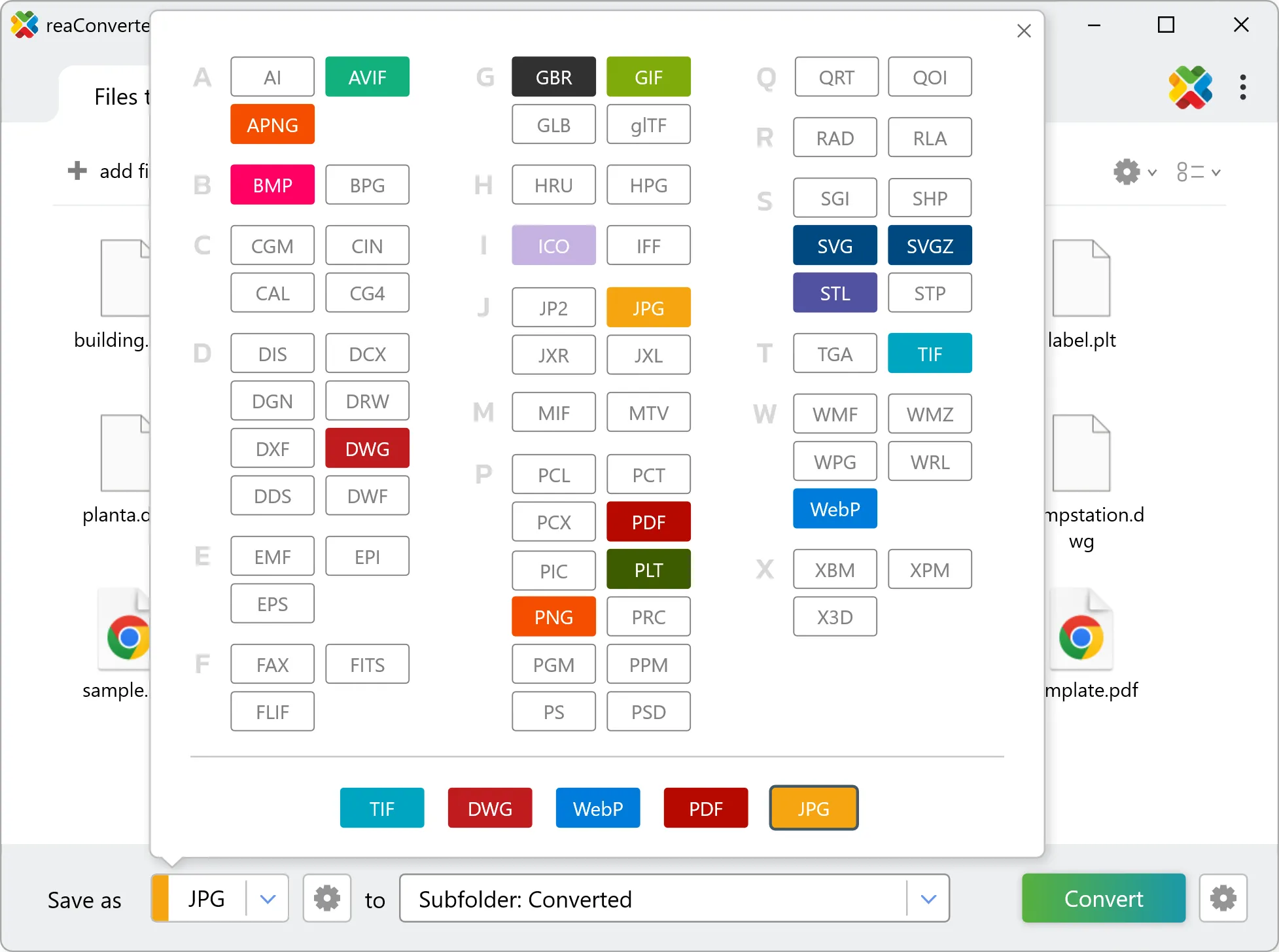
3. Select OBJ as output format
Select OBJ from the output format list and set your destination folder. You can also adjust quality and compression settings.
4. Start GRO4 to OBJ conversion
Click the Convert button to start. reaConverter will process all your files with the settings you selected.

When finished, your new .obj files will be waiting in the destination folder.