GTX → JPG · Windows

Convert GTX to JPG

Batch convert GTX to JPG on an ordinary Windows PC. No GIS licence, no command line, the same settings applied to every file.

reaConverter transforms GTX files to JPG quickly and reliably. Drag in folders, set your options, click Convert, done. No cloud accounts, no file uploads, no complicated setup. Just install and start converting. No command line and no scripting, unlike the usual ogr2ogr route.

.gtx.JPG
4.8

Converting files since 2001

Runs offline — nothing uploaded

Read what our users say →

How to Convert Multiple .gtx Files to .jpg?

1. Download and Install reaConverter

reaConverter installs quickly on any Windows PC. No dependencies, no bloatware — just a clean setup that's ready to use immediately.

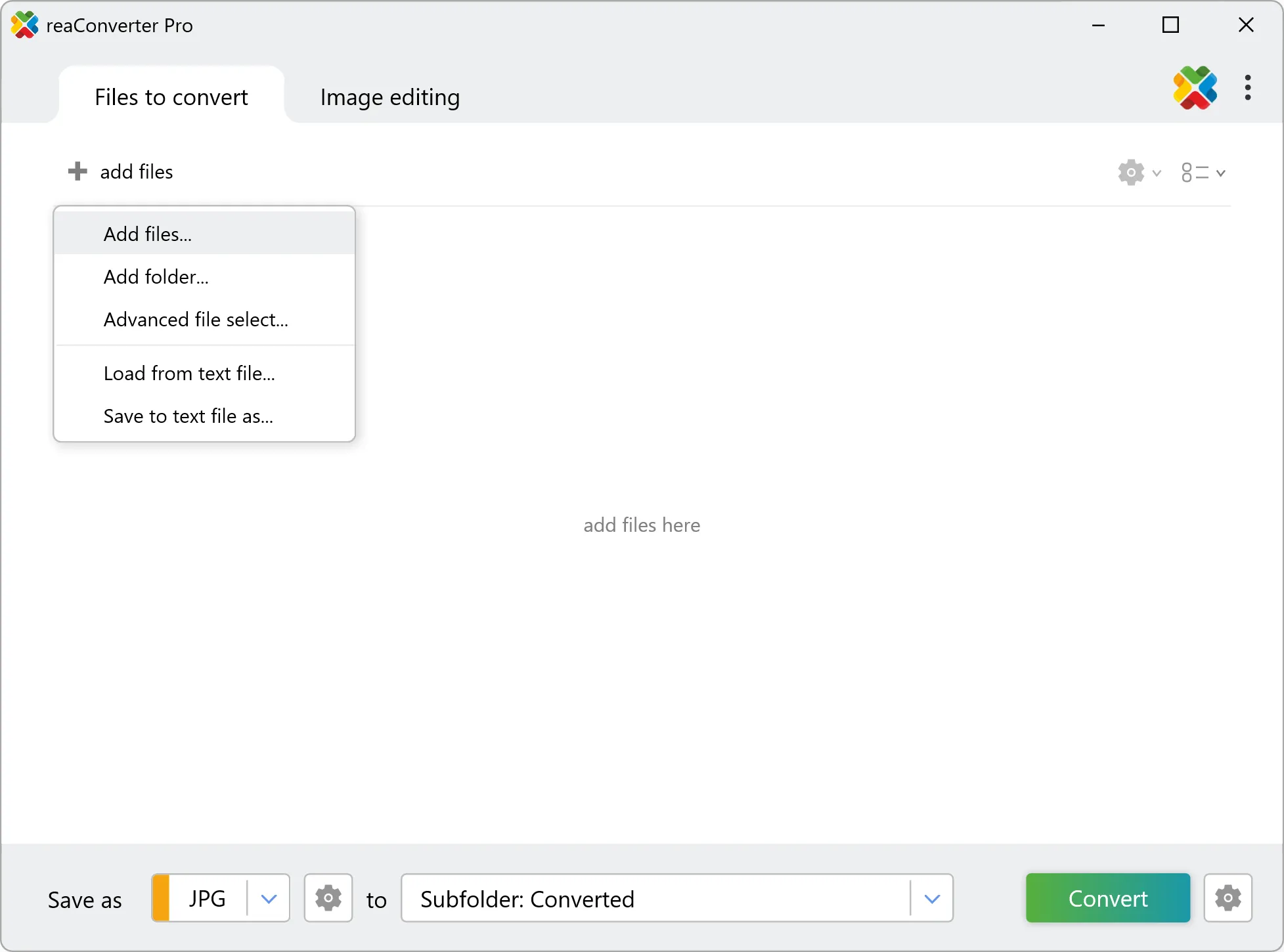
2. Load your GTX files

Load your GTX files into reaConverter. You can add individual files or point to folders, and the software will queue everything automatically.

Select GTXs from a folder or drag-and-drop them directly into the reaConverter window.

Load your GTX files into reaConverter

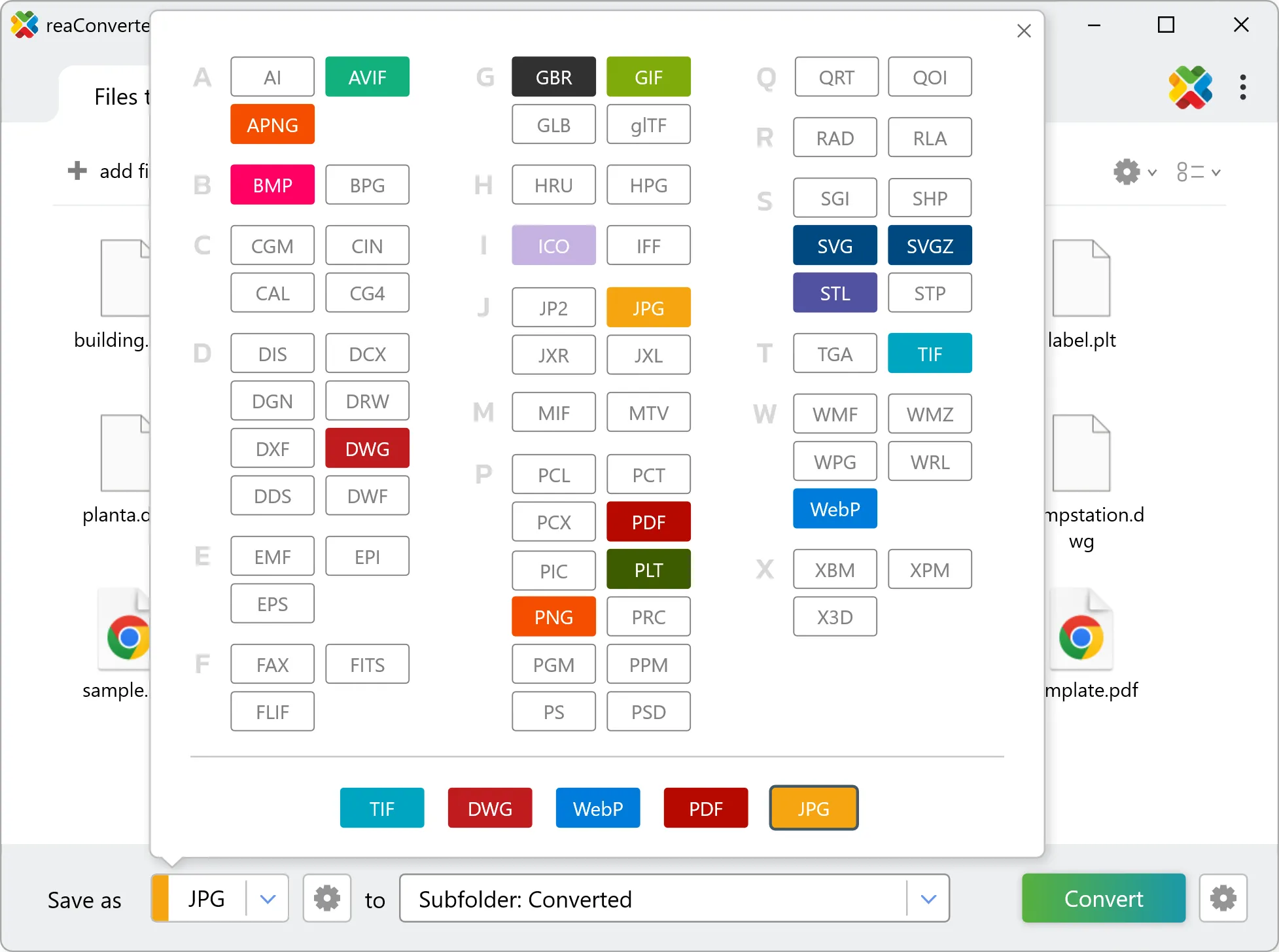
3. Select JPG as output format

Pick JPG as output format and choose the destination folder where you want to save new .jpg files.

Select JPG as output format

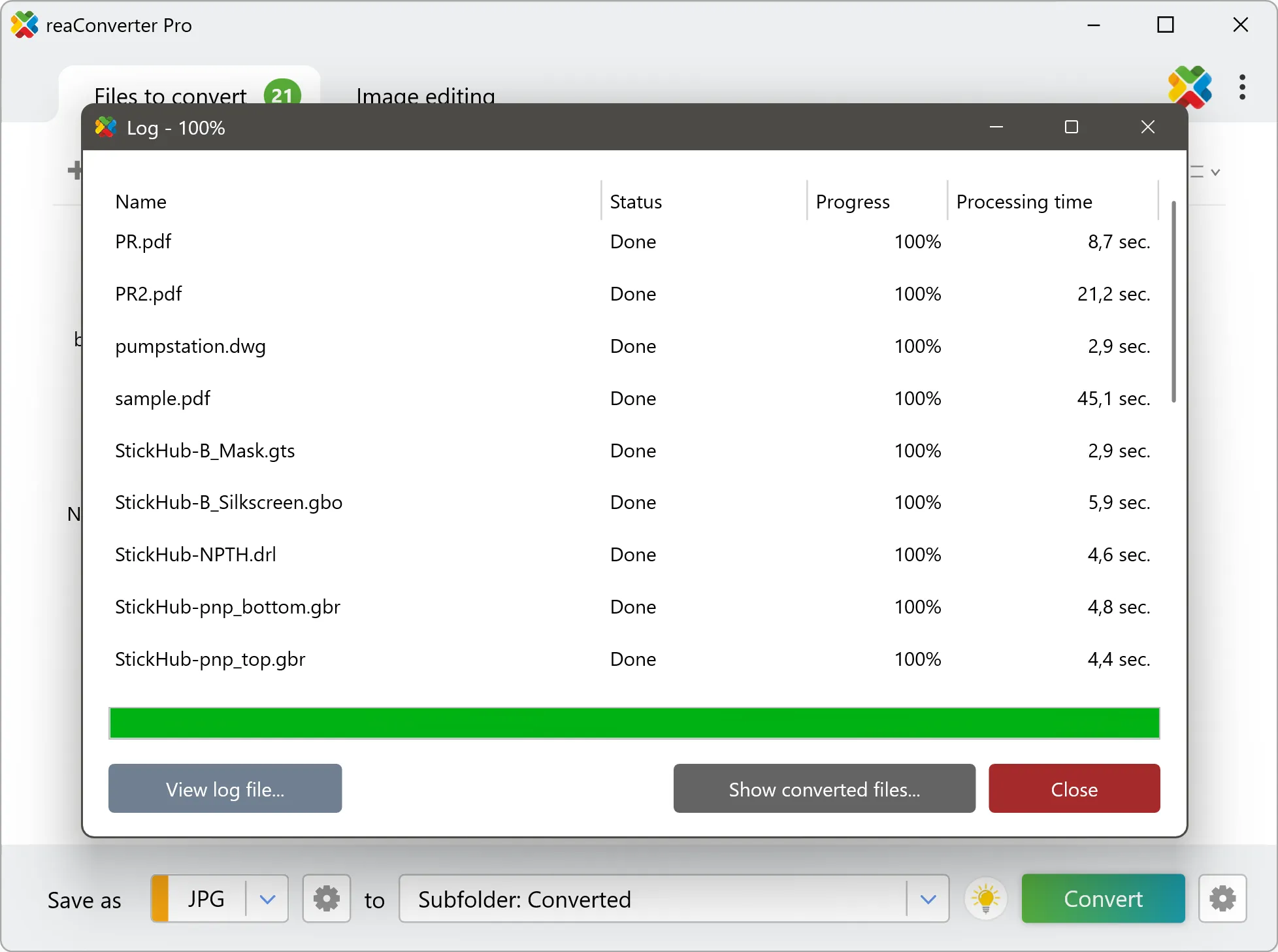
4. Start GTX to JPG conversion

Press the Convert button and reaConverter takes care of the rest. Processing time depends on file size and volume.

Start Conversion

After processing, find all your new .jpg files in the output location. The log shows details for each conversion.

Step by step

How It Works

reaConverter offers the fastest, simplest solution for converting your GTX files into JPG without GIS software - all files processed on your PC for maximum privacy and speed.

Technical note

How GTX and JPG differ in practice

GTX is not a map but a correction grid. Each cell holds the small offset needed to move coordinates from one datum to another, or the height of the geoid, the surface that turns a GPS height into a height above sea level. Survey and GIS software applies it silently during a coordinate transformation. Rendered as JPG, it becomes a smooth picture of those offsets, useful for documentation or teaching, while the transformation itself still needs the original GTX. GTX carries georeferencing: a coordinate reference system, and the real-world position and ground size of every pixel. JPG has nowhere to record any of that. The picture transfers intact, the location does not, so the output cannot be dropped onto a map afterwards without being placed by hand. Keep the GTX original if the data still has to go back into a GIS.

Map Data Workflow

Turn GIS data into something anyone can open

Not everyone who needs to see GTX data has GIS software. reaConverter renders it to JPG for a report, an email or a slide, and handles a whole folder in one run.

  • Render every file in a folder to JPG with the same size and settings
  • Set DPI and output dimensions before the run, not afterwards
  • Stamp a text watermark, such as a project name or a date, on every image
  • Pick up new data automatically with Watch Folders, or script the job from the command line

Everything runs on your PC, which matters for cadastral, utility and client data that should not pass through an upload form.

GIS data conversion

User reviews

What people say after the first batch

Average User Rating:4.8
Last updated on October 16, 2026
I was stuck with 500+ BMP files from an old project – they were huge and unusable. reaConverter turned them all to JPEG in about 3 minutes. No quality loss, no hassle. I wish I had found this earlier instead of wasting hours with online converters.
Sarah O'Brien
Sarah O'Brien
Satisfied Customer
As a blogger, I need all my images in JPEG for fast loading. reaConverter's batch mode converts my entire folder of PNGs and TIFFs to JPEG with custom compression settings. I can control quality vs. size perfectly. It's become an indispensable part of my content creation workflow.
David Kim
David Kim
Travel Blogger
My grandmother sends me photos from her old digital camera, but they're always in some weird format. reaConverter turns them into JPEGs in two clicks. Now I can print them for her photo album without any tech support calls. She thinks I'm a genius – and honestly, reaConverter deserves the credit!
Emma Watson
Emma Watson
Satisfied Customer
I run a small real estate agency, and we take hundreds of property photos in RAW. Converting them to JPEG for listings used to be a nightmare – until reaConverter. Now I just drop all CR2 files into the batch, set output to JPEG, and within minutes I have web-ready images. The quality is pristine, and the file sizes are perfect for our site. This tool literally pays for itself in time saved.
Michael Torres
Michael Torres
Real Estate Agent
Trying to remove backgrounds from product photos for my Etsy shop was impossible with JPGs. reaConverter batch-converted all my files to PNG in 2 clicks - finally got those clean transparent backgrounds I needed!
Sarah Russell
Sarah Russell
Satisfied Customer
The best part about reaConverter? It works offline. I often work on a plane with no Wi-Fi, and I need to convert design mockups to JPEG for presentations. This software never lets me down. Fast, reliable, and the output is always perfect.
James Park
James Park
UX Designer

FAQ

GTX to JPG Conversion

Can reaConverter convert GTX to JPG?

Yes! reaConverter instantly converts .gtx to .jpg with perfect quality preservation. With its batch processing feature, you can convert multiple files at once in just a few clicks. You can even convert GTX files directly from Windows Explorer using the right-click menu — fast and convenient.

What is reaConverter used for?

reaConverter is a Windows converter for 800+ formats, GIS data among them. For GTX to JPG it replaces the usual detour through QGIS, ArcGIS or ogr2ogr: add the files, pick the output format, and the whole batch converts offline. Surveyors, planners and engineering teams use it to pass data between GIS, CAD and everyday document formats.

Why choose offline conversion with reaConverter?

reaConverter is a software program that is used for offline files conversion. Your proprietary documents never leave your computer – essential for architects, engineers, healthcare and government contractors handling classified projects. Meets GDPR, HIPAA, CCPA, and corporate security policies by ensuring files never cross borders or third-party systems.

Can I convert GTX to JPG online?

If you only need to convert a few GTX files to JPG format, feel free to try our free online free online GTX to JPG converter — perfect for small batches with no installation needed!

How can I turn GTX files into JPG on my computer?

The best way to change GTXs to JPGs on your PC is to install a quality piece of software, such as reaConverter. This software is extremely efficient in managing a wide range of batch files conversions, including conversion from GTX to JPG.

How can I automate GTX to JPG files conversion?

reaConverter supports all the most useful automation features such as right-click сonversion and Watch Folders for the most efficient automated files conversion in any software of this type.

Is there a way to convert GTX files to JPG using the command prompt?

reaConverter provides full access to all its features via Windows command line, including a high-performance command-line gtx to jpg converter for batch processing.

What else can I do with reaConverter?

Convert Gerber imagesConvert RGB to CMYKConvert GIS filesTrace images to vectorChange image bit depth

Related conversions

Other ways to convert GTX files, and other sources that convert to JPG.
Discover More

Beyond format conversion

Batch conversion, editing, and processing across 800+ formats, from RAW and HEIC to DICOM, DWG, and PDF. Everything runs locally, with no cloud and no upload limits.

Free trial · Windows 10/11 · v8.0.260 · Files never leave your computer

reaConverter software