FAQ
HDP to DDS Conversion
What are HDP files?
HDP is an extension used for JPEG XR (JPEG Extended Range) images, a Microsoft HD format for storing photos. Alternative extensions include JXR and WDP. HDP files store raster images and are supported by Microsoft Photo Info, being used mostly for image exchange across platforms, such as mobile devices, PDAs and other limited-capability devices.
What are DDS files?
DDS (DirectDraw Surface) is an image file format that usually contains texture data, cubic environment maps or other type of data compressed using the S3TC (S3 Texture Compression) algorithm. The DDS format was first associated with Microsoft's DirectX 7.0 and later on with DirectDraw, a tool for accelerating the rendering of graphics in various applications. DDS is a container file and can be decompressed using a graphics processing unit (GPU).
Can reaConverter convert HDP to DDS?
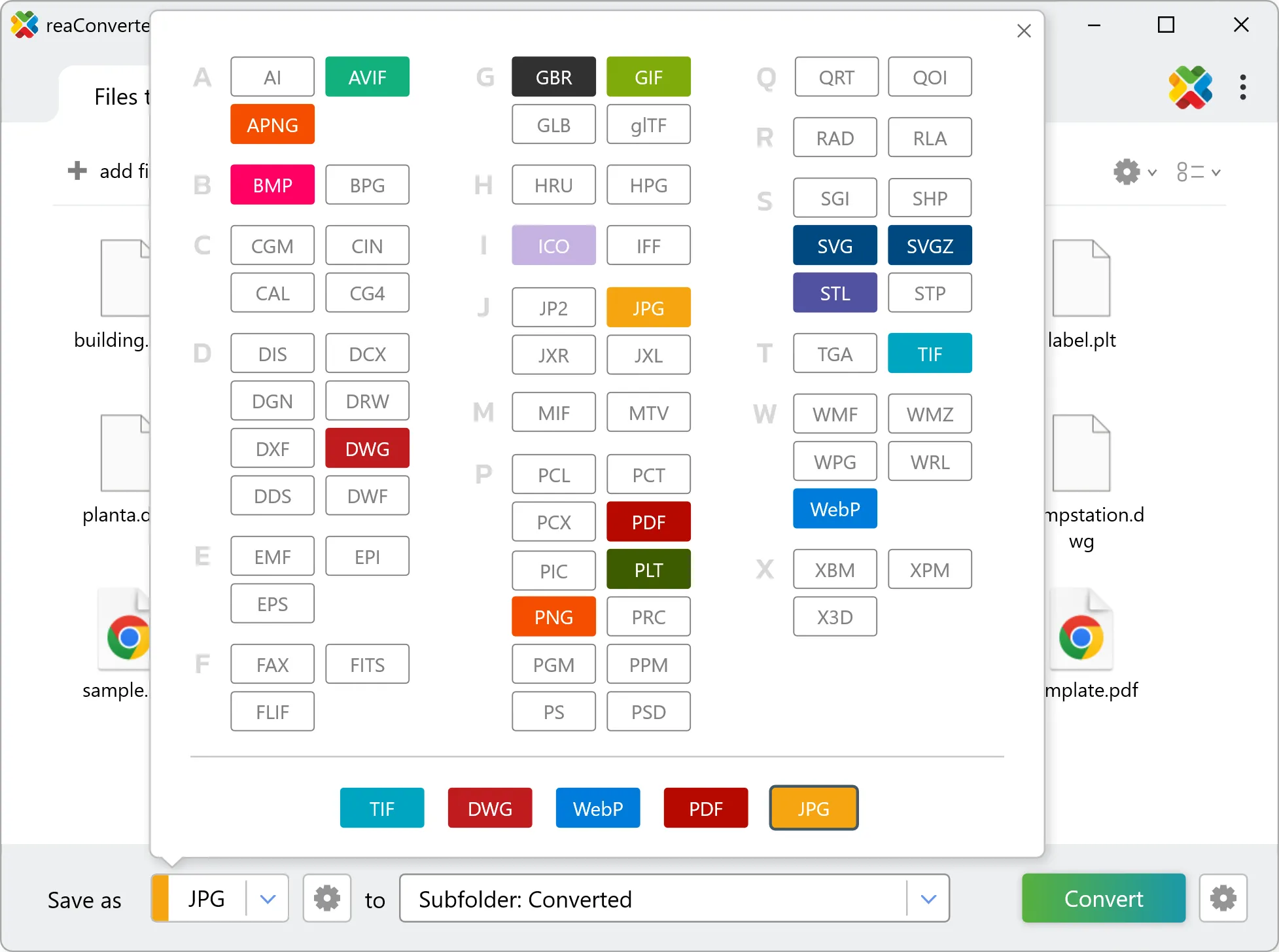
Yes! reaConverter instantly converts .hdp to .dds with perfect quality preservation. With its batch processing feature, you can convert multiple files at once in just a few clicks. You can even convert HDP files directly from Windows Explorer using the right-click menu — fast and convenient.
Can I convert HDP to DDS in my browser?
Yes — with our free web-based HDP to DDS converter, you can convert .hdp files instantly, right in your browser. No installation, no uploads — perfect for quick, local conversions.
How can I turn HDP files into DDS on my computer?
The best way to change HDPs to DDSs on your PC is to install a quality piece of software, such as reaConverter. This software is extremely efficient in managing a wide range of batch files conversions, including conversion from HDP to DDS.
How can I automate HDP to DDS files conversion?
reaConverter supports all the most useful automation features such as right-click сonversion and Watch Folders for the most efficient automated files conversion in any software of this type.
Is there a way to convert HDP files to DDS using the command prompt?
reaConverter provides full access to all its features via Windows command line, including a high-performance command-line hdp to dds converter for batch processing.
What else can I do with reaConverter?
Vectorize imagesChange bit depthConvert RAW filesConvert Gerber filesConvert RGB to CMYK
Related conversions
Other ways to convert HDP files, and other sources that convert to DDS.