How to Convert Multiple .info Files to .obj?
1. Download and Install reaConverter
reaConverter is a standalone Windows app — download, install, and start converting INFO files in under two minutes.

2. Load your INFO files
Launch reaConverter and drop in your INFO files. The software queues everything for batch processing with consistent settings.
Add files by dragging them in, browsing folders, or using the right-click menu from Windows Explorer.

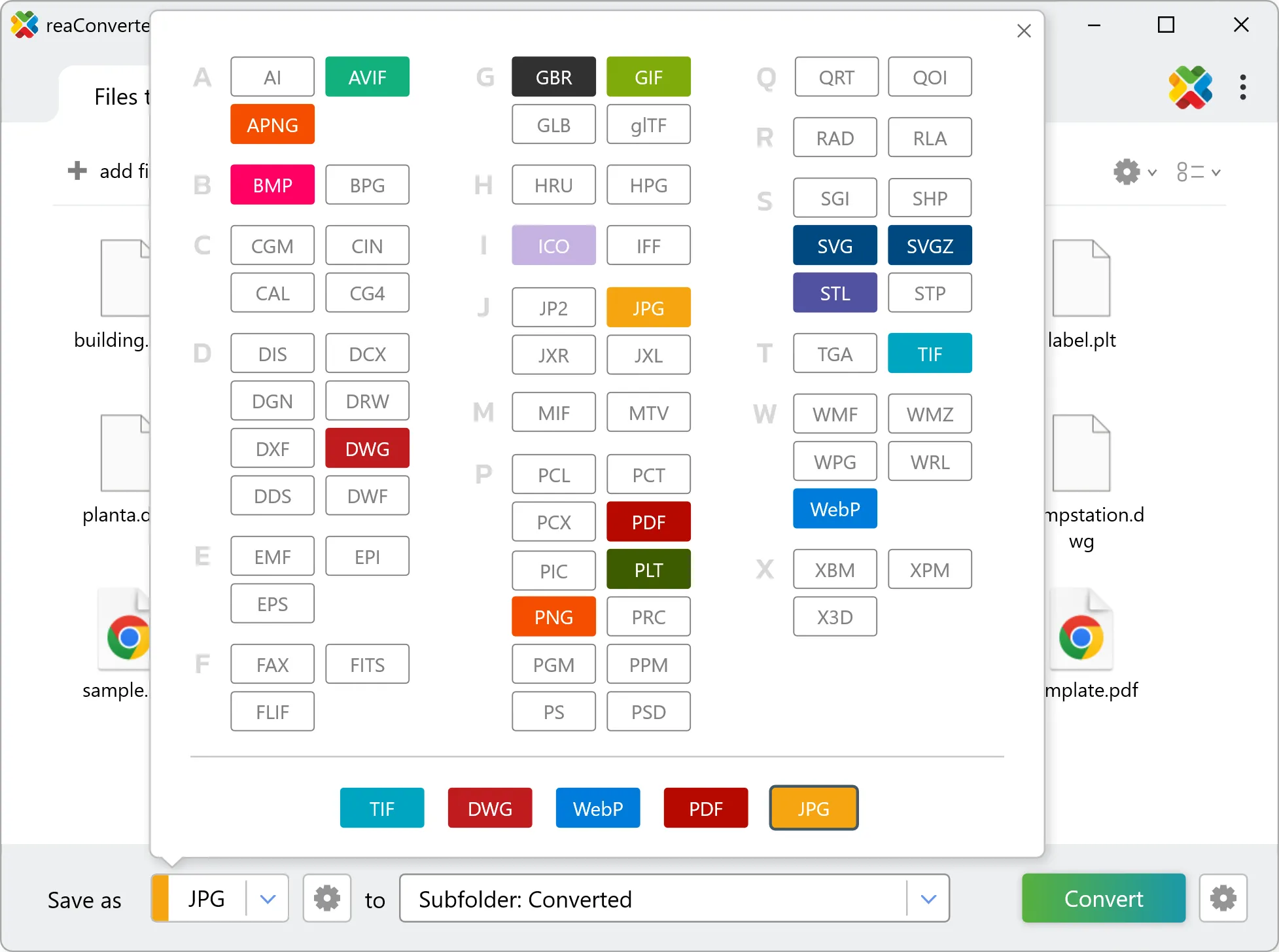
3. Select OBJ as output format
Pick OBJ as output format and choose the destination folder where you want to save new .obj files.
4. Start INFO to OBJ conversion
Then simply press the Convert button and your conversion will begin in no time!

Once the conversion is complete, you can find your OBJ files in the destination folder you selected.