100% Secure & Private
KTX Converter
Free browser-based KTX converter with no signup. Your files stay local. reaConverter for Windows adds automation, editing, and 800+ other formats.


How to Convert .ktx Images in Bulk
1. Install reaConverter

2. Select KTX Files

3. Start Conversion
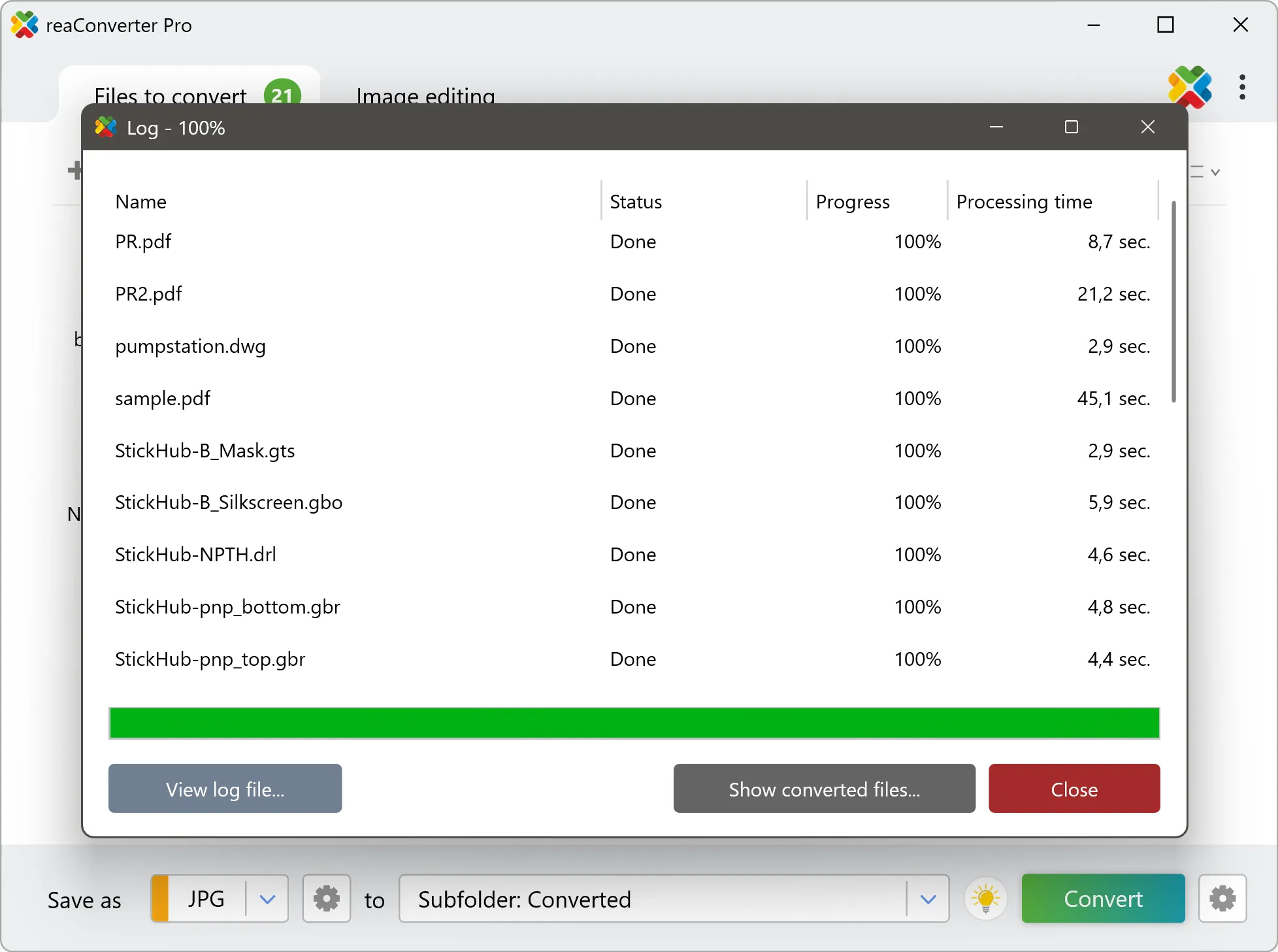
Step by step
See It in Action
For quick and effortless KTX file handling on your PC, reaConverter offers powerful conversion tools with batch processing. Best of all, it works entirely offline — ensuring your sensitive data never leaves your computer.
Edit & Enhance
Do more with your images
Converting KTX images for use in a workflow? Touch up, transform, apply editing and effects to your images during conversion.
Our range of editing options includes such image processing actions as Resize, Rotate, Crop, Color Replace, Watermarks and more. Adjust actions include RGB, HLS, HSV, Brightness and Contrast. Auto-processing options are also available, such as auto-rotate and auto-crop.

User reviews
From those who tried it
Average User Rating:Last updated on August 26, 2026





Questions & Answers
KTX images: Frequently Asked Questions
What are KTX files?
KTX (Khronos Texture) is a binary texture container format standardized by the Khronos Group to store single or multi-level GPU textures structured for direct upload into OpenGL and OpenGL ES.
Structurally, a KTX file begins with a 64-byte binary header starting with the 12-byte file identifier «KTX 11»\r\n\x1A\n, followed by endianness flags, OpenGL format enums (glType, glTypeSize, glFormat, glInternalFormat, and glBaseInternalFormat), pixel dimensions (1D, 2D, or 3D), array element counts, cubemap face counts, and mipmap level counts. Immediately after the header sits a variable-length key-value metadata section (storing attributes such as KTXorientation) followed by the raw or block-compressed texture payloads ordered from largest to smallest mipmap level, with each level prefixed by its 4-byte byte length.
For texture editing, debugging, or standard image workflows, KTX files can be inspected or decoded into conventional raster formats such as PNG, TGA, DDS, or EXR. Supported by Khronos KTX-Software (toktx, ktxinfo), PVRTexTool, RenderDoc, Mali Texture Compression Tool, and WebGL/OpenGL engines.
Can reaConverter open KTX files?
reaConverter fully supports the KTX image format – open, edit, and export KTX files to any other popular file format with ease.
How do I change KTX to another format?
reaConverter is a user-friendly tool for converting KTX files. Once installed on your computer, it allows you to convert all your .ktx files at once with just a few clicks. You can even convert KTX images directly from Windows Explorer using the right-click menu — fast and convenient.
Can I convert KTX online?
If you only want to convert a few KTX images, you are welcome to try our free online KTX converter.
How can I turn KTX files on my computer to another format?
The best way to convert KTX images on your PC is to get a quality piece of software, such as reaConverter. This software is extremely efficient in managing a wide range of batch files conversions, including conversion from KTX.
How can I automate KTX files conversion?
reaConverter supports all the essential automation features, such as right-click сonversion and Watch Folders, for the most efficient automated file conversion in any software of its kind.
Can I convert KTX files using scripts or the command-line interface?
reaConverter provides full access to all its features from the Windows command-line shell, including the command-line ktx converter.
What else can I do with reaConverter?
Convert GIS filesConvert raster to vectorChange bit depthConvert CAD formatsChange file creation date
What formats can I convert a KTX file to?
Discover More
Beyond KTX conversion
Convert .ktx files in batches of any size, with editing and processing applied along the way. The same tool also handles 800+ other formats, including CAD, medical imaging, and GIS.
