


How to Convert Multiple ORF Images to XPM?
1. Download and Install reaConverter
reaConverter installs quickly on any Windows PC. No dependencies, no bloatware — just a clean setup that's ready to use immediately. Built-in editing tools let you resize, crop, or watermark as you convert.

2. Load your ORF files
Add your ORF files to reaConverter. Whether it's a handful or an entire archive, the batch engine processes them efficiently.
Drag files into the window, use the Add Files button, or select entire folders.

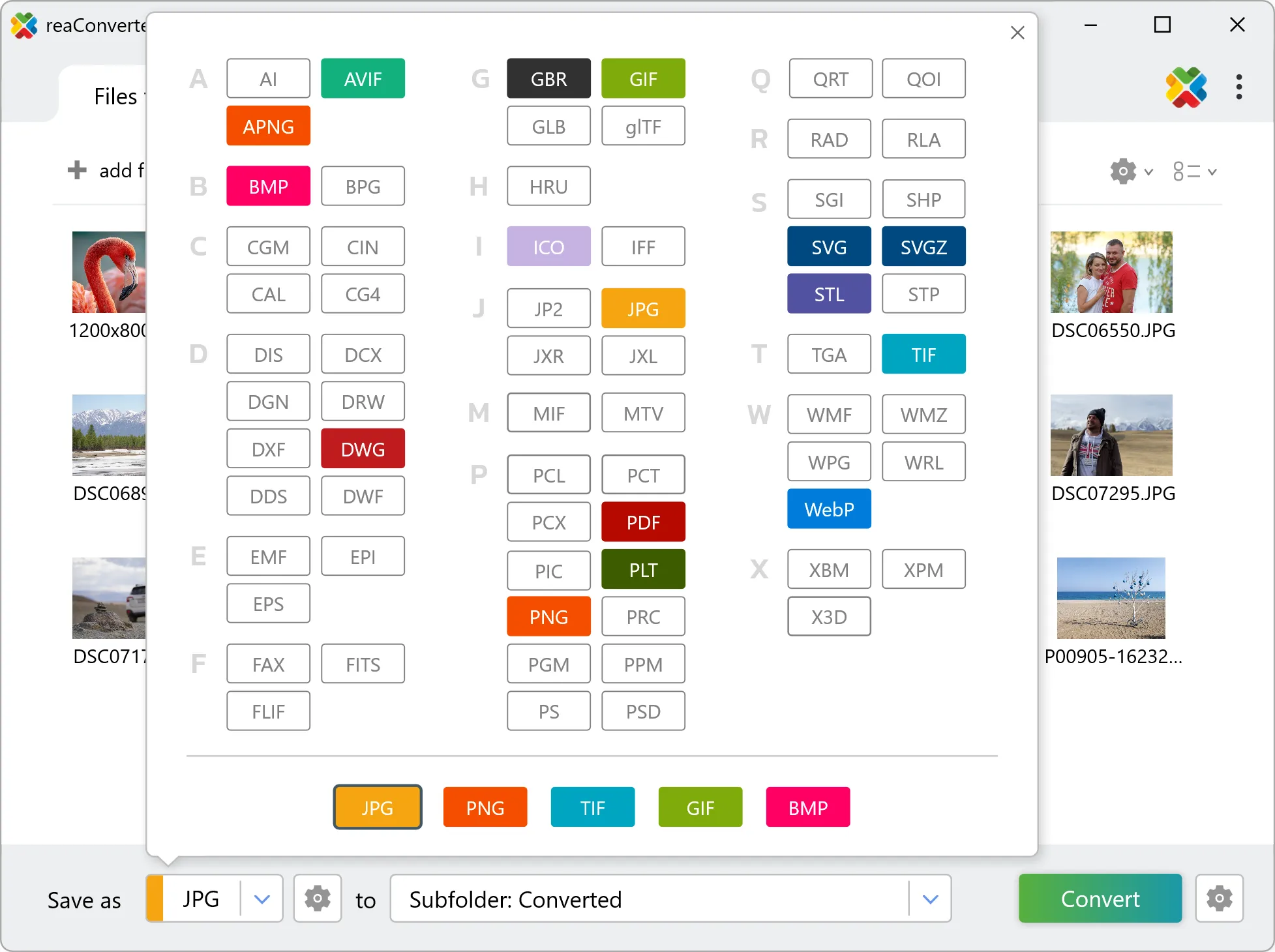
3. Select XPM as output format
Set XPM as output format and select where to save your converted files. Customize quality settings if needed.
4. Start ORF to XPM conversion
Hit Convert to process your files. The log window shows progress, timing, and status for every file.

Conversion complete? Your XPM files are saved to the destination folder, ready to use.