

How to Convert Multiple .qrp Files to .stp?
1. Download and Install reaConverter
reaConverter is a standalone Windows app — download, install, and start converting QRP files in under two minutes.

2. Load your QRP files
Open reaConverter and add your QRP files. You can load individual files, entire folders, or even nested subfolders.
Drop your QRP files into the window or use File menu to browse and select folders.

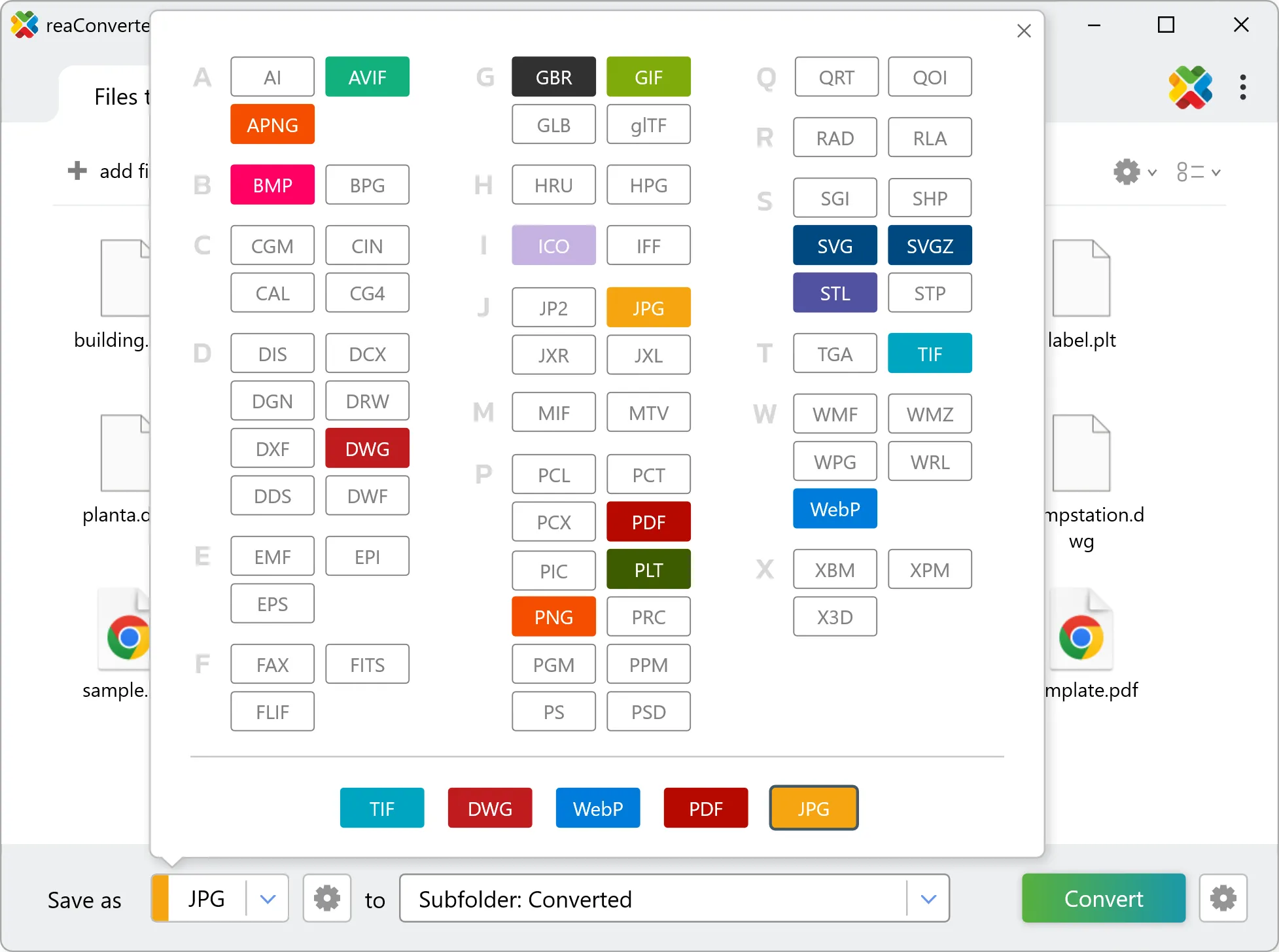
3. Select STP as output format
Choose STP as the target format. Pick a destination folder or let reaConverter save files alongside the originals.
4. Start QRP to STP conversion
Hit Convert and let reaConverter do the work. The progress window shows status for each file in real time.

After conversion, find your STP files in the output folder. Click 'Show converted files' to open it directly.