FAQ
SPP to CIT Conversion
What are SPP files?
SPP is the project file of Adobe Substance 3D Painter, formerly Allegorithmic Substance Painter, a program for painting textures directly on 3D models for games, film, and visualization. A file of this type holds the whole texturing job: the 3D mesh, its texture sets, the layer stacks of paint and materials, brush strokes, baked maps such as ambient occlusion and normals, and the resources used along the way, such as alphas and smart materials. Because the work is non-destructive, resolution and layers can be changed after saving. The finished textures are exported from the project as separate image maps for a game engine or renderer. The extension is also used by Serif PhotoPlus pictures and Altova XMLSpy projects.
What are CIT files?
A CIT file represents a black-and-white raster image created using an Intergraph Security, Government and Infrastructure (SG&I) piece of software. Until a few years ago, Intergraph was considered one of largest software developers in the world, and is part of Hexagon AB since 2010. The company provides IT services all over the world to governments and businesses, and apart from the SG&I division it also includes one called Process, Power & Marine (PP&M) and another called Hexagon Geospatial.
Can reaConverter convert SPP to CIT?
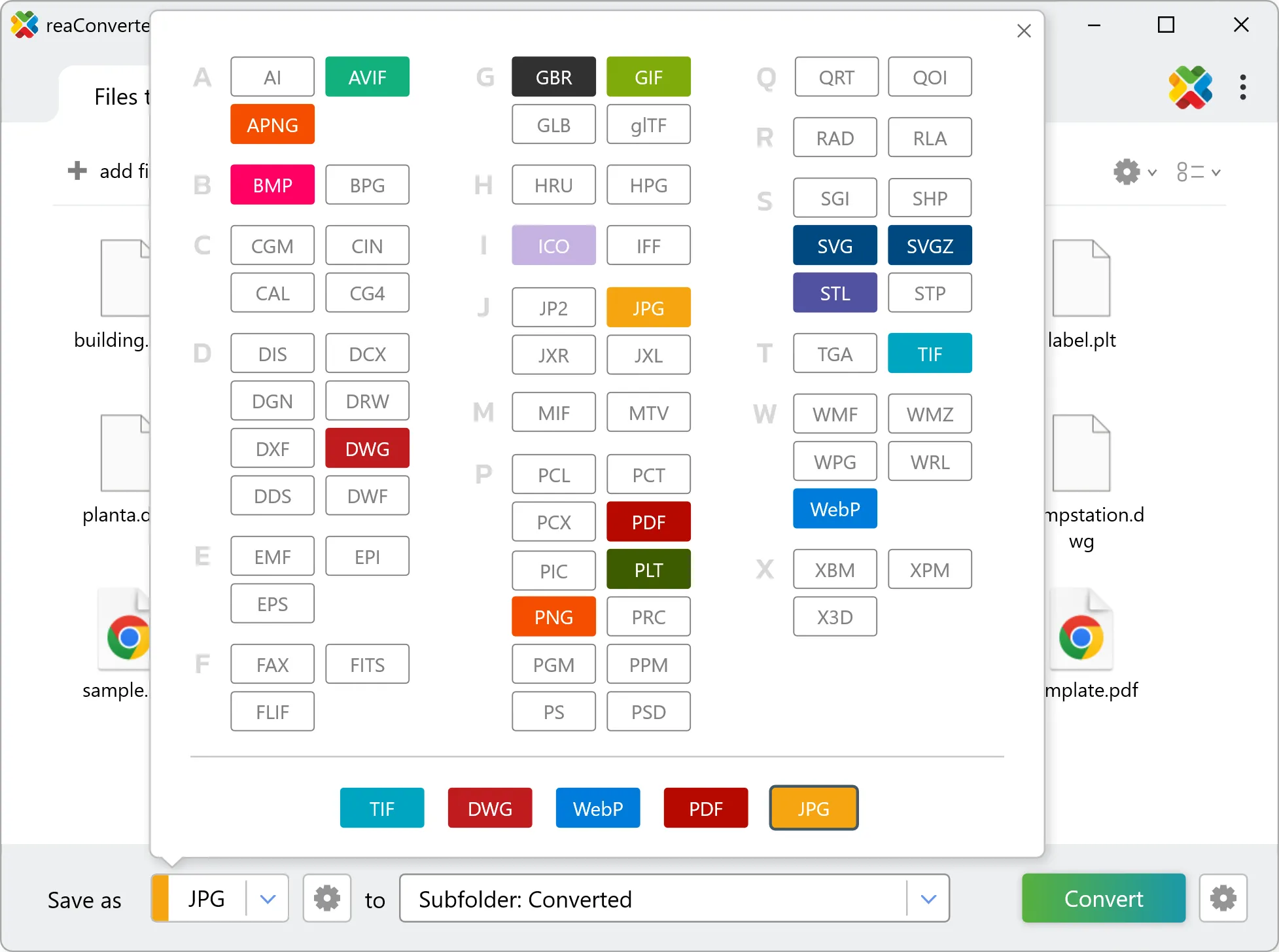
Yes! reaConverter instantly converts .spp to .cit with perfect quality preservation. With its batch processing feature, you can convert multiple files at once in just a few clicks. You can even convert SPP models directly from Windows Explorer using the right-click menu — fast and convenient.
What is reaConverter used for?
reaConverter is a Windows converter for 800+ formats, 3D models among them. For SPP to CIT it replaces the round trip through Blender, a CAD program or an upload form: add the files, pick the output format, and the whole batch converts offline. Engineers, 3D printing shops and product teams use it to move models between CAD, printing, web and documentation formats.
Why choose offline conversion with reaConverter?
reaConverter is a software program that is used for offline files conversion. Your proprietary documents never leave your computer – essential for architects, engineers, healthcare and government contractors handling classified projects. Meets GDPR, HIPAA, CCPA, and corporate security policies by ensuring files never cross borders or third-party systems.
Can I convert SPP to CIT online?
If you only need to convert a few SPP files to CIT format, feel free to try our free online free online SPP to CIT converter — perfect for small batches with no installation needed!
How can I turn SPP files into CIT on my computer?
The best way to change SPPs to CITs on your PC is to install a quality piece of software, such as reaConverter. This software is extremely efficient in managing a wide range of batch files conversions, including conversion from SPP to CIT.
How can I automate SPP to CIT files conversion?
reaConverter supports all the most useful automation features such as right-click сonversion and Watch Folders for the most efficient automated files conversion in any software of this type.
Is there a way to convert SPP files to CIT using the command prompt?
reaConverter provides full access to all its features via Windows command line, including a high-performance command-line spp to cit converter for batch processing.
What else can I do with reaConverter?
Convert CAD formatsSet file dateConvert Gerber imagesChange image color spaceConvert GIS files
Related conversions
Other ways to convert SPP files, and other sources that convert to CIT.