SPP → STEP · Windows

Convert SPP to STEP

Batch convert SPP to STEP for easy sharing. reaConverter exports 3D models offline with control over output settings.

Manual SPP to STEP conversion wastes hours. reaConverter automates the process — just add files and click Convert. Everything happens offline on your computer. No uploads, no cloud risks. Processes 3D files for collaboration across different platforms.

.spp.STEP
4.8

Converting files since 2001

Runs offline — nothing uploaded

Read what our users say →

How to Convert Multiple .spp Models to .step?

1. Download and Install reaConverter

Download reaConverter and install it in seconds. The setup is straightforward — no complex configuration, no extra software required.

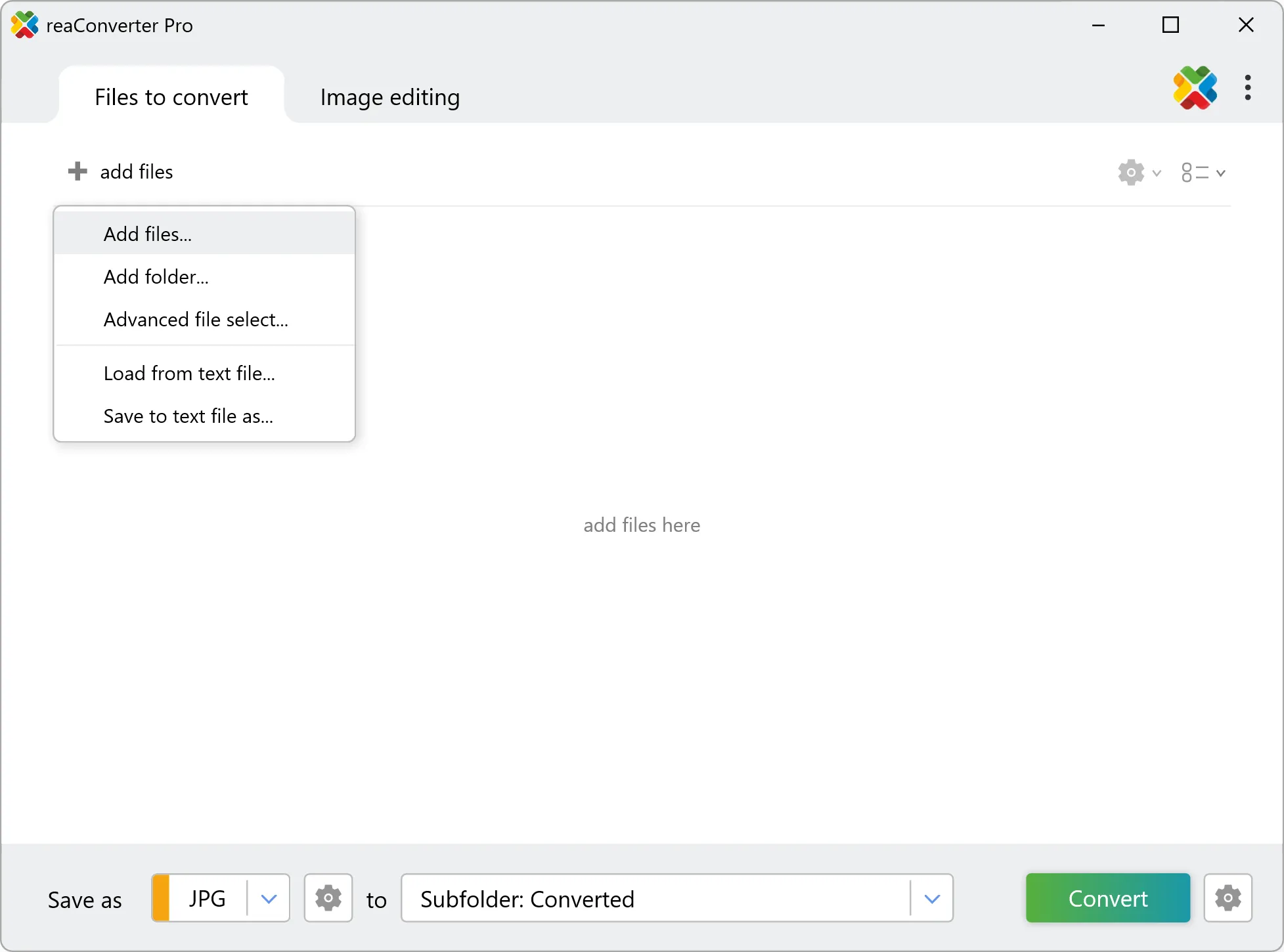
2. Load your SPP files

Open reaConverter and add your SPP files. You can load individual files, entire folders, or even nested subfolders.

Drop your SPP files into the window or use File menu to browse and select folders.

Load your SPP files into reaConverter

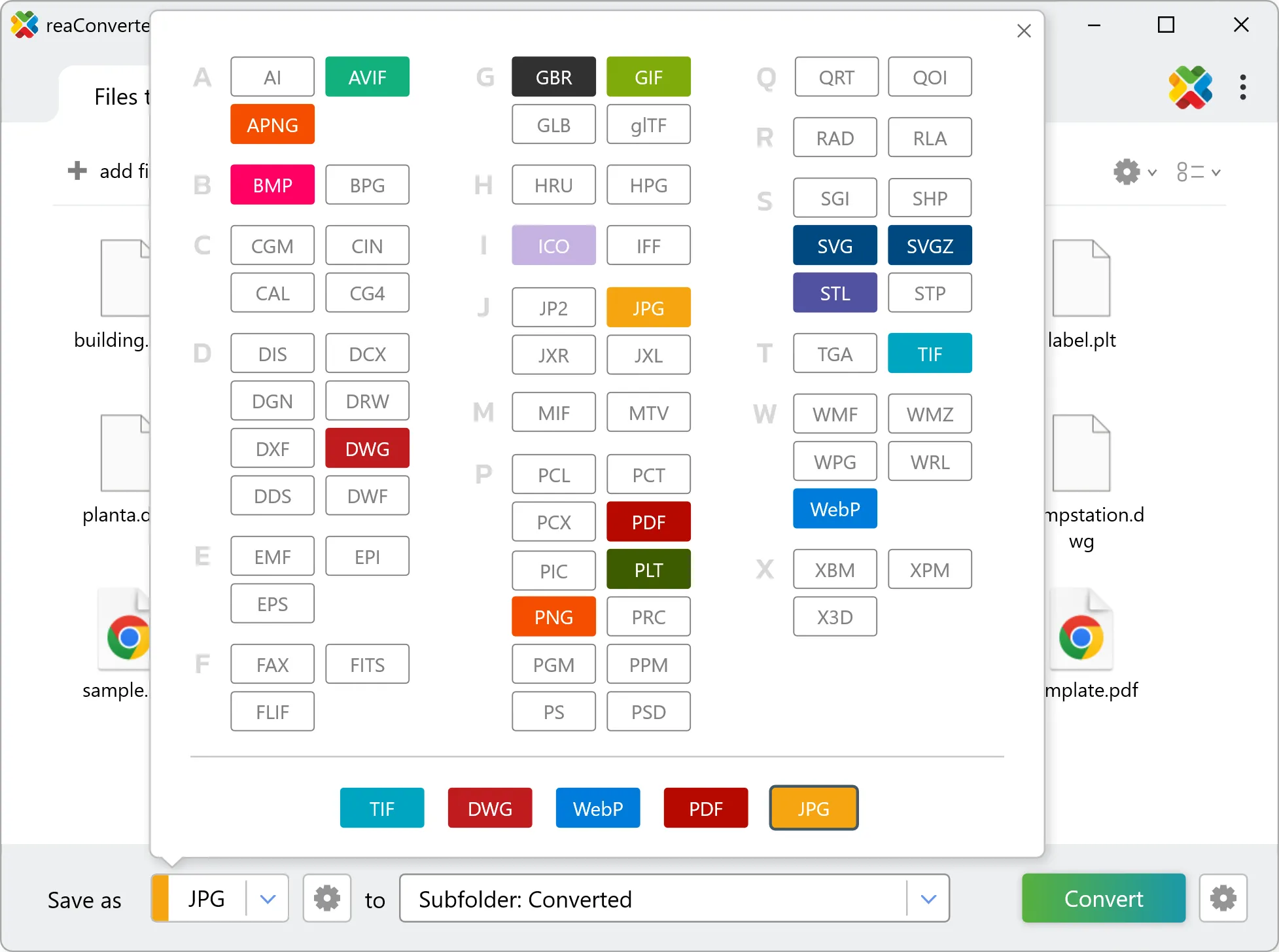
3. Select STEP as output format

Choose STEP as the target format. Pick a destination folder or let reaConverter save files alongside the originals.

Select STEP as output format

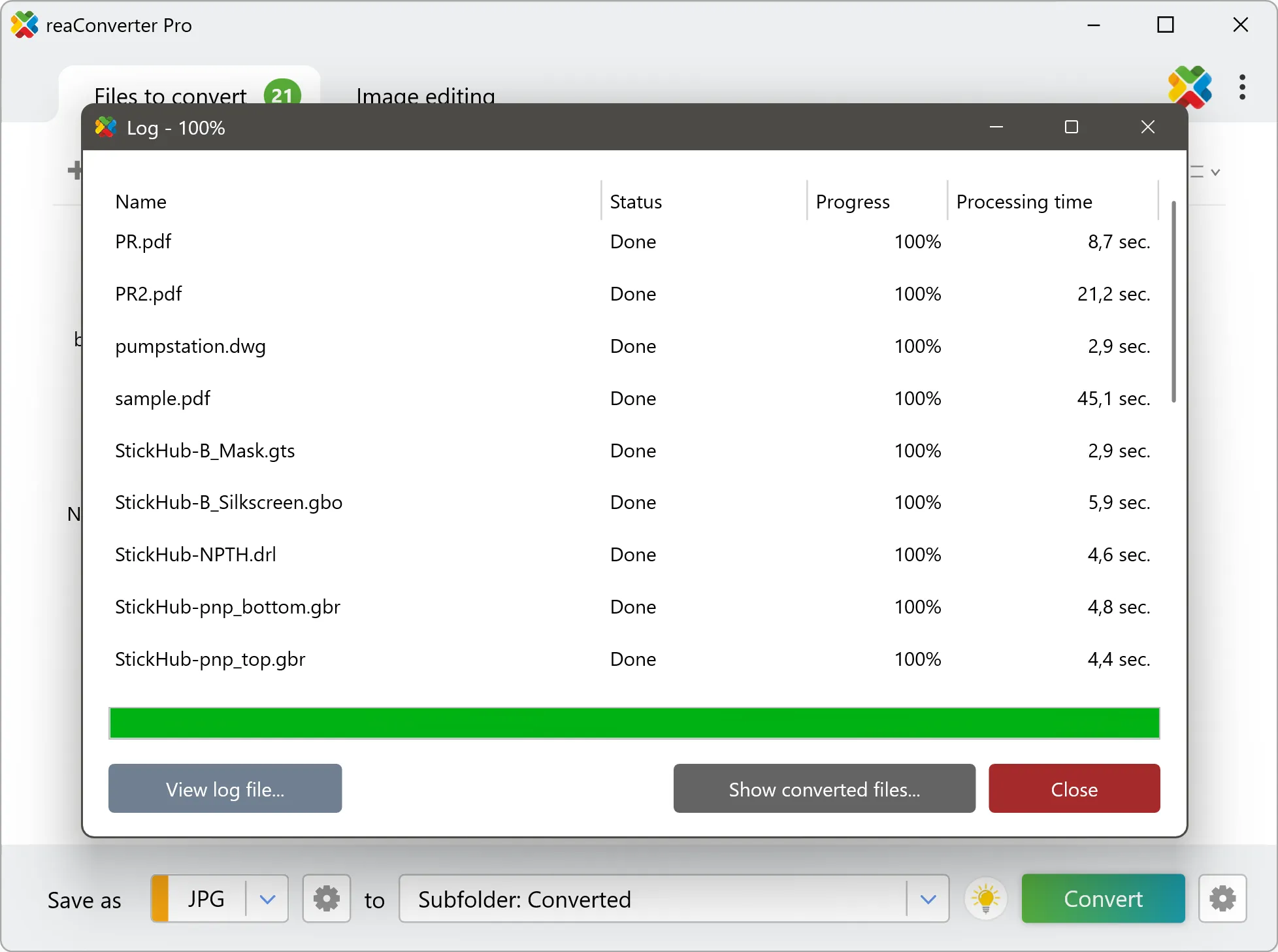
4. Start SPP to STEP conversion

Hit Convert and let reaConverter do the work. The progress window shows status for each file in real time.

Start Conversion

After conversion, find your STEP files in the output folder. Click 'Show converted files' to open it directly.

Step by step

How It Works

reaConverter offers the fastest, simplest solution for converting your SPP files into STEP without 3D or CAD software - all models processed on your PC for maximum privacy and speed.

3D Workflow

From mesh to CAD format

reaConverter converts SPP models to STEP for CAD, quoting and archiving, a whole folder at a time.

  • Get each model as one STEP file that SolidWorks, Fusion or FreeCAD can open
  • Convert a whole model library in one run with the same settings
  • Pick up new models automatically with Watch Folders
3D model conversion

User reviews

What people say after the first batch

Average User Rating:4.8
Last updated on October 19, 2026
I needed to convert a batch of STEP files for a client presentation and ReaConverter made it simple. The interface is intuitive, letting me drag, drop, and choose my output format (I used STL) in seconds. The batch processing saved me hours of work. Highly recommended for its reliability and speed.
Alex J.
Alex J.
CAD Designer
reaConverter made converting my STEP files to DXF a breeze! The batch processing feature saved me hours, handling hundreds of files flawlessly in minutes. Its offline mode ensured my CAD data stayed secure, and the intuitive interface was perfect for a non-techie like me. Highly recommend for anyone needing fast, reliable STEP file conversions!
John S.
John S.
Satisfied Customer
reaConverter has been a huge time-saver for our team. We regularly work with CAD models in STEP format, and converting them to images or other file types used to be a hassle. With reaConverter, the process is fast, accurate, and incredibly easy to set up. The batch conversion feature is especially useful when handling large projects. Highly recommended for anyone dealing with STEP files on a regular basis.
Mark T.
Mark T.
Engineer
Your solution was buried deeper in search results than it should be. After struggling with unclear alternatives, I found your guides — finally, instructions that made sense for a first-time user like me. Excellent work!
Richard E. Miller
Richard E. Miller
Satisfied Customer
Converts files in seconds! Finally a tool that's both fast and simple to use.
Wei Chen
Wei Chen
Happy User
I'd been searching for reliable conversion software forever — reaConverter has everything I need! After installing and watching the tutorial, I had my files converted to the perfect format in minutes. Flawless experience!
Sanjay Mehta
Sanjay Mehta
Satisfied Customer

FAQ

SPP to STEP Conversion

Can reaConverter convert SPP to STEP?

Yes! reaConverter instantly converts .spp to .step with perfect quality preservation. With its batch processing feature, you can convert multiple files at once in just a few clicks. You can even convert SPP models directly from Windows Explorer using the right-click menu — fast and convenient.

What is reaConverter used for?

reaConverter is a Windows converter for 800+ formats, 3D models among them. For SPP to STEP it replaces the round trip through Blender, a CAD program or an upload form: add the files, pick the output format, and the whole batch converts offline. Engineers, 3D printing shops and product teams use it to move models between CAD, printing, web and documentation formats.

Why choose offline conversion with reaConverter?

reaConverter is a software program that is used for offline files conversion. Your proprietary documents never leave your computer – essential for architects, engineers, healthcare and government contractors handling classified projects. Meets GDPR, HIPAA, CCPA, and corporate security policies by ensuring files never cross borders or third-party systems.

Can I convert SPP to STEP online?

If you only need to convert a few SPP files to STEP format, feel free to try our free online free online SPP to STEP converter — perfect for small batches with no installation needed!

How can I turn SPP files into STEP on my computer?

The best way to change SPPs to STEPs on your PC is to install a quality piece of software, such as reaConverter. This software is extremely efficient in managing a wide range of batch files conversions, including conversion from SPP to STEP.

How can I automate SPP to STEP files conversion?

reaConverter supports all the most useful automation features such as right-click сonversion and Watch Folders for the most efficient automated files conversion in any software of this type.

Is there a way to convert SPP files to STEP using the command prompt?

reaConverter provides full access to all its features via Windows command line, including a high-performance command-line spp to step converter for batch processing.

What else can I do with reaConverter?

Trace images to vectorChange bit depthConvert DICOM imagesCrop imagesConvert vector images

Related conversions

Other ways to convert SPP files, and other sources that convert to STEP.
Discover More

Beyond format conversion

Batch conversion, editing, and processing across 800+ formats, from RAW and HEIC to DICOM, DWG, and PDF. Everything runs locally, with no cloud and no upload limits.

Free trial · Windows 10/11 · v8.0.260 · Files never leave your computer

reaConverter software