FAQ
VST to DCX Conversion
What are VST files?
VST is the binary template format of Microsoft Visio, used from Visio 5 through Visio 2010 as the counterpart of the VSD drawing. A file of this type contains the page setup, drawing scale, units, grid, styles, layers, and a set of masters, so new diagrams start with the right size and the right shapes. It is the format of the templates that were installed with older versions of Visio and of many custom corporate templates. When a template is opened, Visio creates a new untitled drawing from it, and the original is not modified. Newer versions use the VSTX format for templates.
What are DCX files?
DCX files are multi-page images consisting of raster graphics, usually used to create fax files and functioning as a header that introduces a series of ensuing PCX files. DCX is a bitmap format and was initially developed together with the PCX format by Zsoft Corp. and was associated with PC Paintbrush. This graphics editing software was popular in the late 1980s on computers using the MS-DOS operating system, and later on it was adapted for Windows too.
Can reaConverter convert VST to DCX?
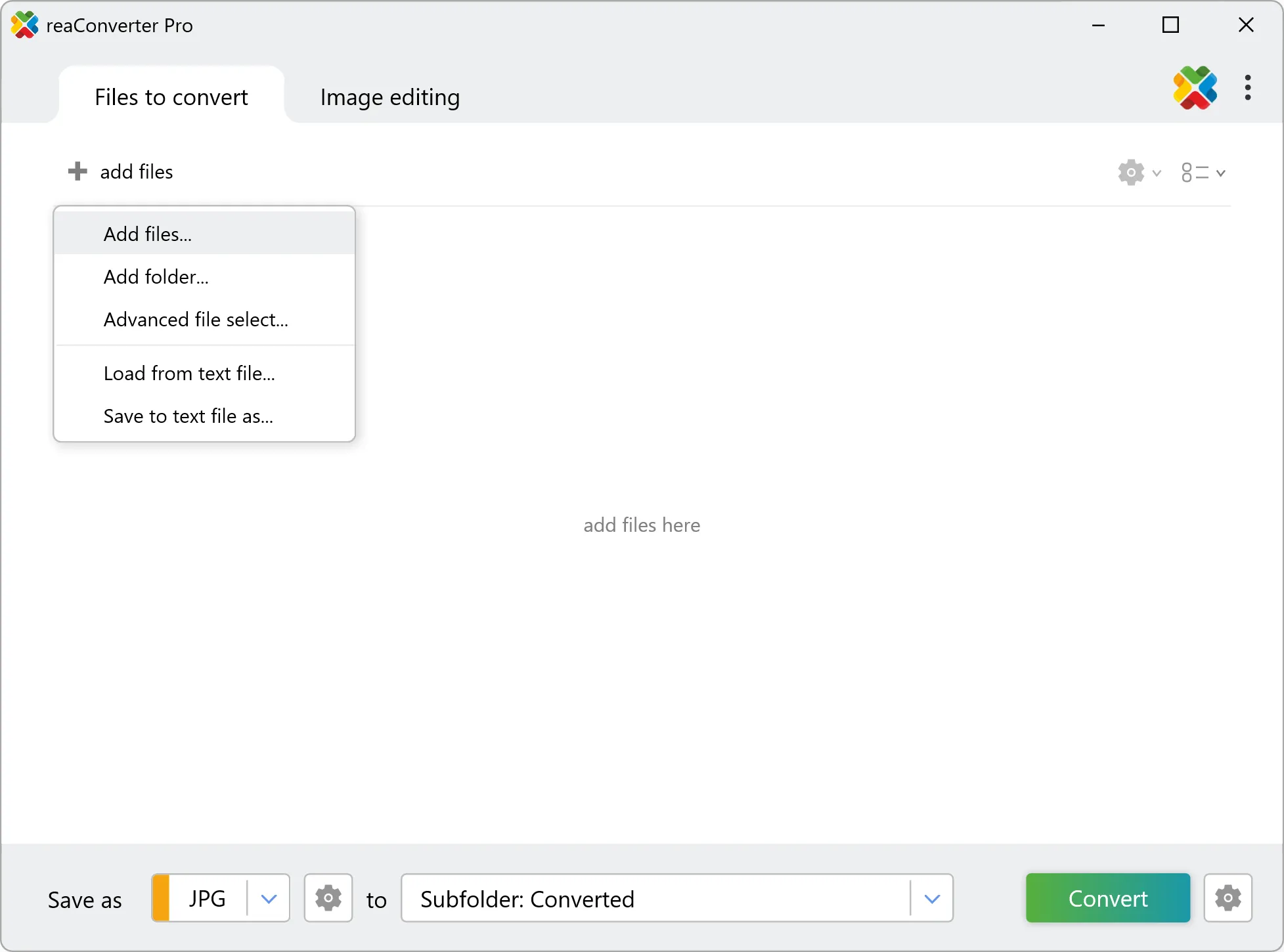
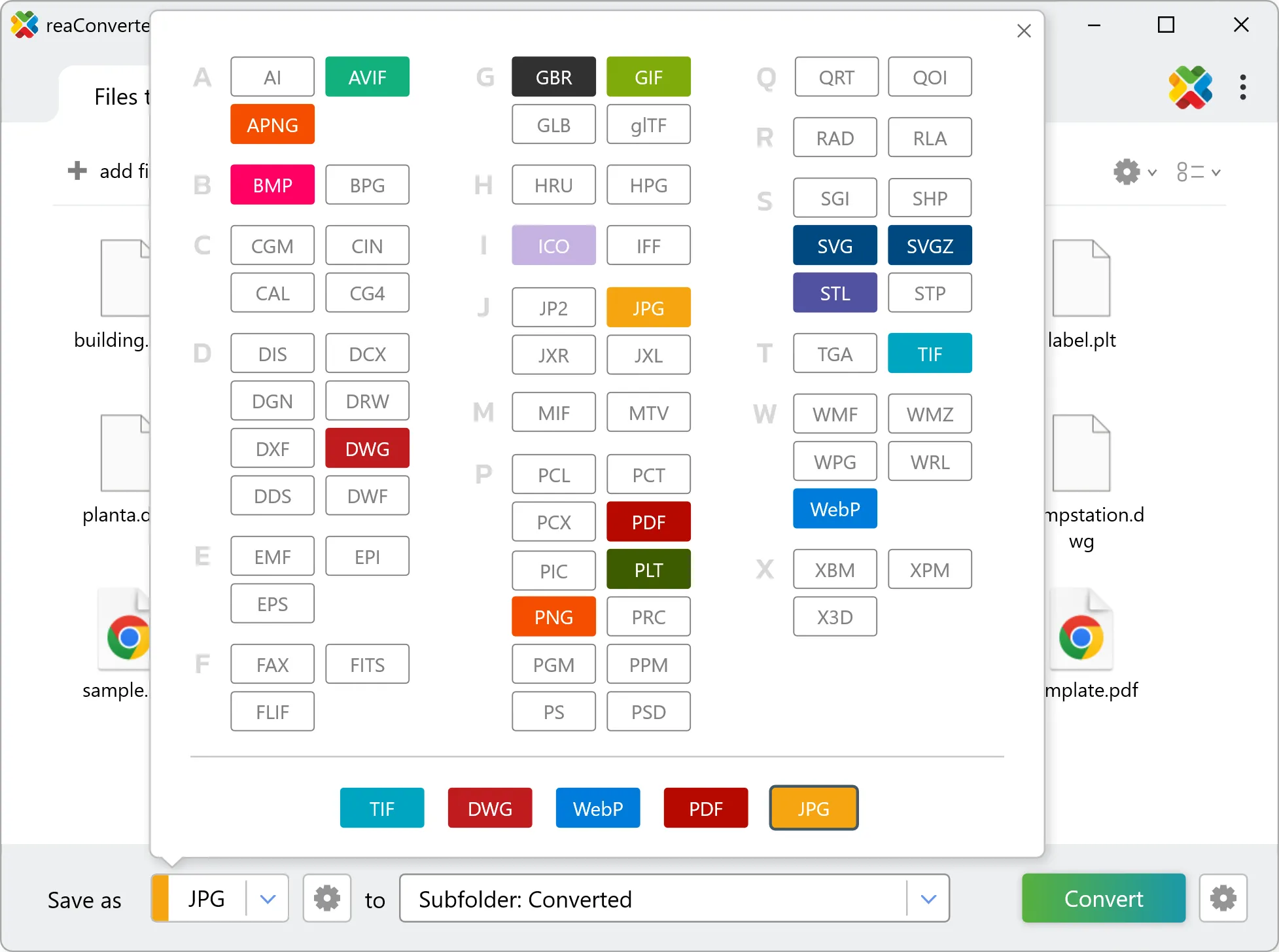
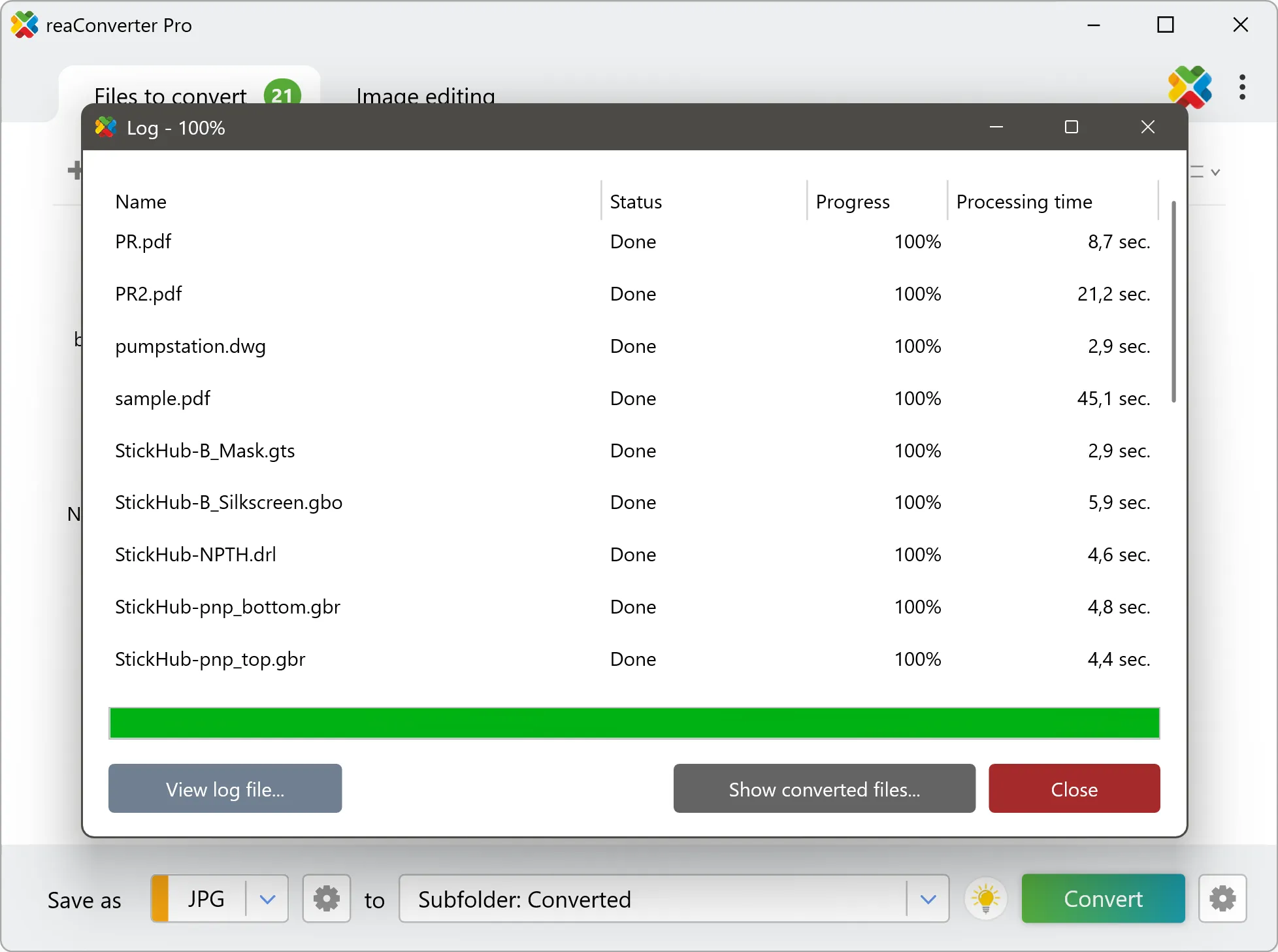
Yes! reaConverter instantly converts .vst to .dcx with perfect quality preservation. With its batch processing feature, you can convert multiple files at once in just a few clicks. You can even convert VST documents directly from Windows Explorer using the right-click menu — fast and convenient.
Why choose offline conversion with reaConverter?
reaConverter is a software program that is used for offline files conversion. Your proprietary documents never leave your computer – essential for architects, engineers, healthcare and government contractors handling classified projects. Meets GDPR, HIPAA, CCPA, and corporate security policies by ensuring files never cross borders or third-party systems.
Can I convert VST to DCX online?
If you only need to convert a few VST files to DCX format, feel free to try our free online free online VST to DCX converter — perfect for small batches with no installation needed! reaConverter Online never stores or shares any data uploaded by users, ensuring complete privacy and security for all file conversions.
How can I turn VST files into DCX on my computer?
The best way to change VSTs to DCXs on your PC is to install a quality piece of software, such as reaConverter. This software is extremely efficient in managing a wide range of batch files conversions, including conversion from VST to DCX.
How can I automate VST to DCX files conversion?
reaConverter supports all the most useful automation features such as right-click сonversion and Watch Folders for the most efficient automated files conversion in any software of this type.
Is there a way to convert VST files to DCX using the command prompt?
reaConverter provides full access to all its features via Windows command line, including a high-performance command-line vst to dcx converter for batch processing.
What else can I do with reaConverter?
Convert medical imagesResize picturesConvert RAW photosChange format settingsCopy metadata (EXIF, IPTC)
Related conversions
Other ways to convert VST files, and other sources that convert to DCX.