

How to Convert Multiple .xif Files to .ply?
1. Download and Install reaConverter
reaConverter is a standalone Windows app — download, install, and start converting XIF files in under two minutes.

2. Load your XIF files
Launch reaConverter and drop in your XIF files. The software queues everything for batch processing with consistent settings.
Add files by dragging them in, browsing folders, or using the right-click menu from Windows Explorer.

3. Select PLY as output format
Pick PLY as output format and choose the destination folder where you want to save new .ply files.
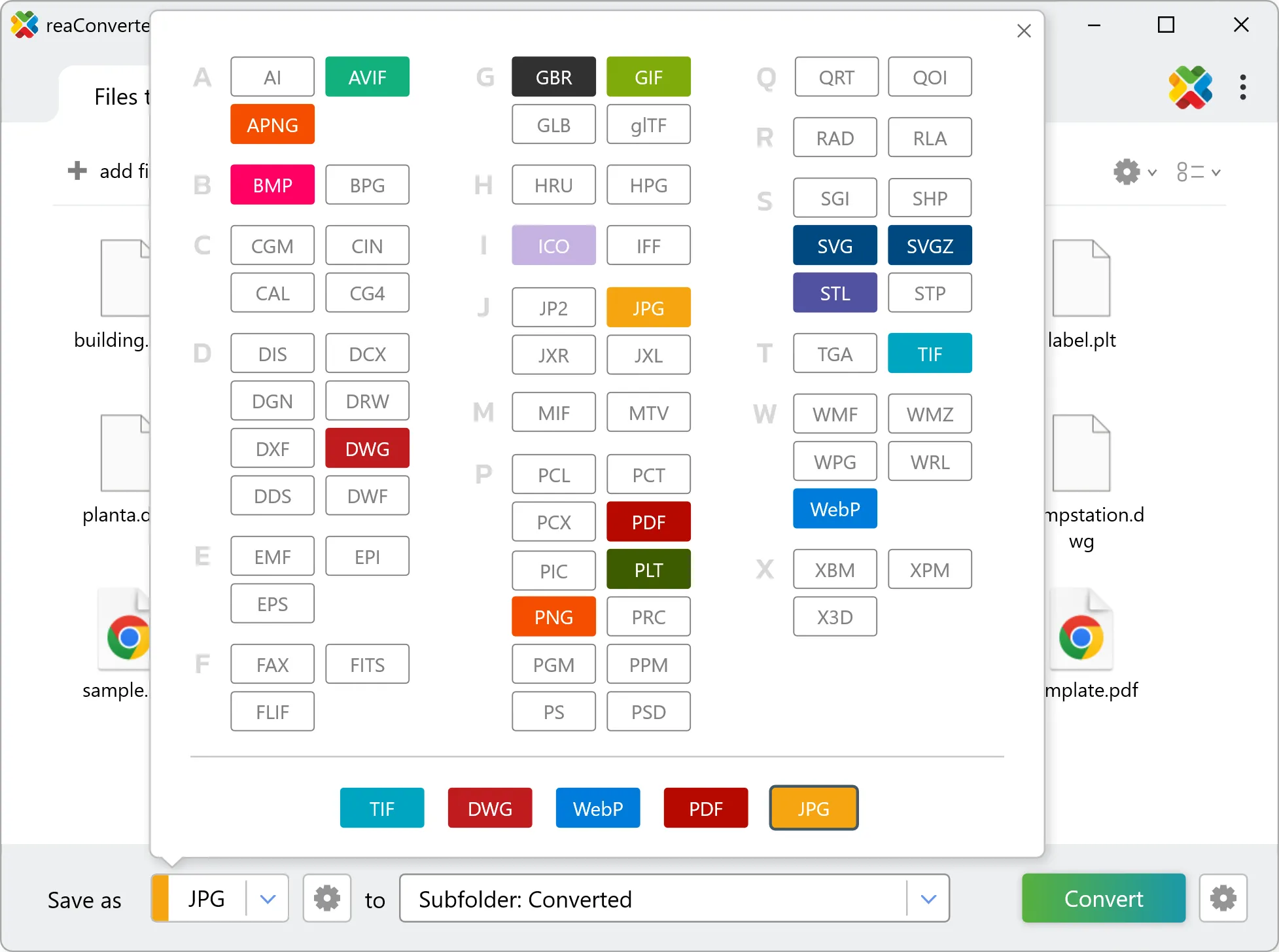
4. Start XIF to PLY conversion
Then simply press the Convert button and your conversion will begin in no time!

Once the conversion is complete, you can find your PLY files in the destination folder you selected.