FAQ
ANI to MIF Conversion
What are ANI files?
ANI is an image file format associated with animated mouse cursors in Microsoft Windows. The file stores a sequence of images that provide an animation effect indicating certain processes that are run on this operating system. ANI files are considered rare images and are compatible with a limited number of viewers. They are included in the default pack of Windows programs or can be edited by using specialized software.
What are MIF files?
MIF is the file with the shapes in MapInfo's interchange format, which stores map data as a pair of text files. In the .mif file are the points, lines, and areas of a map layer, written as readable text with their coordinates, colors, and line styles, while the attributes of these objects, such as names and numbers, are kept in the partner .mid file. MapInfo is a desktop GIS program widely used in business, telecommunications, and local government, and the MIF and MID pair is its open way of passing data to and from other programs, since it can be read and edited in any text editor. A MIF file needs its MID file with the same name to be complete.
Can reaConverter convert ANI to MIF?
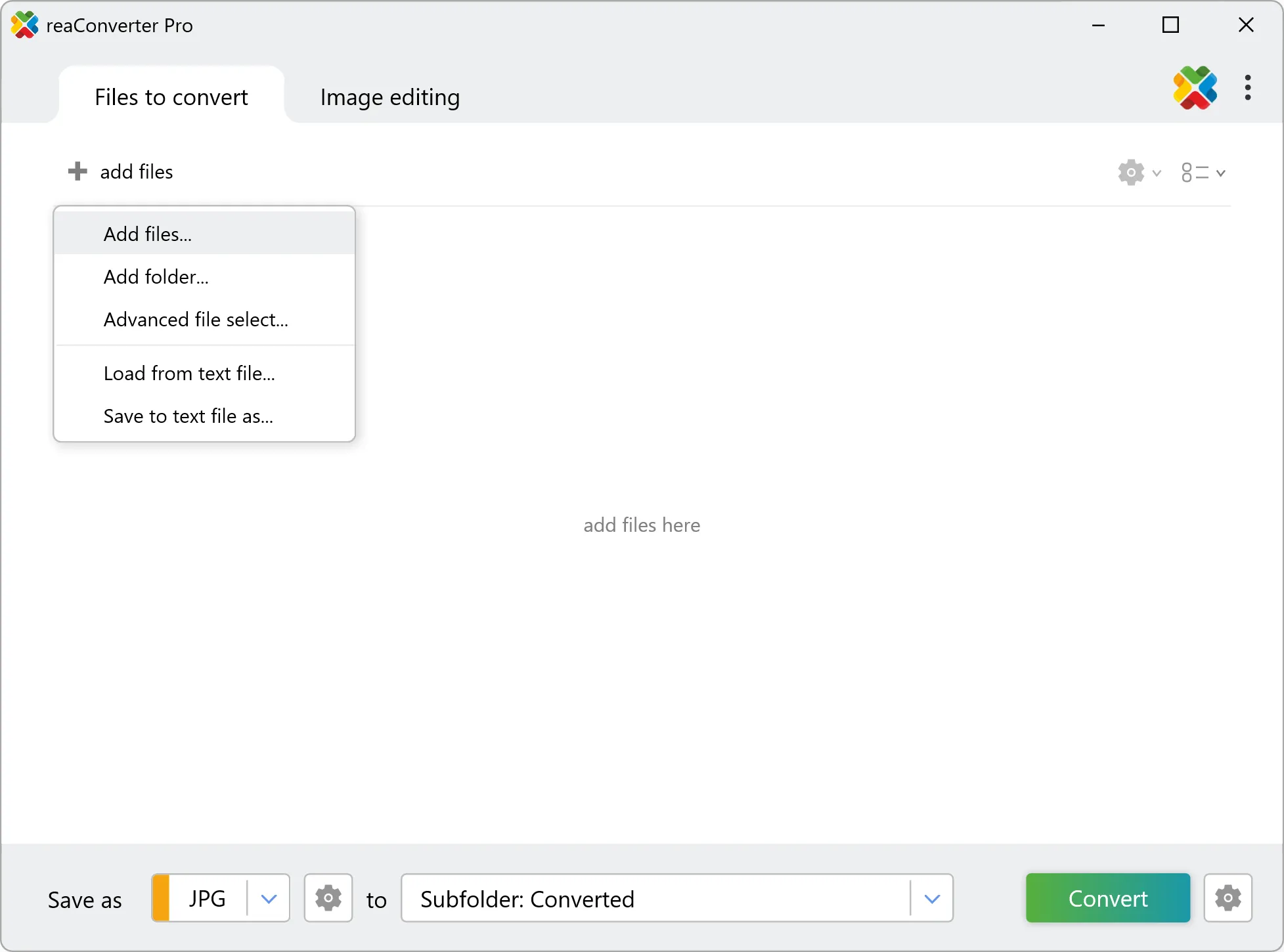
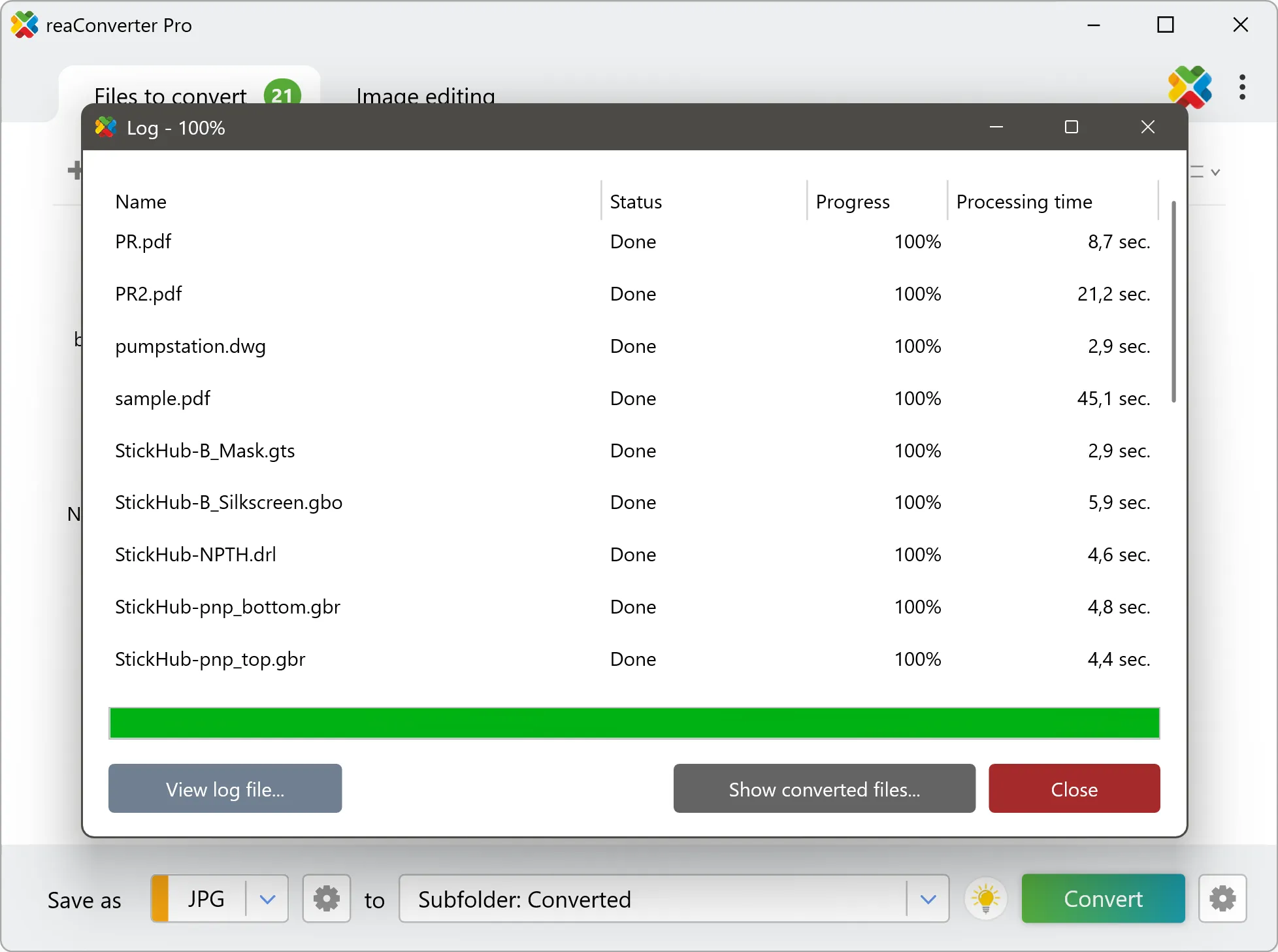
Yes! reaConverter instantly converts .ani to .mif with perfect quality preservation. With its batch processing feature, you can convert multiple files at once in just a few clicks. You can even convert ANI files directly from Windows Explorer using the right-click menu — fast and convenient.
What is reaConverter used for?
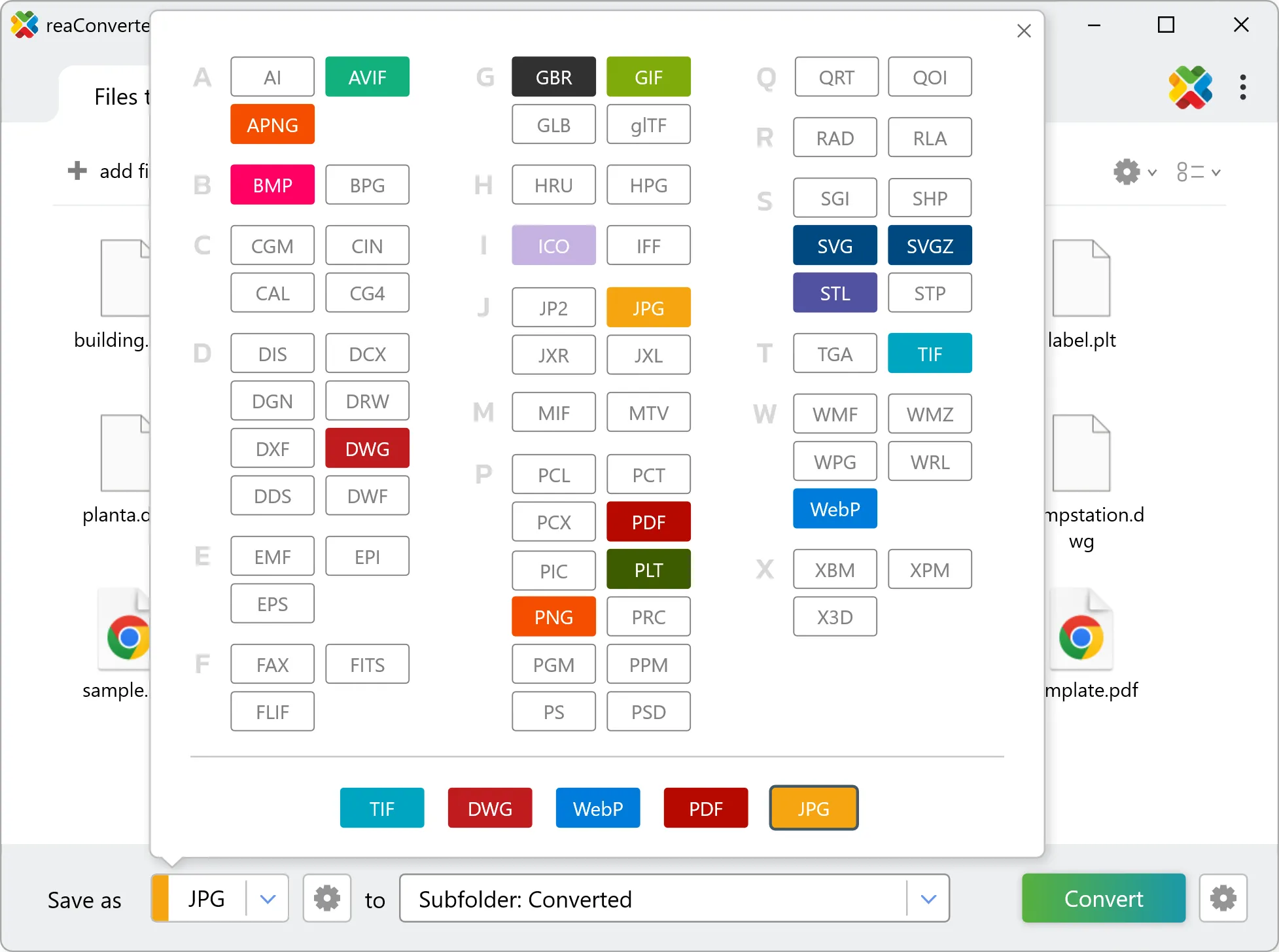
reaConverter is a Windows converter for 800+ formats, GIS data among them. For ANI to MIF it replaces the usual detour through QGIS, ArcGIS or ogr2ogr: add the files, pick the output format, and the whole batch converts offline. Surveyors, planners and engineering teams use it to pass data between GIS, CAD and everyday document formats.
Why choose offline conversion with reaConverter?
reaConverter is a software program that is used for offline files conversion. Your proprietary documents never leave your computer – essential for architects, engineers, healthcare and government contractors handling classified projects. Meets GDPR, HIPAA, CCPA, and corporate security policies by ensuring files never cross borders or third-party systems.
Can I convert ANI to MIF online?
If you only need to convert a few ANI files to MIF format, feel free to try our free online free online ANI to MIF converter — perfect for small batches with no installation needed!
How can I turn ANI files into MIF on my computer?
The best way to change ANIs to MIFs on your PC is to install a quality piece of software, such as reaConverter. This software is extremely efficient in managing a wide range of batch files conversions, including conversion from ANI to MIF.
How can I automate ANI to MIF files conversion?
reaConverter supports all the most useful automation features such as right-click сonversion and Watch Folders for the most efficient automated files conversion in any software of this type.
Is there a way to convert ANI files to MIF using the command prompt?
reaConverter provides full access to all its features via Windows command line, including a high-performance command-line ani to mif converter for batch processing.
What else can I do with reaConverter?
Convert Gerber filesChange color spaceConvert medical imagesResize pictureChange format settings
Related conversions
Other ways to convert ANI files, and other sources that convert to MIF.