FAQ
CT1 to PLY Conversion
What are CT1 files?
CT1 is a raster image file extension used for CALS Type 1 files, defined by the U.S. Department of Defense Computer-aided Acquisition and Logistic Support (CALS) initiative in the MIL-R-28002 specification, and later incorporated into MIL-STD-1840 for the exchange of technical documentation. A file of this type contains a single black-and-white page, stored as a bilevel image compressed with the CCITT Group 4 (ITU-T T.6) method, which made it well suited to scanned engineering drawings, manuals, and archival paper documents. The page is preceded by a fixed-length text header that identifies the source document, the figure, the document class, the pixel dimensions, the page orientation, and the scanning density. The format supports no color or grayscale, and remains in use in legacy technical document archives.
What are PLY files?
PLY, or "Polygon File Format", is a file format for storing three-dimensional data, originally designed for objects captured with 3D scanners. It is also known as the "Stanford Triangle Format" because it was developed at Stanford University in the mid-1990s, with a design inspired by Wavefront's OBJ format. A PLY file describes an object as a list of nominally flat polygons (most often triangles) defined by vertices and faces. It can also carry additional per-vertex or per-face properties such as color, transparency, surface normals and texture coordinates. The data can be saved in either ASCII or binary encoding, and the format can be extended with custom properties.
Can reaConverter convert CT1 to PLY?
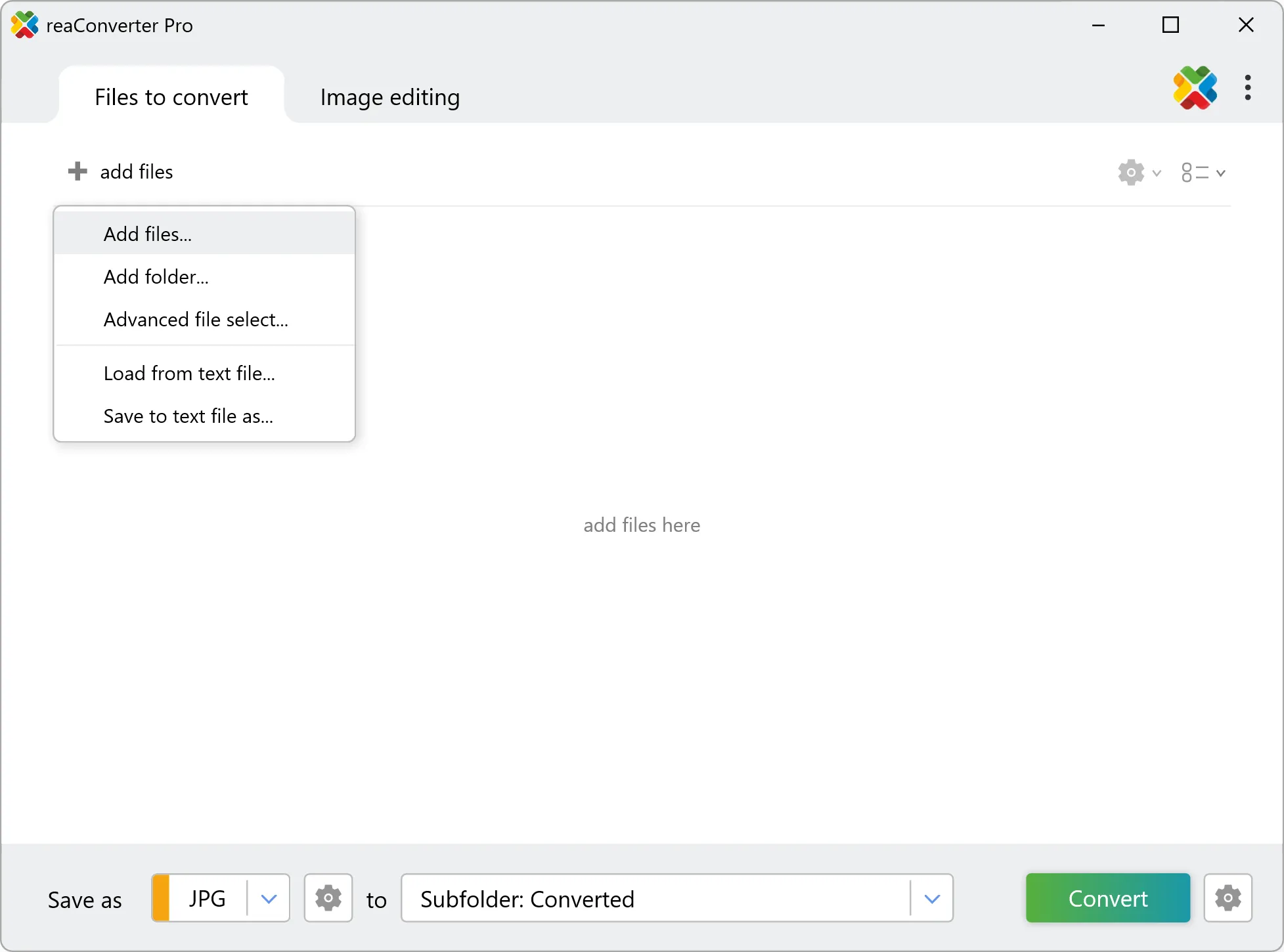
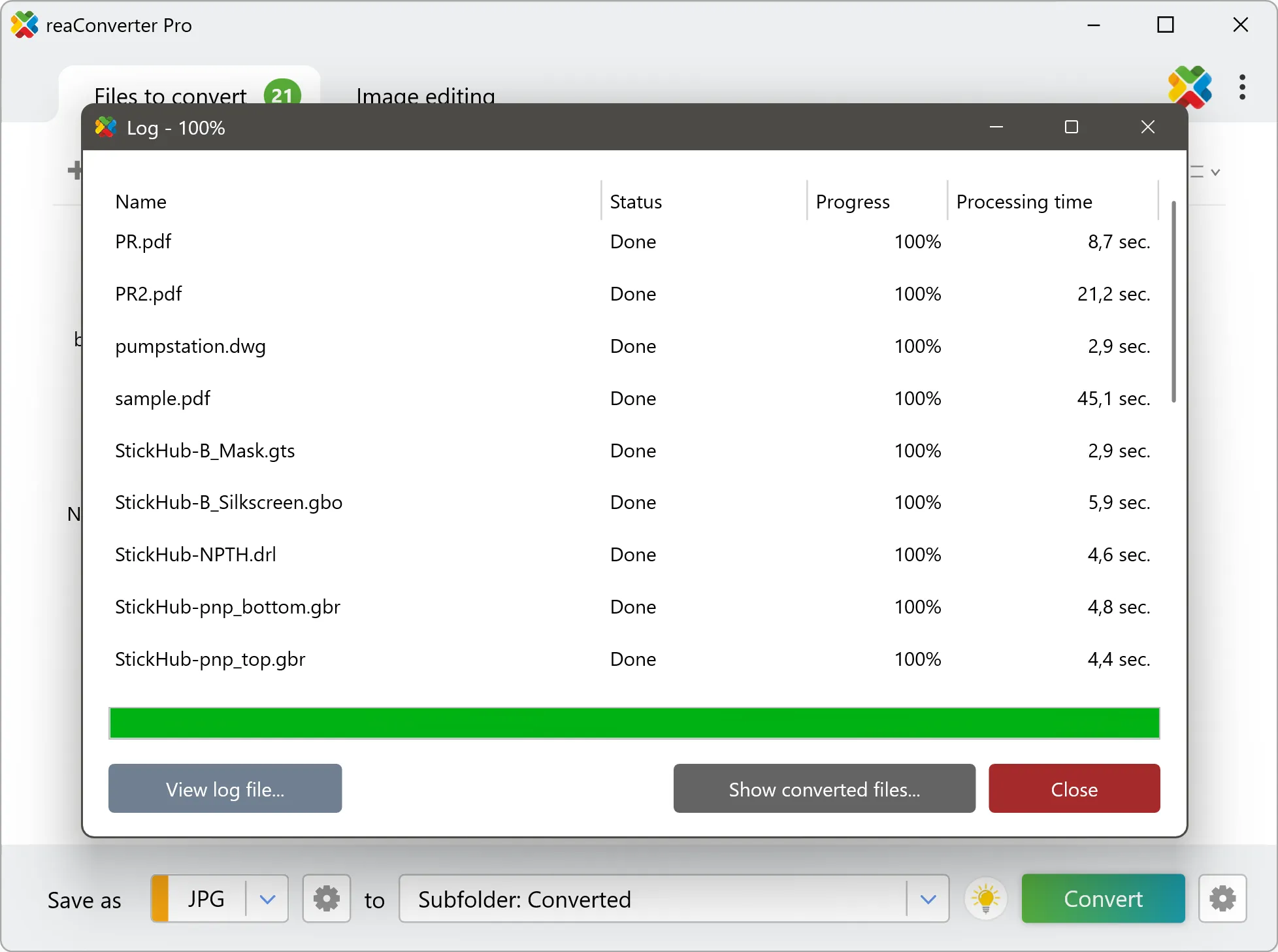
Yes! reaConverter instantly converts .ct1 to .ply with perfect quality preservation. With its batch processing feature, you can convert multiple files at once in just a few clicks. You can even convert CT1 images directly from Windows Explorer using the right-click menu — fast and convenient.
What is reaConverter used for?
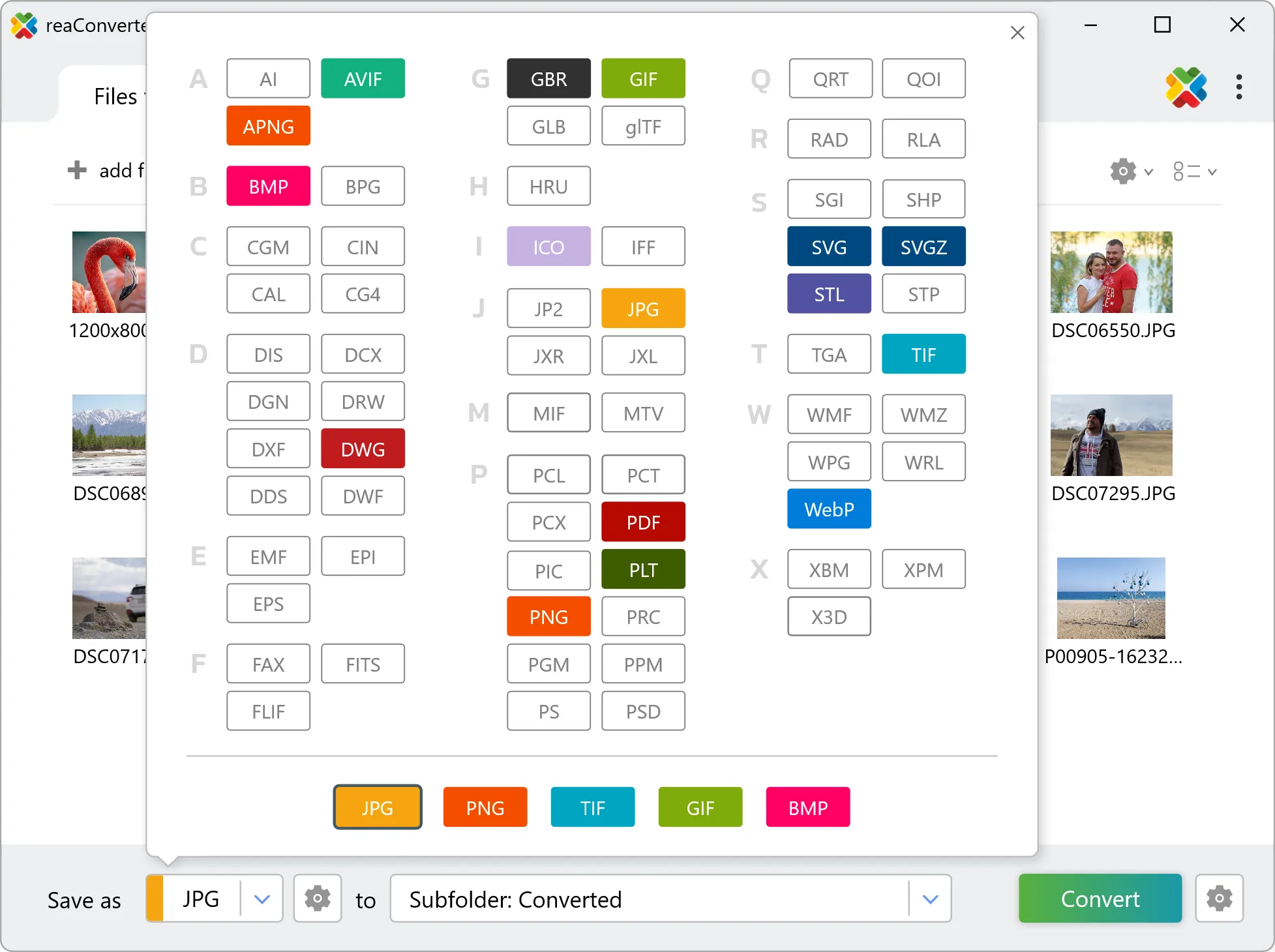
reaConverter is a Windows converter for 800+ formats, 3D models among them. For CT1 to PLY it replaces the round trip through Blender, a CAD program or an upload form: add the files, pick the output format, and the whole batch converts offline. Engineers, 3D printing shops and product teams use it to move models between CAD, printing, web and documentation formats.
Why choose offline conversion with reaConverter?
reaConverter is a software program that is used for offline files conversion. Your proprietary documents never leave your computer – essential for architects, engineers, healthcare and government contractors handling classified projects. Meets GDPR, HIPAA, CCPA, and corporate security policies by ensuring files never cross borders or third-party systems.
Can I convert CT1 to PLY online?
If you only need to convert a few CT1 files to PLY format, feel free to try our free online free online CT1 to PLY converter — perfect for small batches with no installation needed!
How can I turn CT1 files into PLY on my computer?
The best way to change CT1s to PLYs on your PC is to install a quality piece of software, such as reaConverter. This software is extremely efficient in managing a wide range of batch files conversions, including conversion from CT1 to PLY.
How can I automate CT1 to PLY files conversion?
reaConverter supports all the most useful automation features such as right-click сonversion and Watch Folders for the most efficient automated files conversion in any software of this type.
Is there a way to convert CT1 files to PLY using the command prompt?
reaConverter provides full access to all its features via Windows command line, including a high-performance command-line ct1 to ply converter for batch processing.
What else can I do with reaConverter?
Convert DICOM filesCrop photoChange format settingsCopy metadata (EXIF, IPTC)Convert RAW photos
Related conversions
Other ways to convert CT1 files, and other sources that convert to PLY.