

How to Convert Multiple .ets Files to .obj?
1. Download and Install reaConverter
Download reaConverter and install it in seconds. The setup is straightforward — no complex configuration, no extra software required.

2. Load your ETS files
Open reaConverter and import your .ets files. No file limits, no slowdowns. Add as many as you need.
You can drag-and-drop files, browse to a folder, or add entire directory trees including subfolders.

3. Select OBJ as output format
Pick OBJ as the output format. Set the destination folder and optionally configure resolution, quality, or file naming.
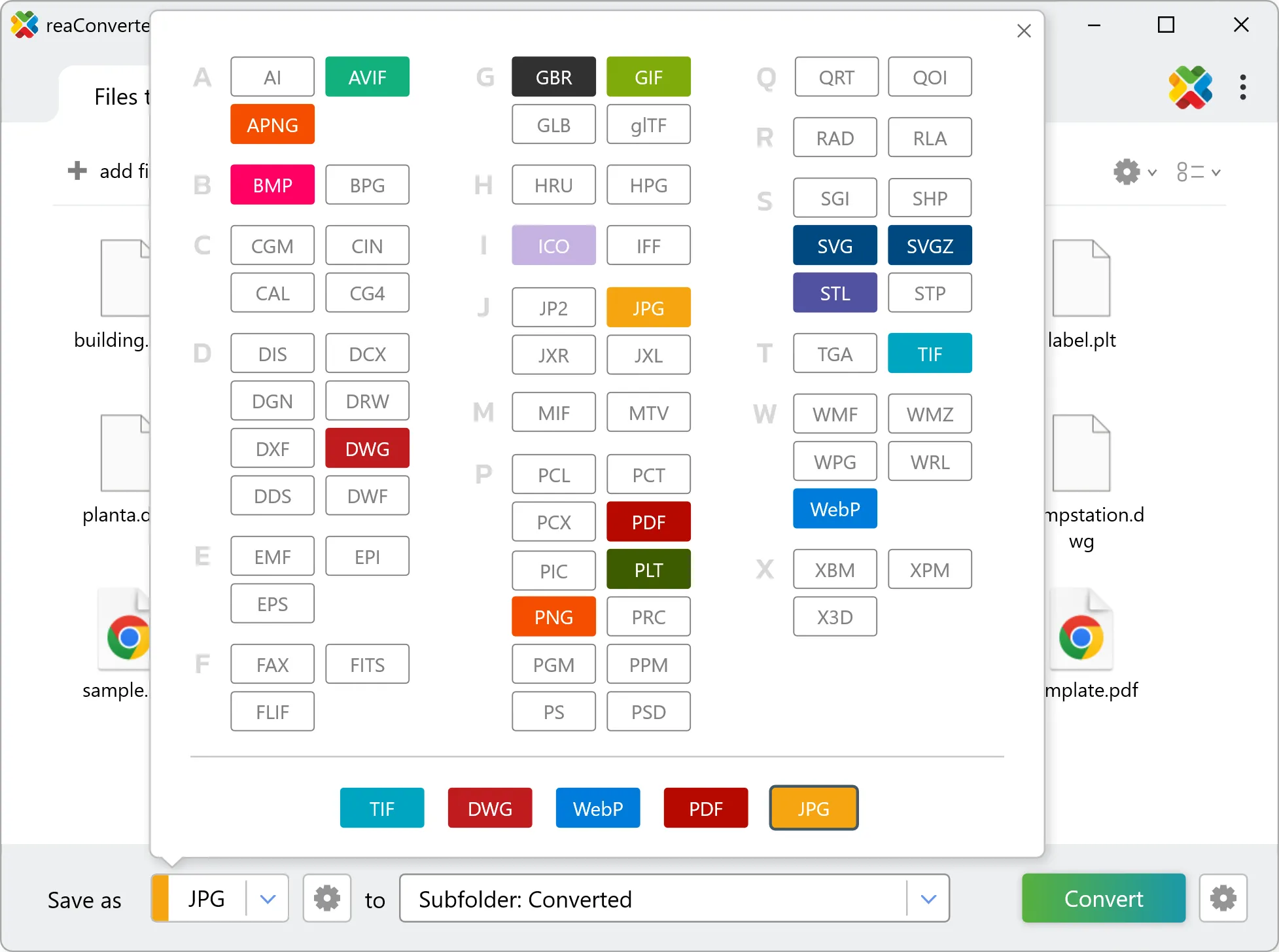
4. Start ETS to OBJ conversion
Click the Convert button to start. reaConverter will process all your files with the settings you selected.

When finished, your new .obj files will be waiting in the destination folder.