FAQ
GDB.ZIP to WMF Conversion
What are GDB.ZIP files?
GDB.ZIP is a compressed archive containing an Esri File Geodatabase (.gdb), the standard folder-based spatial database format used in ArcGIS and modern GIS workflows. Because a native File Geodatabase consists of dozens of interdependent binary files inside a single directory rather than one standalone file, GIS specialists, open-data portals, and cloud services package the entire .gdb folder into a ZIP archive with the .gdb.zip double extension for convenient upload, sharing, and backup. Inside, it preserves vector feature classes (points, lines, polygons, 3D geometries), raster datasets, attribute tables, coordinate reference systems, domains, and topology rules. Most modern desktop and web GIS applications can open .gdb.zip archives directly without manual extraction.
What are WMF files?
The WMF (Windows Metafile) format represents an image file with vector graphics, bitmap components or raster graphics, consisting mainly of drawing operations and commands. It was developed and released in the late 1980s by Microsoft and it included a 16-bit structure. In time WMF files were replaced by EMFs, featuring a 32-bit structure. WMFs are currently compatible with some programs from the Microsoft Office pack, such as Word, Power Point or Publisher.
Can reaConverter convert GDB.ZIP to WMF?
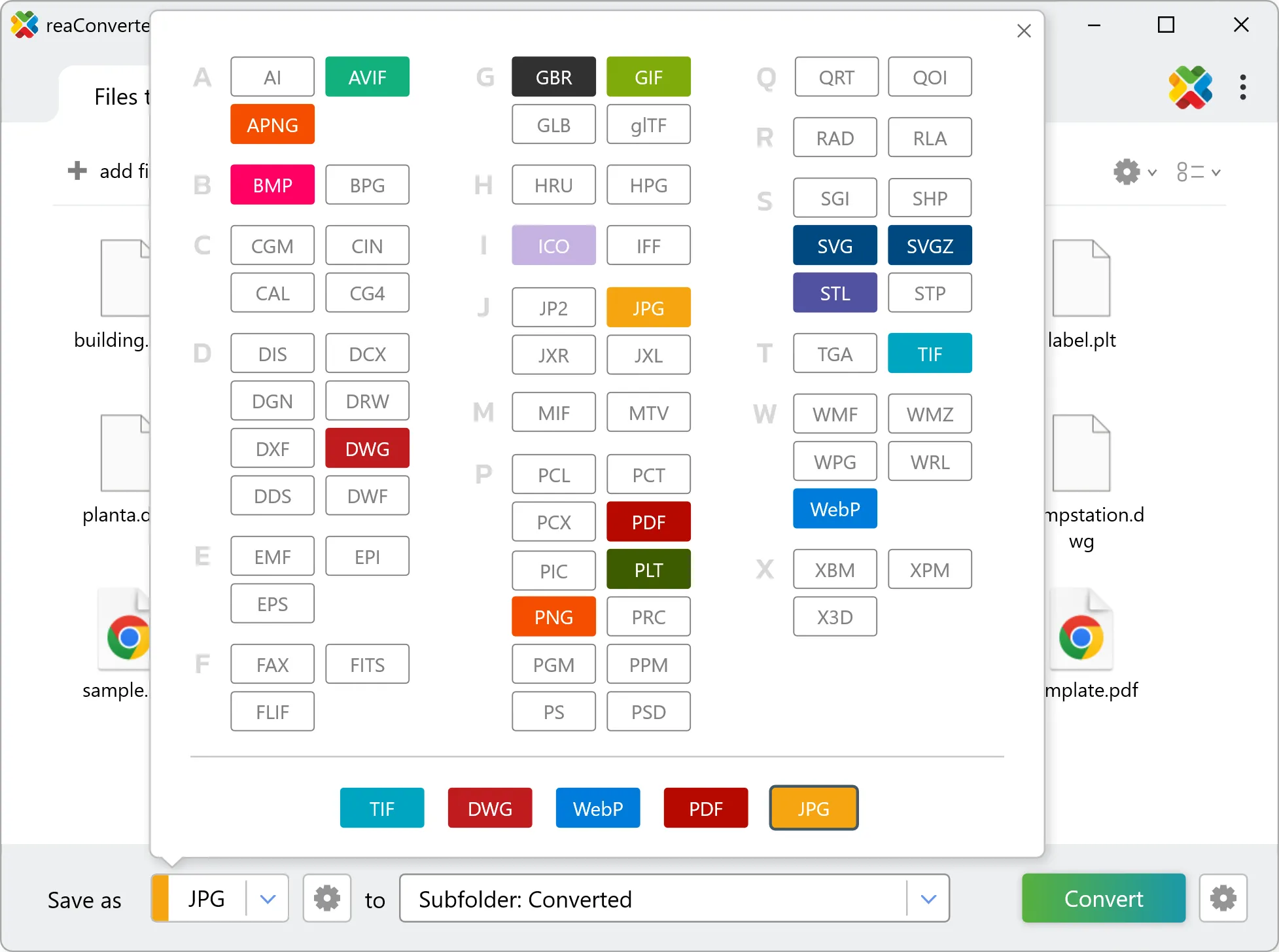
Yes! reaConverter instantly converts .gdb.zip to .wmf with perfect quality preservation. With its batch processing feature, you can convert multiple files at once in just a few clicks. You can even convert GDB.ZIP files directly from Windows Explorer using the right-click menu — fast and convenient.
What is reaConverter used for?
reaConverter is a Windows converter for 800+ formats, GIS data among them. For GDB.ZIP to WMF it replaces the usual detour through QGIS, ArcGIS or ogr2ogr: add the files, pick the output format, and the whole batch converts offline. Surveyors, planners and engineering teams use it to pass data between GIS, CAD and everyday document formats.
Why choose offline conversion with reaConverter?
reaConverter is a software program that is used for offline files conversion. Your proprietary documents never leave your computer – essential for architects, engineers, healthcare and government contractors handling classified projects. Meets GDPR, HIPAA, CCPA, and corporate security policies by ensuring files never cross borders or third-party systems.
Can I convert GDB.ZIP to WMF online?
If you only need to convert a few GDB.ZIP files to WMF format, feel free to try our free online free online GDB.ZIP to WMF converter — perfect for small batches with no installation needed!
How can I turn GDB.ZIP files into WMF on my computer?
The best way to change GDB.ZIPs to WMFs on your PC is to install a quality piece of software, such as reaConverter. This software is extremely efficient in managing a wide range of batch files conversions, including conversion from GDB.ZIP to WMF.
How can I automate GDB.ZIP to WMF files conversion?
reaConverter supports all the most useful automation features such as right-click сonversion and Watch Folders for the most efficient automated files conversion in any software of this type.
Is there a way to convert GDB.ZIP files to WMF using the command prompt?
reaConverter provides full access to all its features via Windows command line, including a high-performance command-line gdb.zip to wmf converter for batch processing.
What else can I do with reaConverter?
Change format settingsCopy metadata (EXIF, IPTC)Convert PDF filesWatermark pictureVectorize images
Related conversions
Other ways to convert GDB.ZIP files, and other sources that convert to WMF.