100% Secure & Private
HIF Converter
Free browser-based HIF converter with no signup. Your files stay local. reaConverter for Windows adds automation, editing, and 800+ other formats.



How to Convert .hif Images in Bulk
1. Install reaConverter

2. Select HIF Files

3. Start Conversion
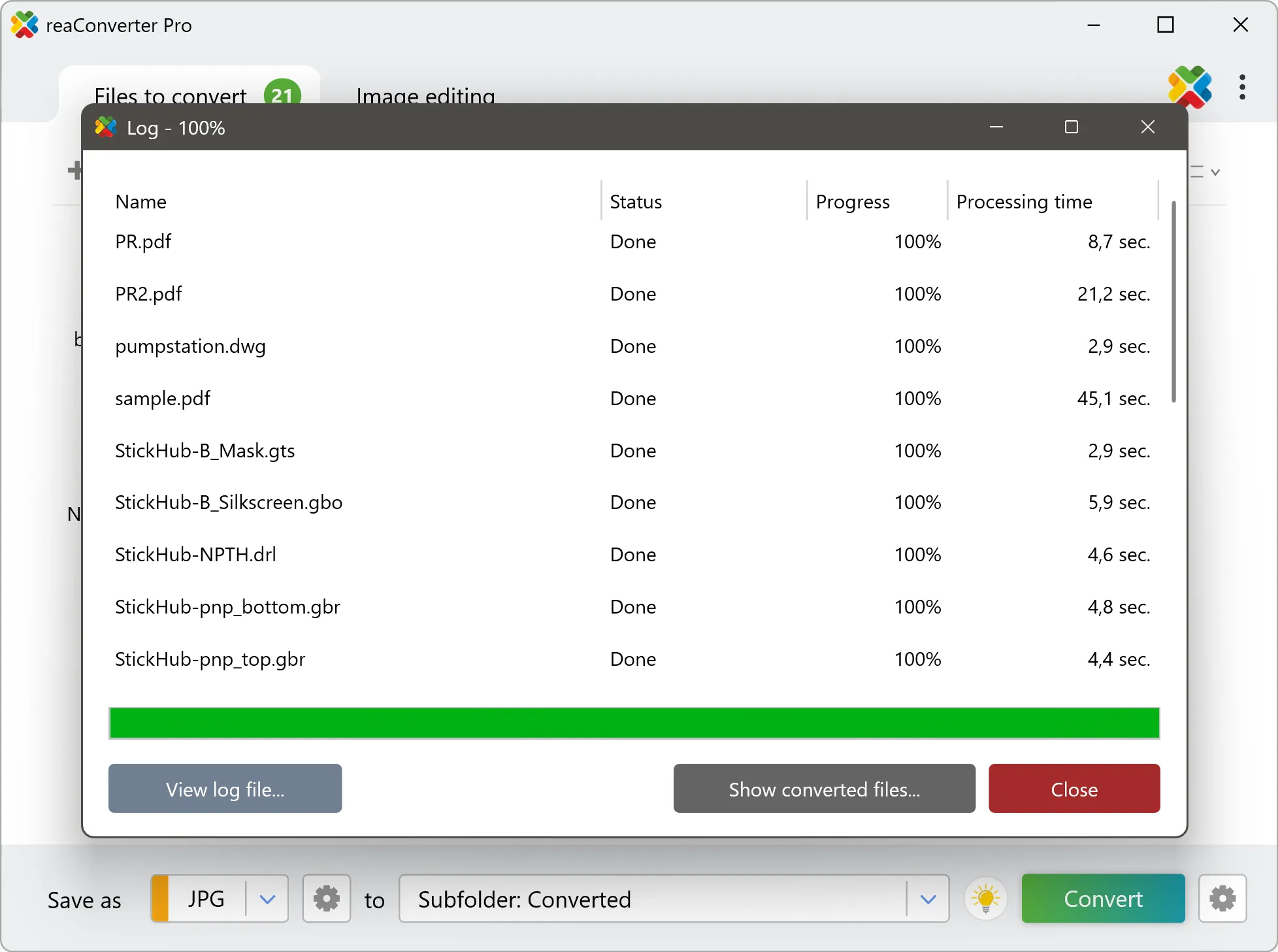
Step by step
See It in Action
For quick and effortless HIF file handling on your PC, reaConverter offers powerful conversion tools with batch processing. Best of all, it works entirely offline — ensuring your sensitive data never leaves your computer.
Edit & Enhance
Do more with your images
Converting HIF images for use in a workflow? Touch up, transform, apply editing and effects to your images during conversion.
Our range of editing options includes such image processing actions as Resize, Rotate, Crop, Color Replace, Watermarks and more. Adjust actions include RGB, HLS, HSV, Brightness and Contrast. Auto-processing options are also available, such as auto-rotate and auto-crop.

User reviews
From those who tried it
Average User Rating:Last updated on August 26, 2026



Questions & Answers
HIF images: Frequently Asked Questions
What are HIF files?
HIF (High Efficiency Image File) is a modern raster image container format standardized under ISO/IEC 23008-12 (HEIF) and adopted by camera manufacturers such as Canon, Sony, and Fujifilm as an alternative file extension to .heic.
Structurally, a HIF file is organized using the ISO Base Media File Format (ISOBMFF) box hierarchy (beginning with an ftyp box identifying brands like heic or mif1). Inside, image items are typically encoded with the HEVC (H.265) Main 10 profile supporting 10-bit 4:2:0 or 4:2:2 color subsampling and wide-gamut HDR transfer functions (such as ITU-R BT.2100 PQ or HLG). Separate metadata boxes store embedded EXIF/XMP shooting parameters, ICC or nclx color profiles, preview thumbnails, and optional auxiliary image layers.
Because many legacy web browsers, image viewers, and social platforms lack native support for 10-bit HEIF containers, HIF photos are frequently converted into standard formats such as JPEG, PNG, TIFF, or WebP for editing, printing, and universal sharing. Supported by modern versions of Windows 10/11, macOS, iOS, Android, Adobe Lightroom/Photoshop, Capture One, and manufacturer utilities like Canon Digital Photo Professional.
Can reaConverter open HIF files?
reaConverter fully supports the HIF image format – open, edit, and export HIF files to any other popular file format with ease.
How do I change HIF to another format?
reaConverter is a user-friendly tool for converting HIF files. Once installed on your computer, it allows you to convert all your .hif files at once with just a few clicks. You can even convert HIF images directly from Windows Explorer using the right-click menu — fast and convenient.
Can I convert HIF online?
If you only want to convert a few HIF images, you are welcome to try our free online HIF converter.
How can I turn HIF files on my computer to another format?
The best way to convert HIF images on your PC is to get a quality piece of software, such as reaConverter. This software is extremely efficient in managing a wide range of batch files conversions, including conversion from HIF.
How can I automate HIF files conversion?
reaConverter supports all the essential automation features, such as right-click сonversion and Watch Folders, for the most efficient automated file conversion in any software of its kind.
Can I convert HIF files using scripts or the command-line interface?
reaConverter provides full access to all its features from the Windows command-line shell, including the command-line hif converter.
What else can I do with reaConverter?
Convert whole-slide imagesResize picturesConvert PDFAdd watermark on photoConvert vector images
What formats can I convert a HIF file to?
Discover More
Beyond HIF conversion
Convert .hif files in batches of any size, with editing and processing applied along the way. The same tool also handles 800+ other formats, including CAD, medical imaging, and GIS.
